
A website for print and sticker orders.
Organise materials, sizes, and finishes into products customers can order. Your team gets the selected variants and quantities in one order.
- Material, size, and finish choices
- Purchase-quantity limits
- Quantity pricing for larger orders

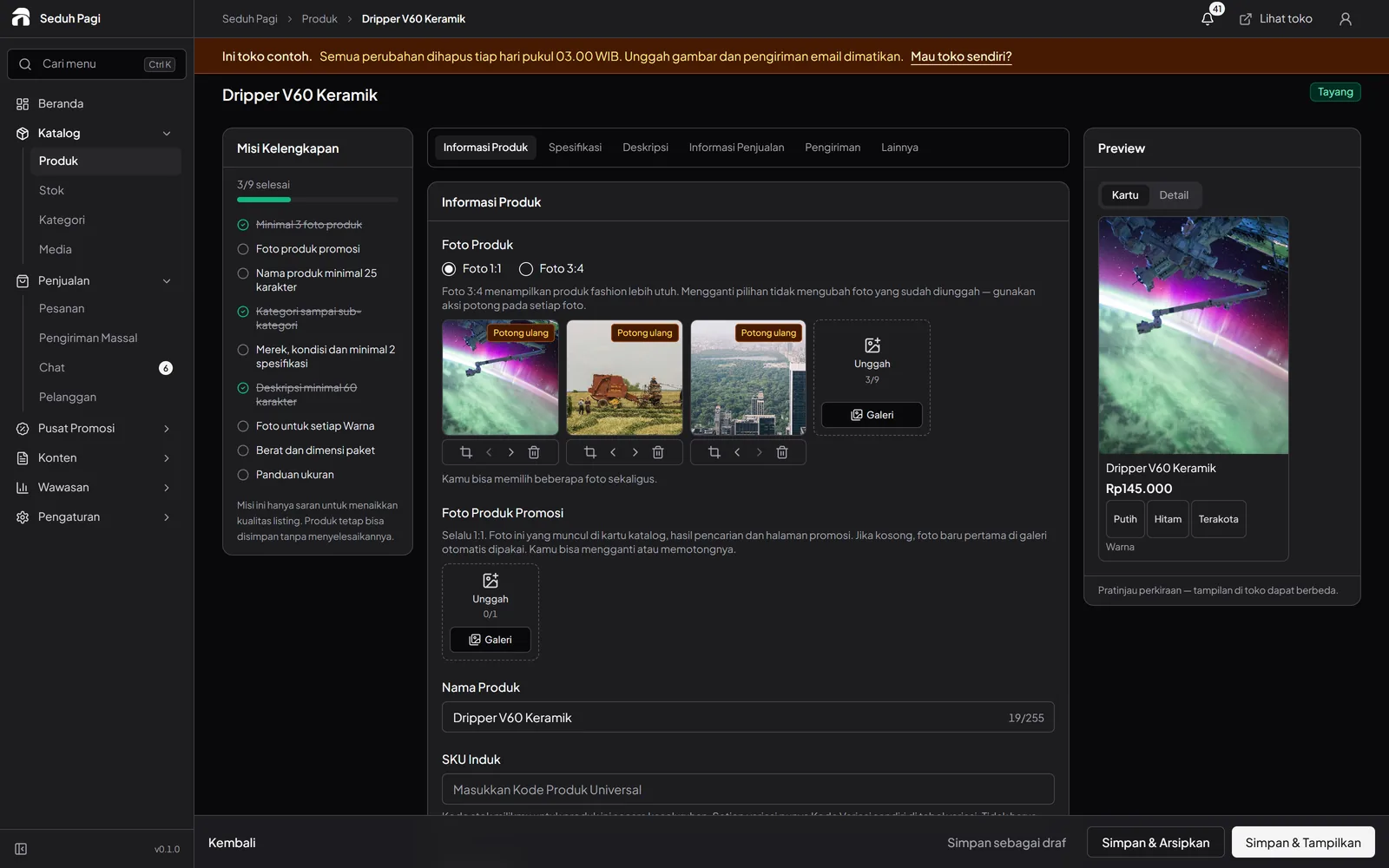
Turn print choices into variants.
Create products with sizes and materials that already have clear prices.
A sticker product might offer material, fixed size, and finish choices. Set a price for every combination you can produce. Shapes or dimensions outside those choices should go through a quotation first.
- Up to three option types
- A price and SKU per combination
- Material details in descriptions
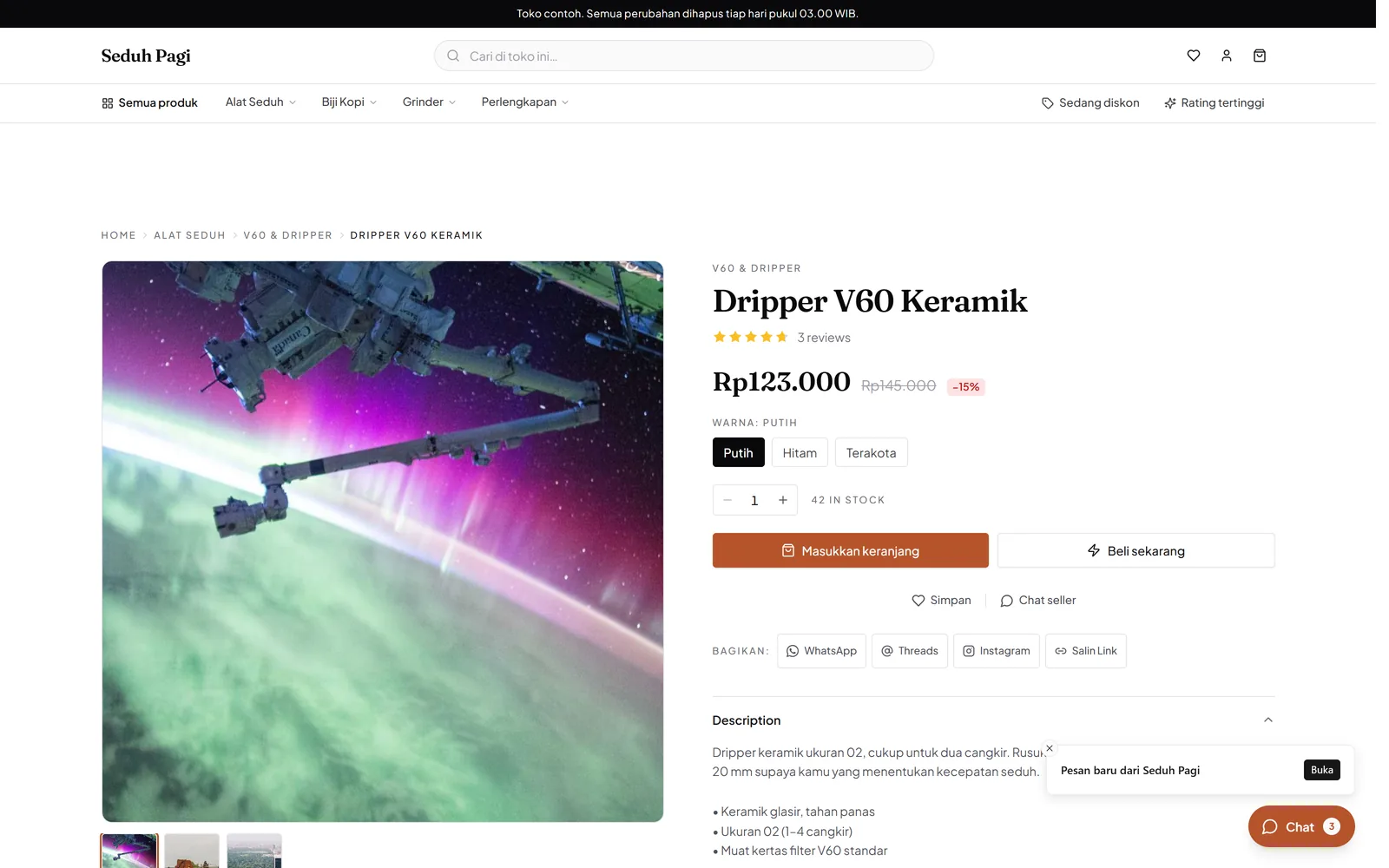
Make units and minimums clear.
Explain whether an item is sold by sheet, pack, or another unit, then set prices by quantity.
If one unit means one sheet, use that unit consistently in the product and ordering instructions. Wholesale tiers follow the quantity entered in the cart, letting buyers see the price for the number selected.
- Minimum and maximum purchase quantities
- Five wholesale price tiers
- Applicable prices calculated in the cart
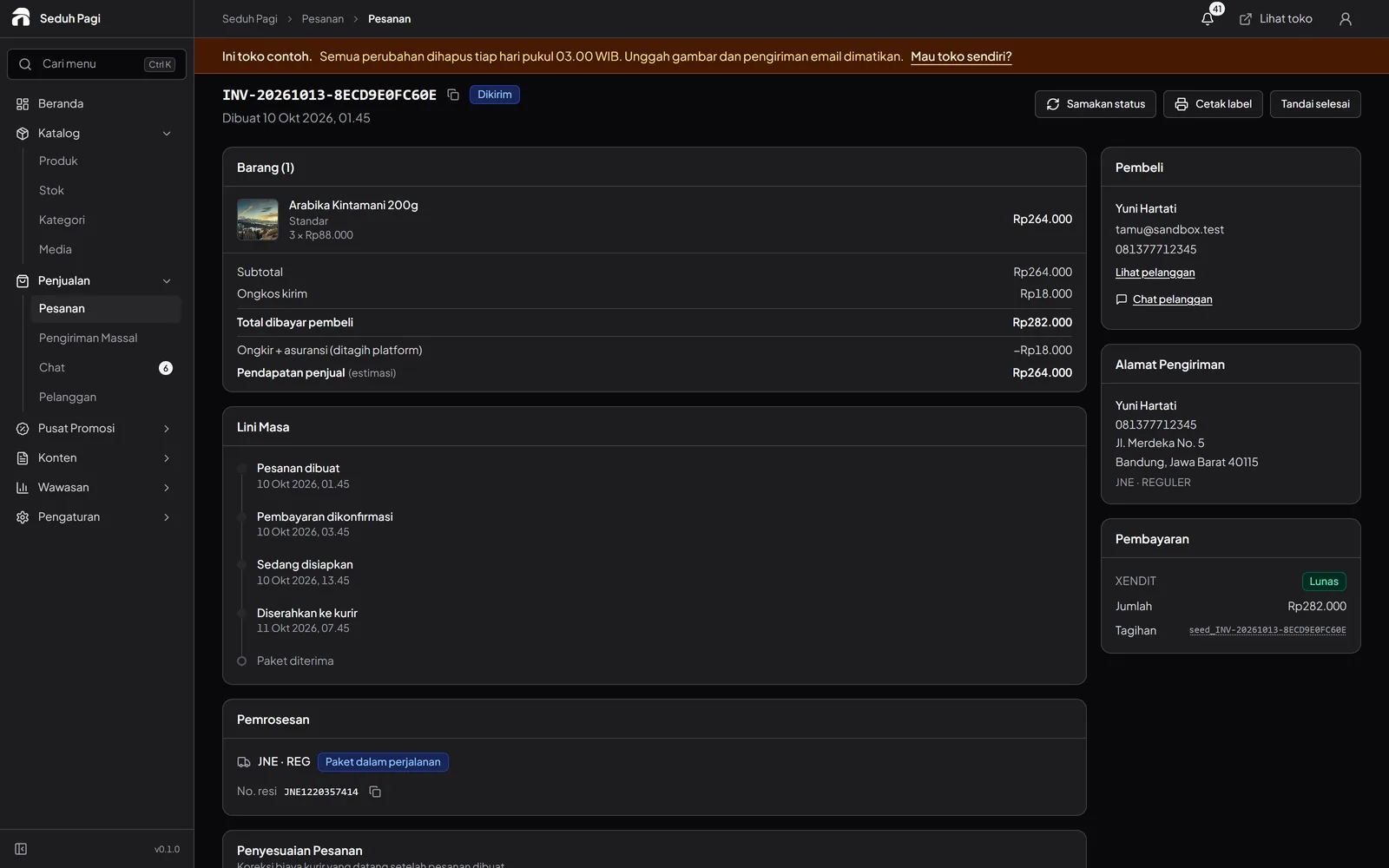
Check payment before preparing production.
Use order details to check the customer's choices before printing starts.
Before starting production, match the paid product to the agreed job specification. Artwork checks, file delivery, and proof approval still follow your print shop's process; order status does not replace those checks.
- Payment status
- Variant and quantity details
- Processing times for pre-order products
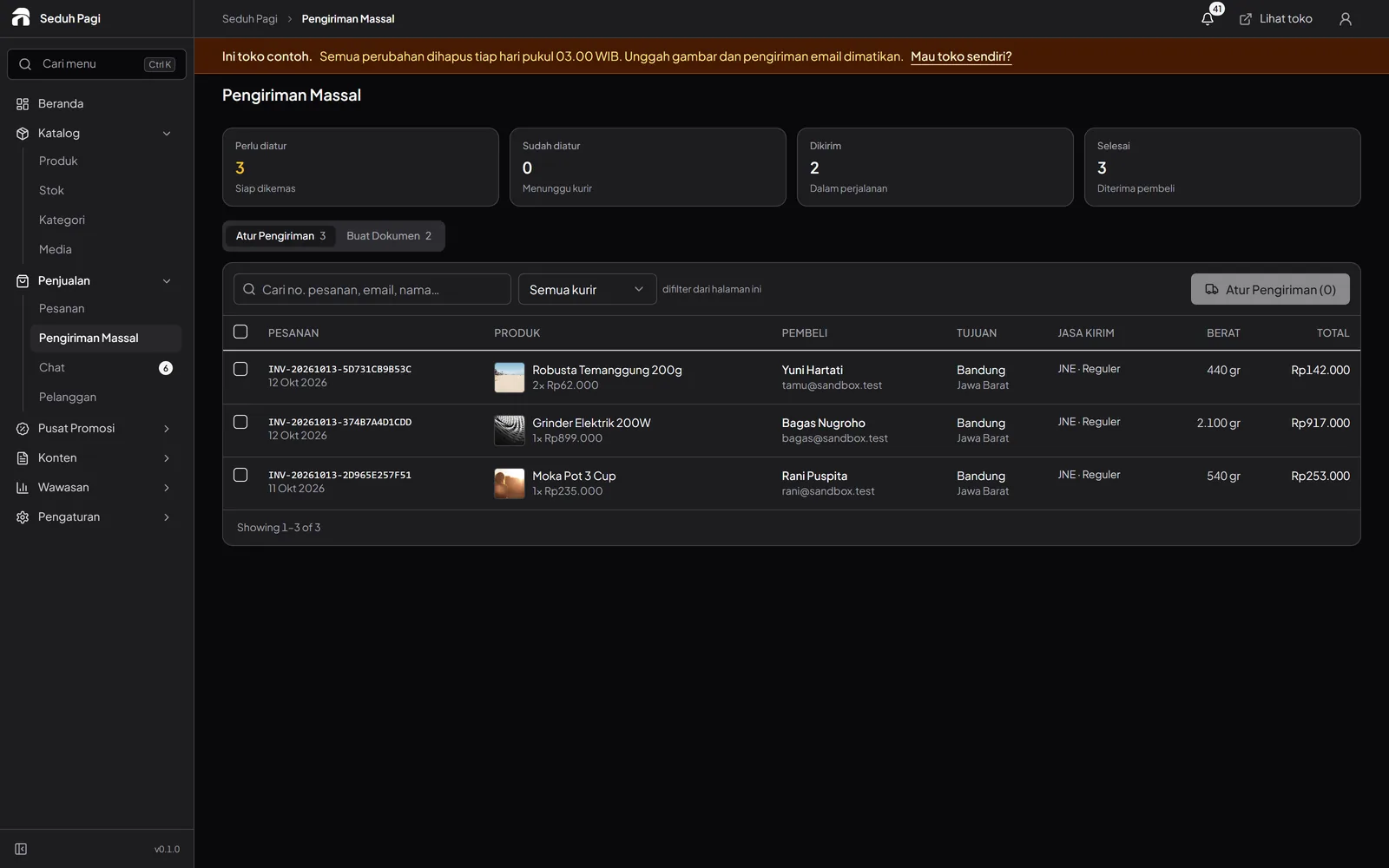
Prepare parcels after printing is finished.
Group orders ready to ship for courier booking and label printing.
Keep printing customer products separate from printing courier labels. Once work is finished and packed, shipping labels use information from the order. Choose 100 × 150 mm thermal or A4 according to the printer available.
- Orders ready to process
- Thermal or A4 labels
- Shipment history attached to the order
Define the specification before taking orders.
Prepare materials, fixed sizes, finishes, sale units, and minimum quantities. Use relevant print samples to explain choices, and separate standard work from requests that need a fresh quotation.
Explain how buyers send artwork, who approves the proof, and when production starts. Product descriptions or ordering-information pages can explain the process; your team still handles execution and approval.
- Known prices for catalogue choices
- Consistent sale units in every instruction
- An agreed artwork-delivery channel
- Proof checks before production
Questions about Printing & stickers
More questionsCan materials, sizes, and finishes have different prices?
Yes. Use up to three option types and 200 combinations per product. Each combination has a SKU and price. Build choices with known prices so customers understand what they are ordering.
Are arbitrary dimensions priced automatically?
The standard workflow uses variant prices and quantity-based tiers. It does not include a free-size calculator by centimetre or square metre. Dimensions outside the catalogue choices need a separate discussion and quotation process.
How do buyers send artwork and approve a proof?
Agree the file-delivery and artwork-approval process with the buyer. Activated chat on Brand supports images and product or order attachments, but it is not an automated print-file checking or proof-approval workflow.
Can I set order minimums and turnaround times?
Products support purchase-quantity limits and up to five wholesale price tiers. Pre-orders can display a processing time. Equipment schedules, artwork checks, and production queues remain part of your print shop's own process.
How do product labels differ from shipping labels?
Product labels and stickers are goods you sell and produce for an order. Shipping labels contain the address, courier, and waybill for the parcel being sent. Toko Aksara label printing handles shipping documents, not the design or production of customer stickers.
See the store.
Try running it.
Explore the buyer's storefront and the seller's admin, then tell us what your store needs.