
See what you can manage.
Choose the work you want to see. Each feature has a short guide, current screenshots, and answers to practical questions.
Everything your store needs to get going.
From your first product to the next order. Explore the tools for each part of the work.
Store website
Your domain, store identity, and information pages.
Catalogue & inventory
Manage products, variants, prices, and stock.
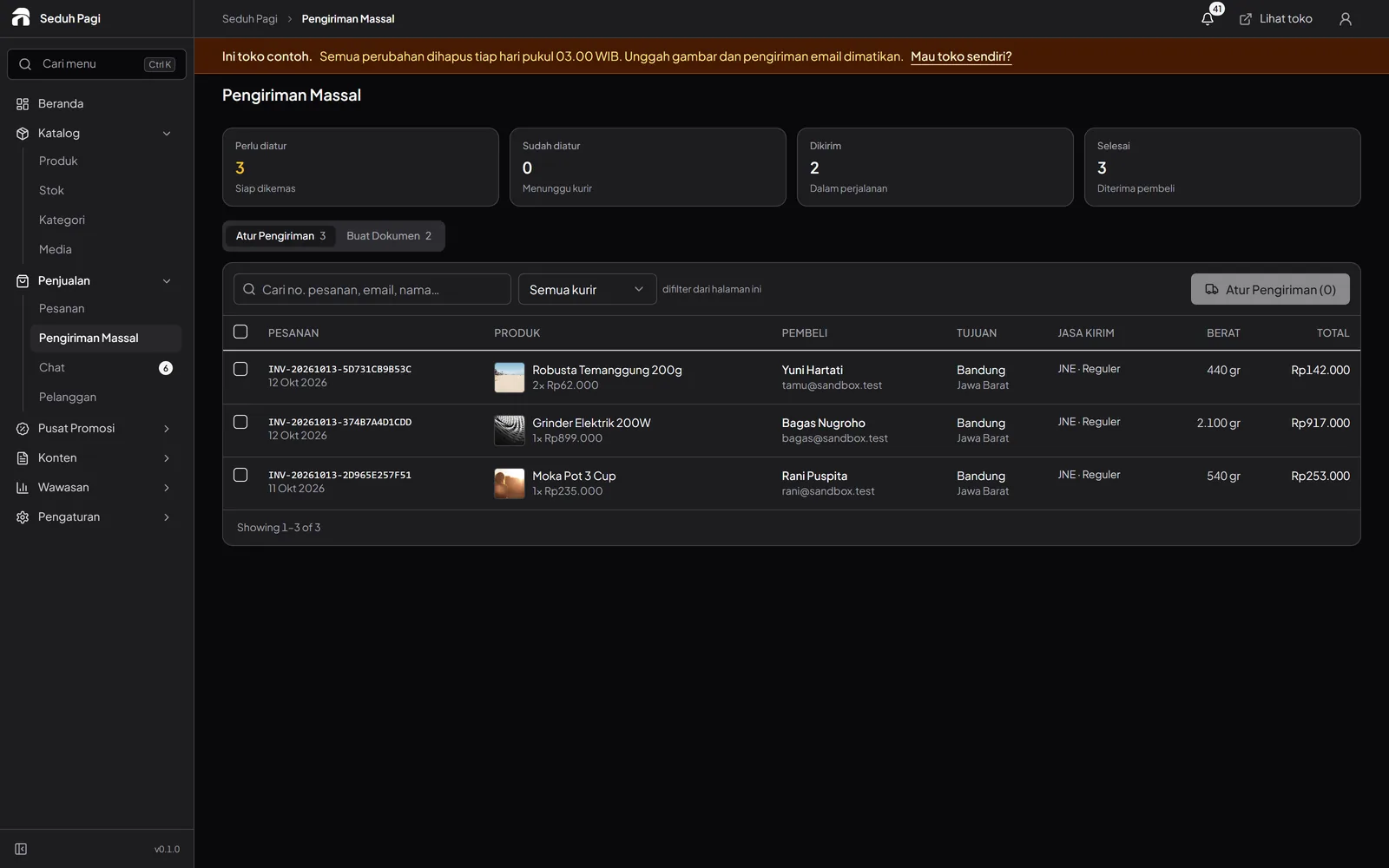
Orders & shipping
Track orders, book couriers, and print labels.
Shipping label printers
100 × 150 mm thermal or A4 labels, up to 50 orders.
Online payments
QRIS, virtual accounts, and plan-based payment options.
Store promotions
Set up vouchers, scheduled discounts, and banners.
Chat & notifications
Customer conversations and order updates.
Sales reports
Review sales, revenue, and inventory summaries.
Security & access
Two-step verification and store data isolation.
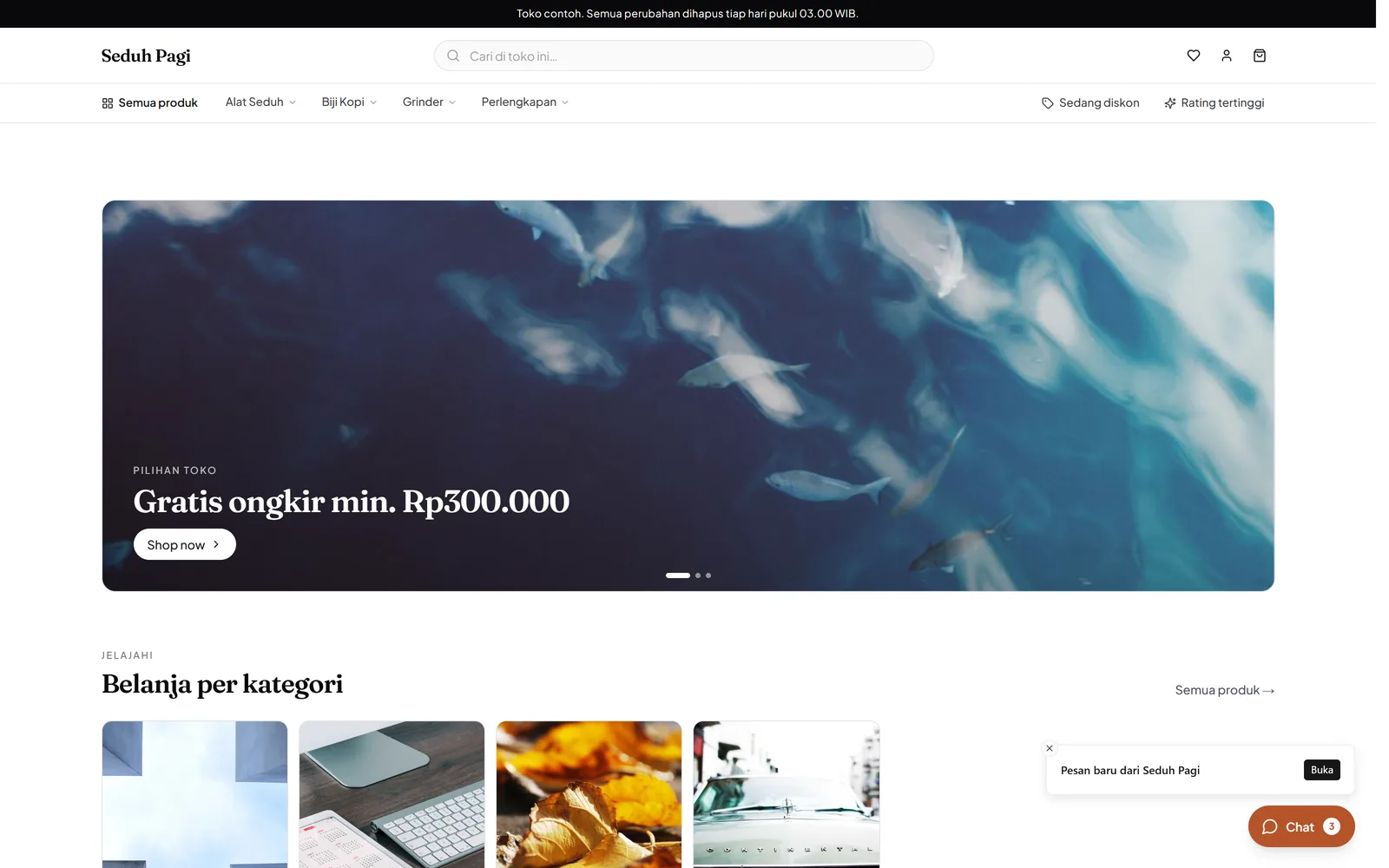
Store website
Take shoppers from your collection to checkout on your own domain. Manage the look and content of the store from the admin.
- Your own domain on every plan
- Store logo, colours, and banners
- Checkout without creating an account
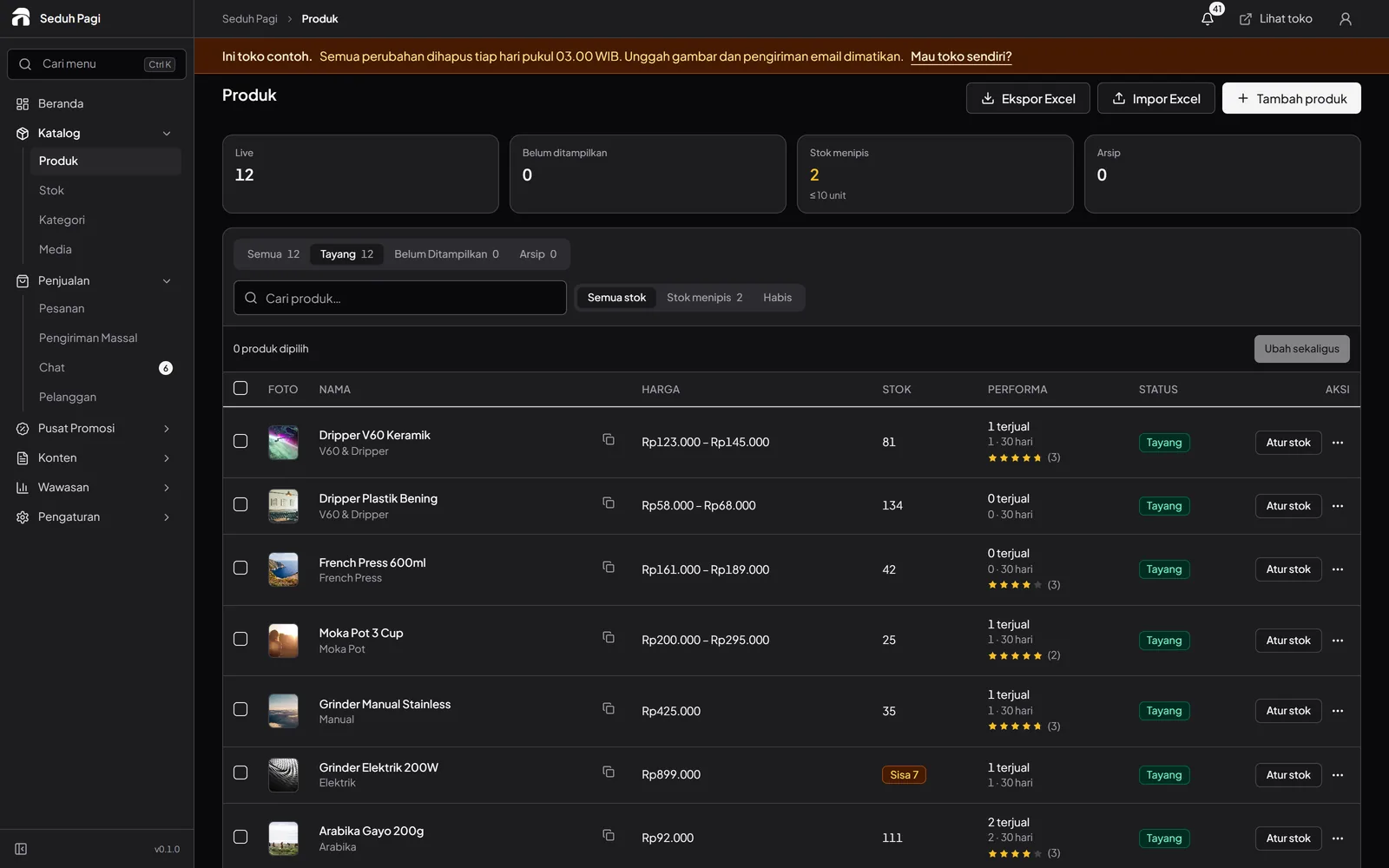
Catalogue & inventory
Show sizes, colours, and prices clearly. Update variant stock without opening each product individually.
- Up to 200 variants per product
- Stock and SKU for each variant
- Wholesale prices and pre-orders
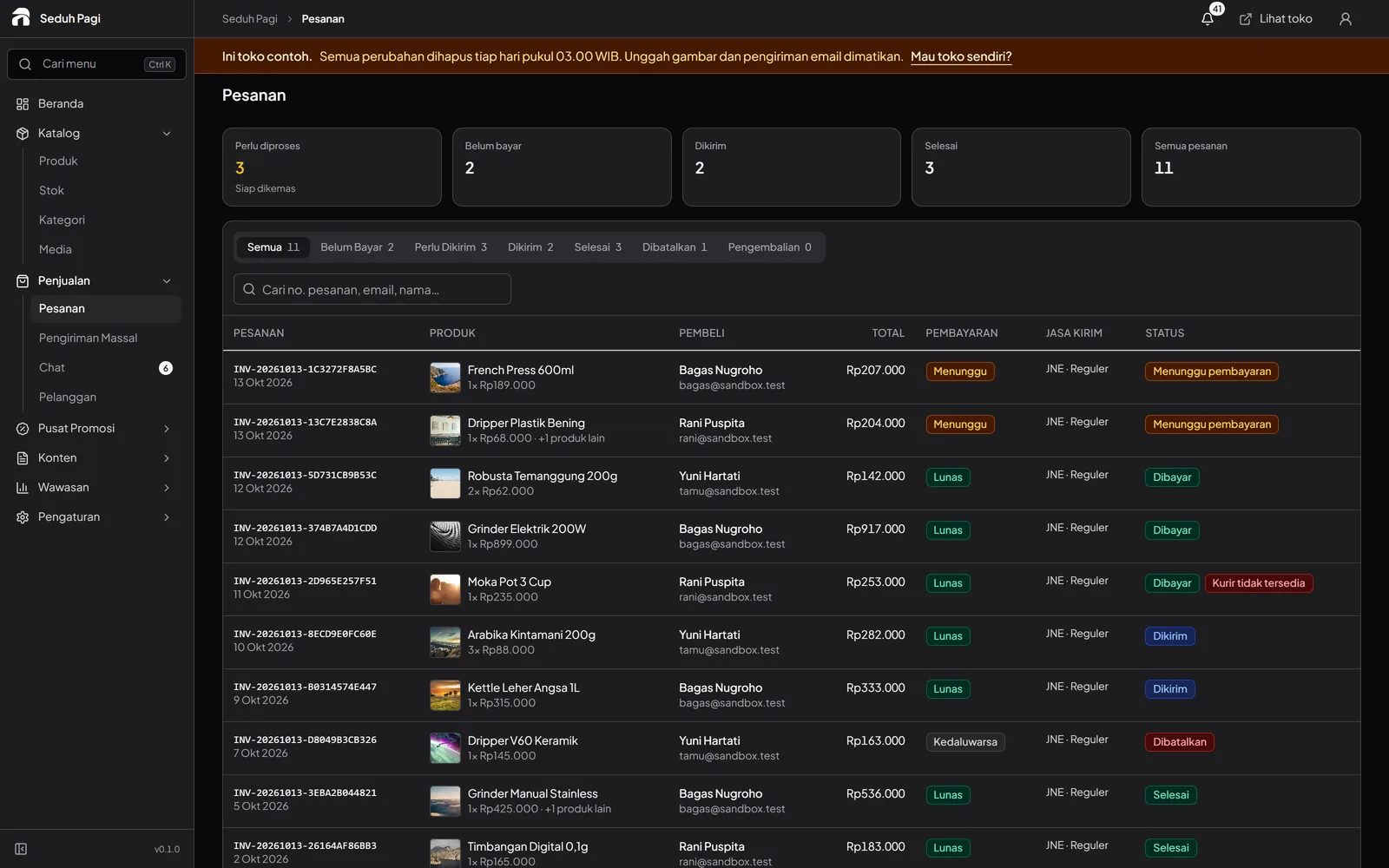
Orders & shipping
Check payment status, prepare orders, then book couriers and print labels from your store admin.
- One list for order status
- Batch courier bookings
- Thermal or A4 labels
Shipping label printers
Use order details from the admin, choose 100 × 150 mm thermal labels or A4, and print for parcels ready to ship.
- 100 × 150 mm thermal labels
- Two labels on one A4 sheet
- Select up to 50 orders per batch
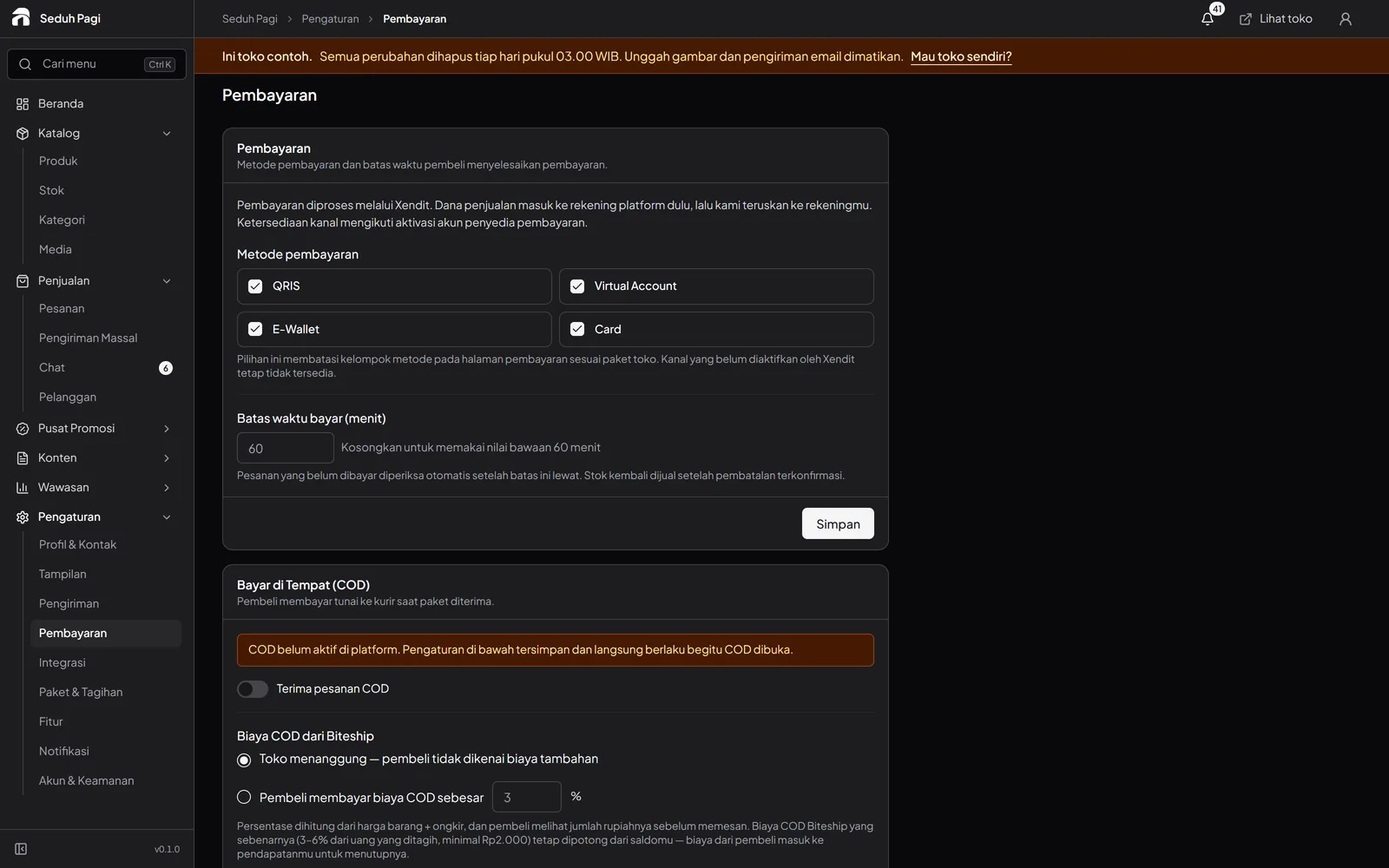
Online payments
Buyers choose a payment method at checkout. Your team sees payment status alongside the orders waiting to be prepared.
- QRIS and virtual accounts
- Payment status in order details
- Payment deadlines
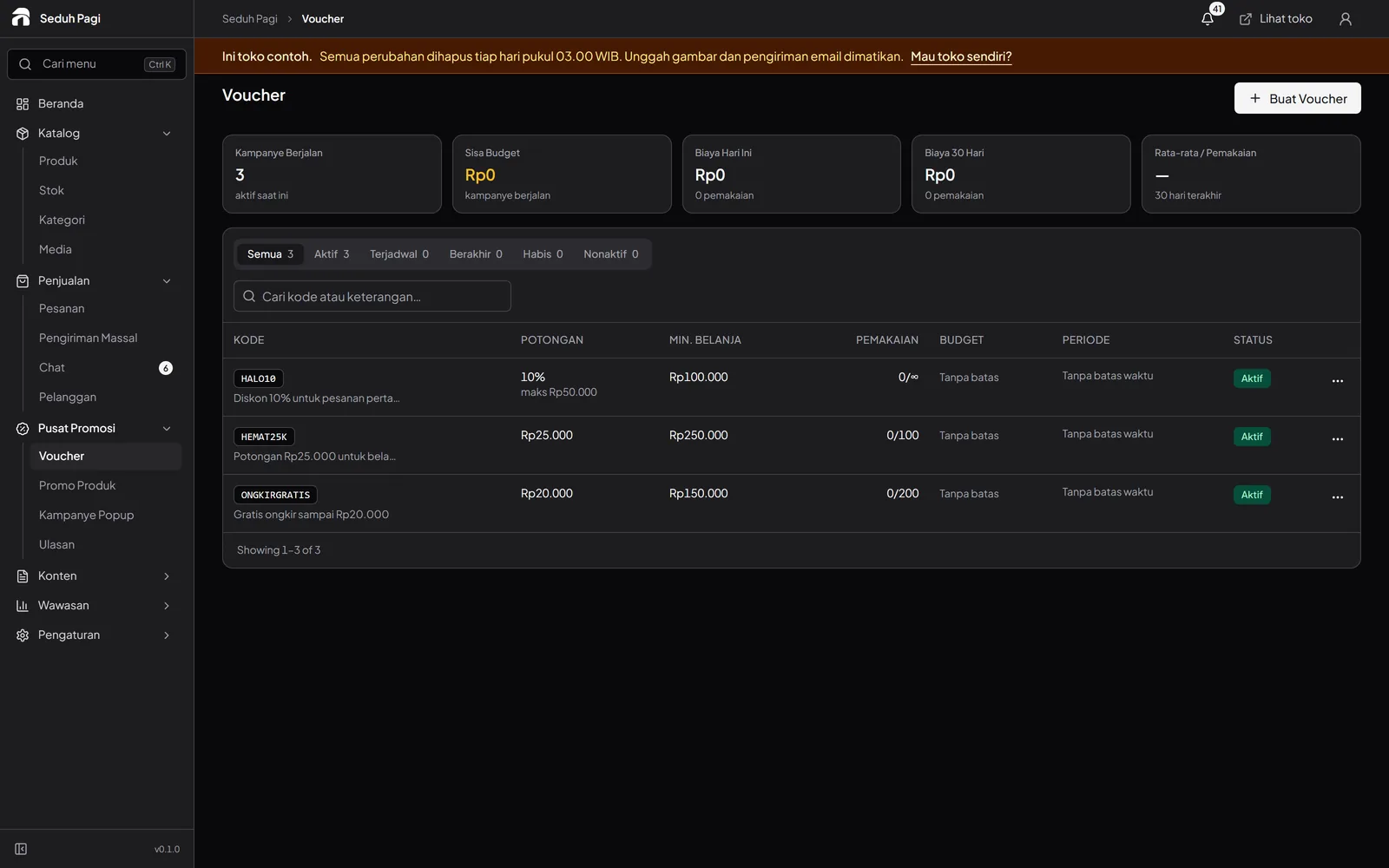
Store promotions
Choose the products, schedule, and usage limits. Manage offers from your store promotion workspace.
- Vouchers with usage limits
- Scheduled product promotions
- Desktop and mobile banners
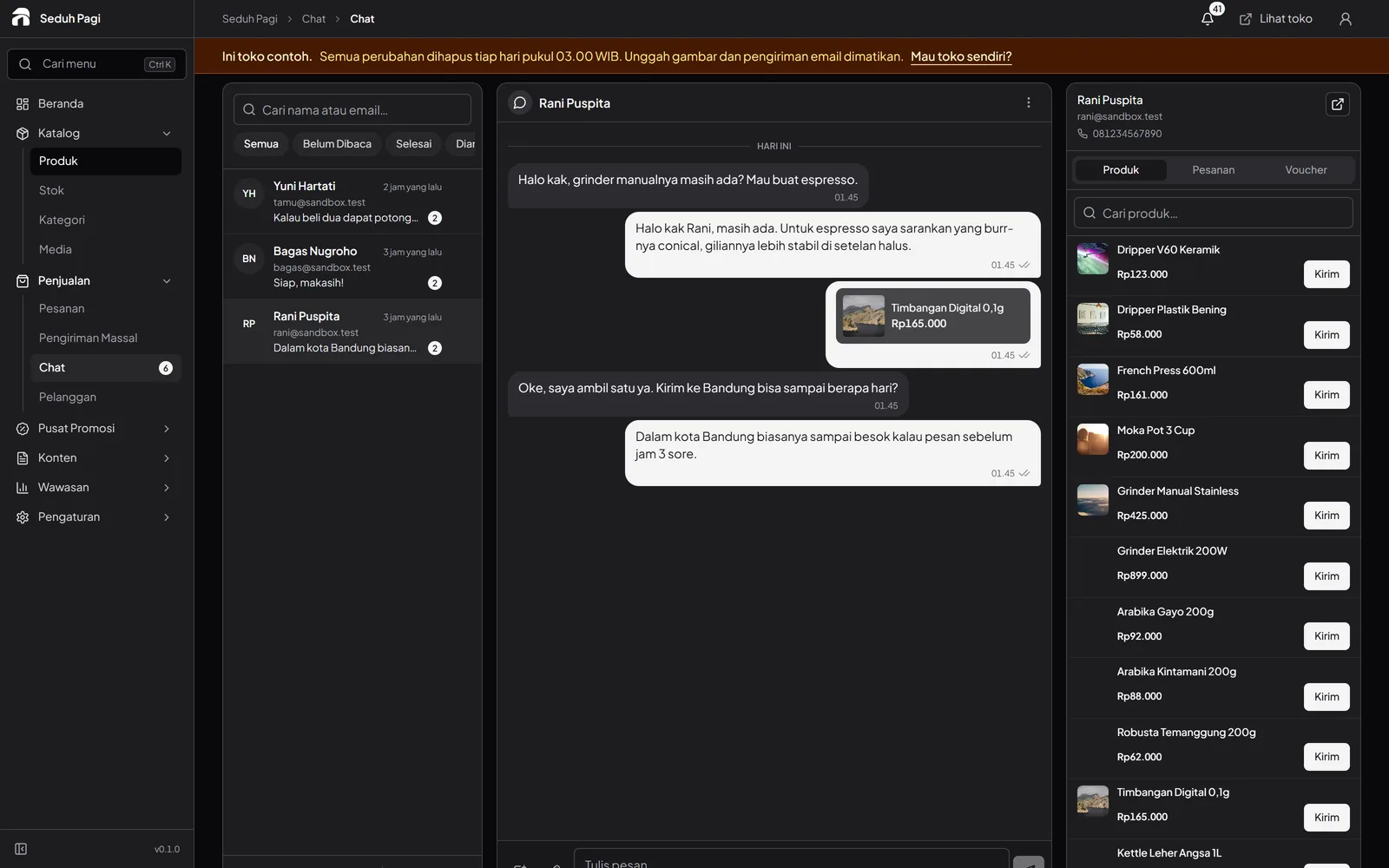
Chat & notifications
Open a conversation, see the product or order being discussed, and reply from the store admin. Chat on Brand is activated when your team is ready.
- Products and orders inside chat
- Up to 50 saved replies
- An admin notification inbox
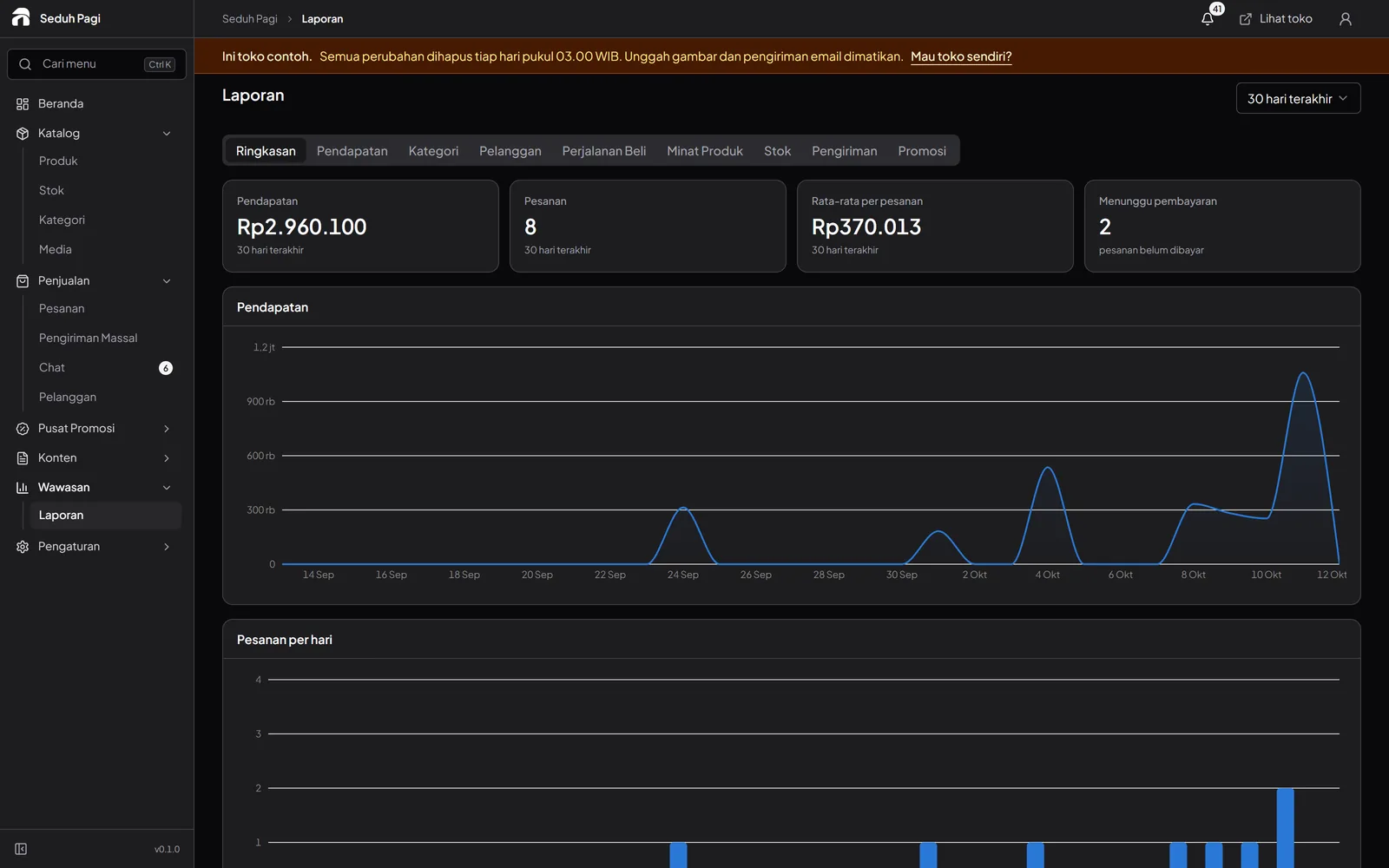
Sales reports
Start with revenue and inventory summaries. Open reports that help you choose what to restock or which promotion to review.
- Summaries on every plan
- 7, 30, or 90-day ranges
- Advanced reports on Brand
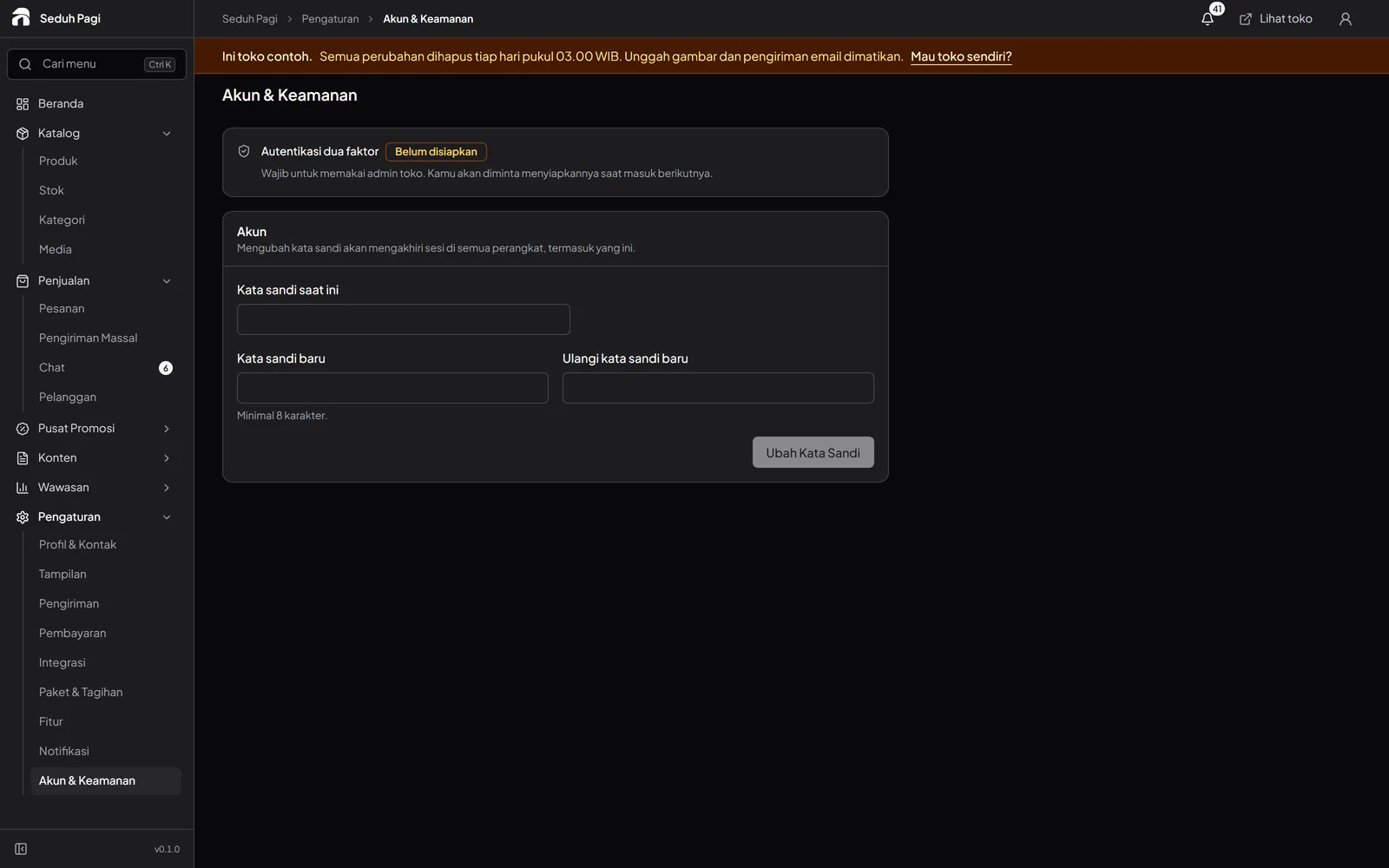
Security & access
Required two-step verification for admins and separated store data help protect everyday store management.
- Required admin 2FA
- Separated store management data
- Buyer account data controls
See the store.
Try running it.
Explore the buyer's storefront and the seller's admin, then tell us what your store needs.