
Store admin security and access
Customer and order data need care throughout store operations. Toko Aksara requires an additional sign-in check for admins and separates each store's management data.
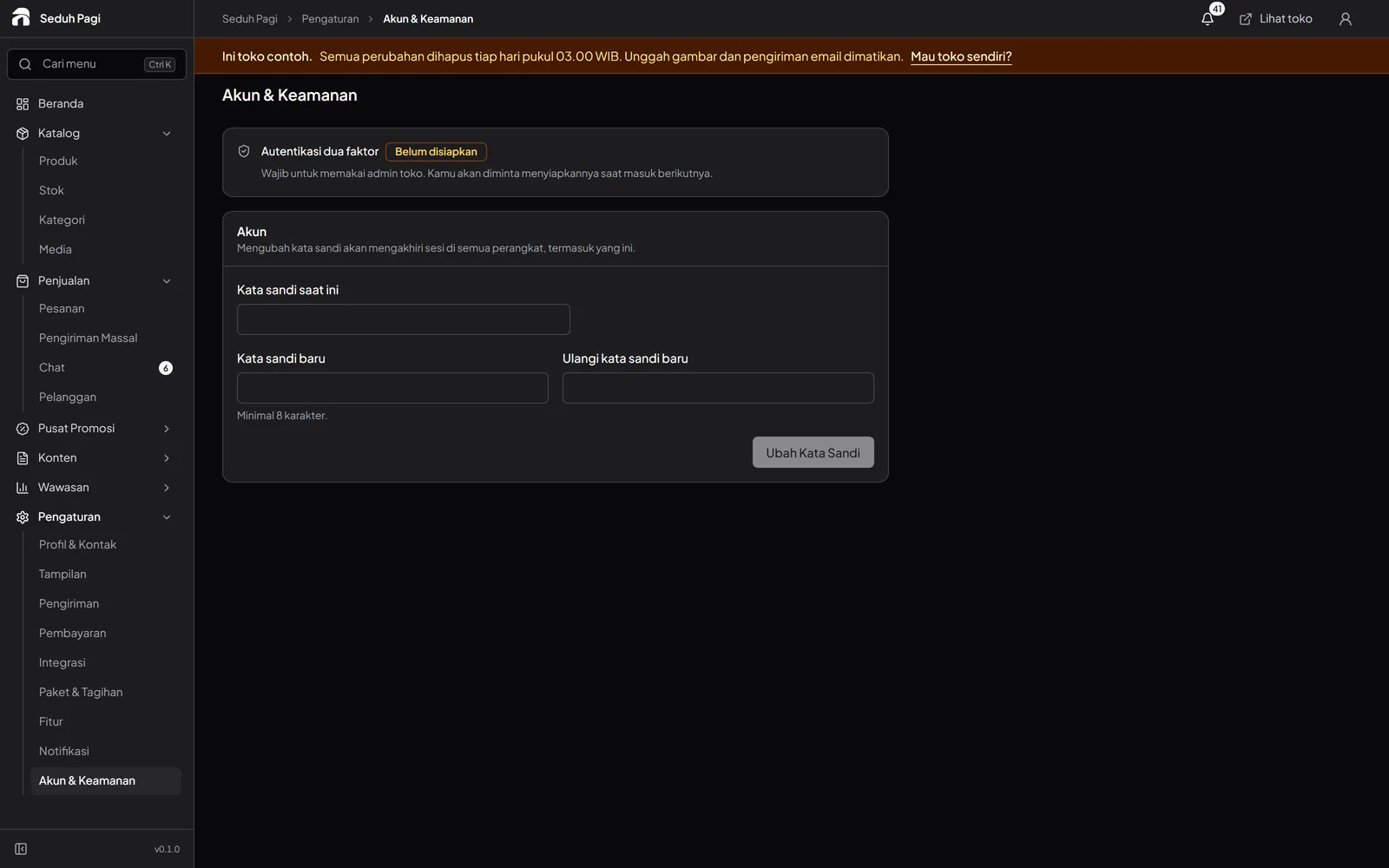
Two-factor authentication is required.
After accepting an invitation, admins set a password and enable 2FA before managing the store. Keep management access on the appropriate accounts and devices.
Sign-in attempts and data access are controlled.
Ten failed sign-in attempts lock an account for 15 minutes. Each store's management data is separated at database level. Administrative activity is recorded for security reviews and troubleshooting.
Buyers can manage their account data.
Buyers can download and delete account data from the store's account pages. Other data requests can be sent through the contact listed in the privacy policy.
Access management remains part of running a store.
Data separation and 2FA work alongside careful account management: protect credentials, review who holds access, and contact the team if something is wrong. The privacy policy explains data roles and retention.
Read the privacy policySee the store.
Try running it.
Explore the buyer's storefront and the seller's admin, then tell us what your store needs.