
An online store for fashion and boutiques.
Help shoppers choose the right style, size, and colour. Manage collections and variant stock from one admin.
- Photos for colour choices
- Product size guides
- Stock by size and colour

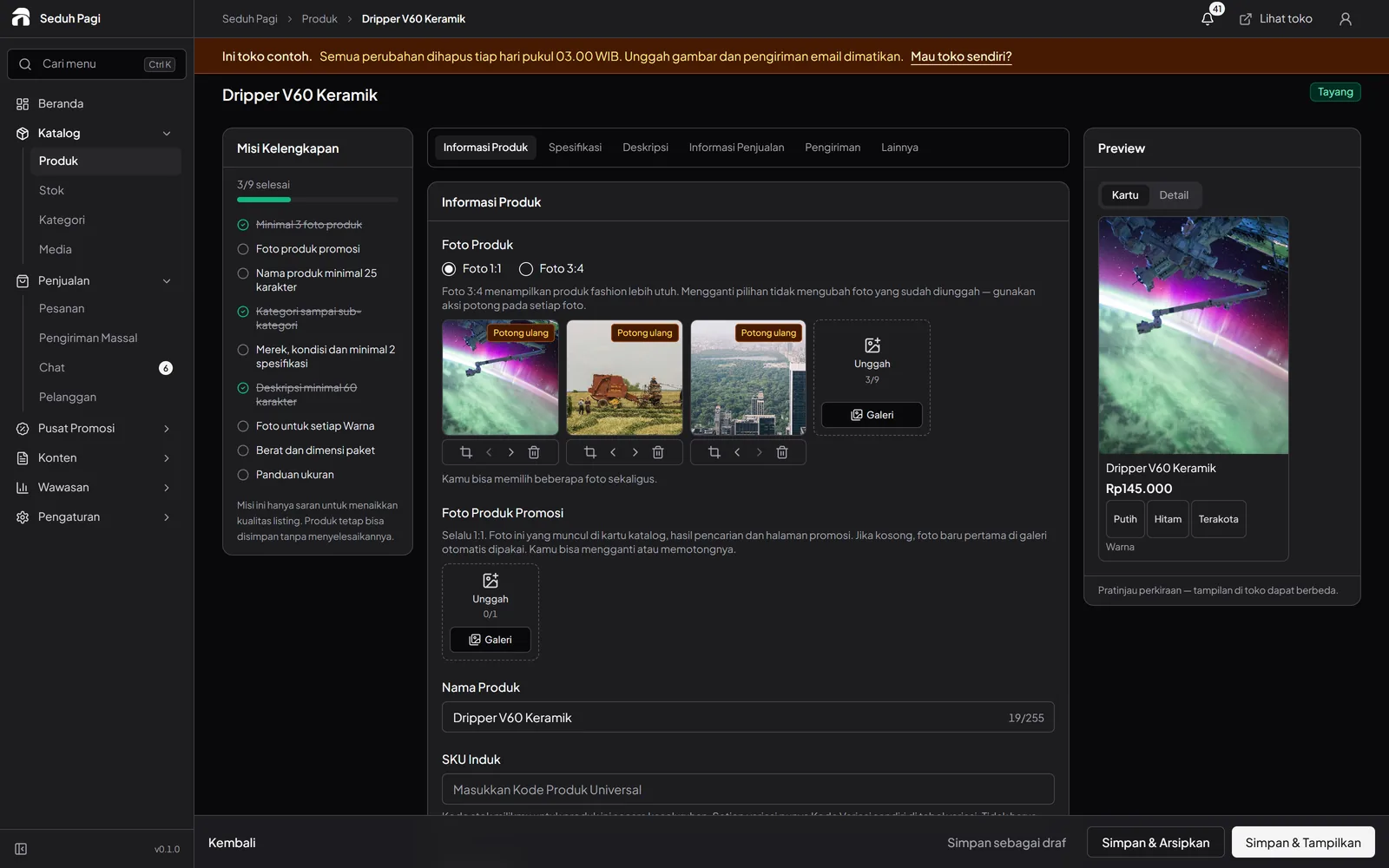
Show the details before shoppers choose.
For one clothing style, organise sizes and colours into clear choices.
For example, a shirt in sizes S through XL and two colours becomes eight variants with separate SKUs. Attach photos to the colour options so shoppers can see which version they are buying.
- Photos for each colour option
- Text or image size guides
- A price and SKU for each variant
Give each collection a place.
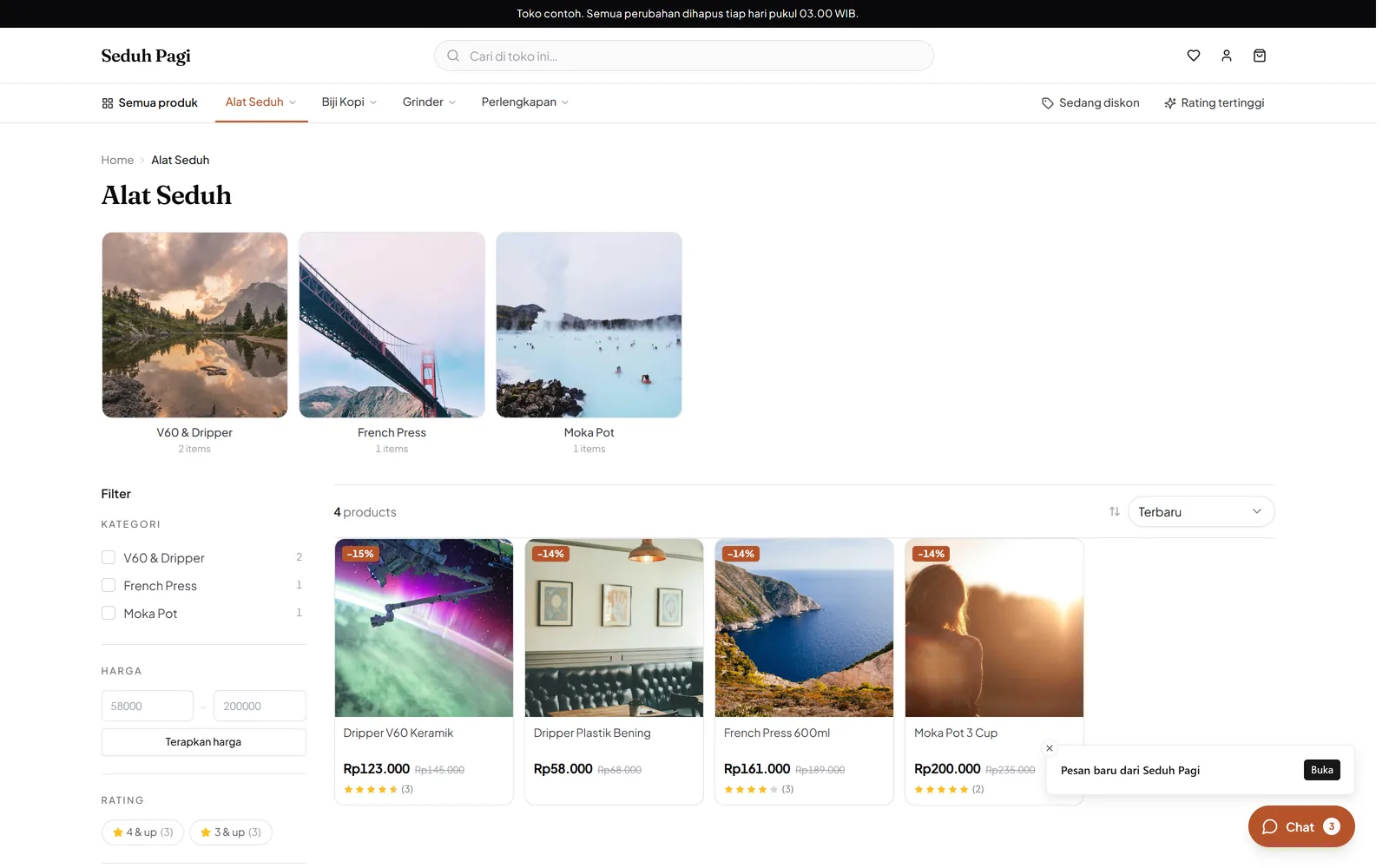
Separate everyday pieces, occasion wear, and product categories so shoppers know where to look.
Before a collection launch, prepare the main photos, category names, and material information. Direct a banner to the relevant collection; scheduled product publishing on Brand lets you choose when items become visible.
- Parent and child categories
- Banners for featured collections
- Scheduled publishing on Brand
Restock sizes that are running low.
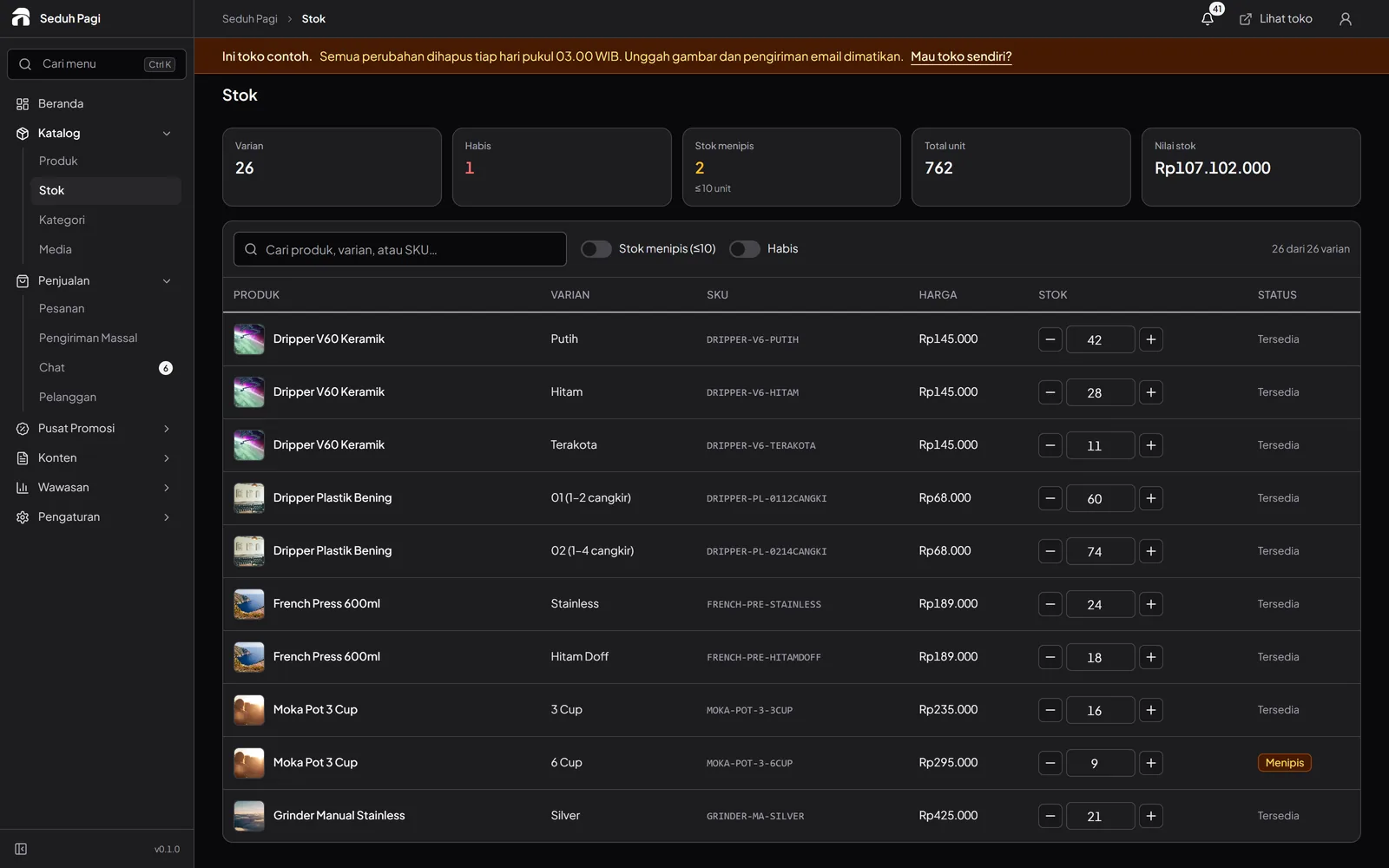
Find stock by SKU and update several options when new items arrive.
When new stock arrives, count sizes and colours before updating the admin. Keep SKU codes consistent so your team can distinguish items that look nearly identical.
- Low and empty stock filters
- Quantities for each variant
- Batch inventory updates
Set the start and end of a collection offer.
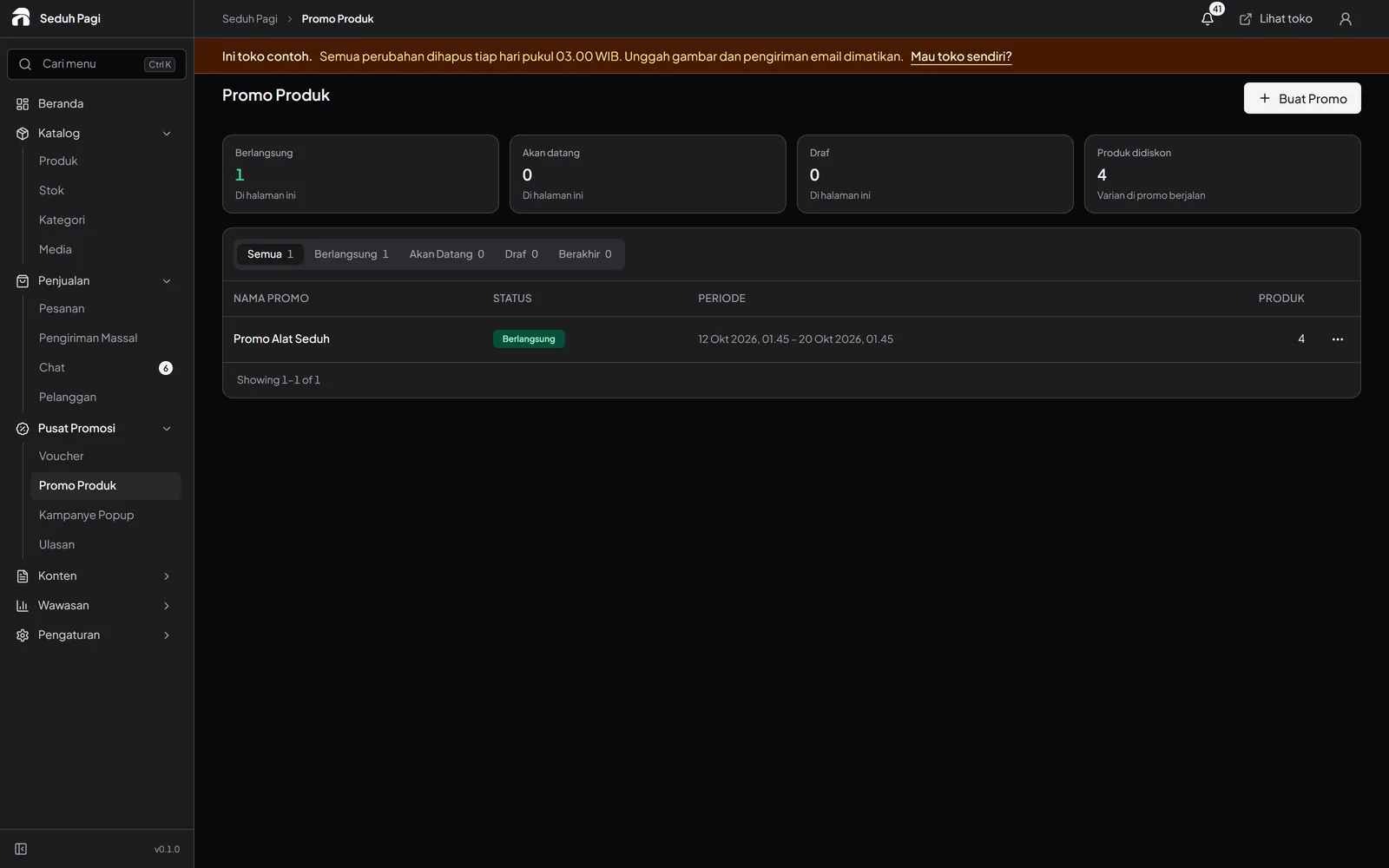
Choose promotional products on Toko and Brand, then set the campaign schedule.
For an end-of-season offer, select the categories or variants actually receiving a discount. Set an end date and check stock before sharing the campaign; sold-out sizes still need attention in the catalogue.
- Product or category vouchers
- Price promotions with an end date
- Normal prices return after the campaign
Check the size before closing the parcel.
Make variant checking part of the packing routine. Match the style, size, colour, and quantity in the order details to the items on the table.
Once the items match and shipping is arranged, select orders to create thermal or A4 labels. Test one label so addresses and barcodes print at the intended size.
- Pick items by the order SKU
- Match size, colour, and quantity
- Print after checking shipment details
- Attach each label to the matching parcel
Questions about Fashion & boutiques
More questionsCan one clothing item have several sizes and colours?
Yes. Size and colour can be two option types, with their own prices, SKUs, and stock. A product supports up to three option types and 200 combinations. Photos can follow the selected colour.
Where can I put a size guide?
Products support size guides as text or an image. Explain the sizing you use and how measurements are taken so shoppers have a reference before choosing a variant.
Does inventory synchronise with marketplaces?
Toko Aksara manages stock per variant for this store. Direct marketplace synchronisation is not included. If you sell a collection across several channels, plan how to allocate and update stock so advertised quantities remain accurate.
Can I sell a collection by pre-order?
Products can be marked as pre-orders with a processing time. Use it to explain collection preparation. You still manage production schedules, supplier orders, and capacity allocation yourself.
What should I prepare before moving a boutique catalogue?
Prepare style names, photos for each colour, size guides, SKUs, prices, and stock for every combination. Start with a few products and check their storefront appearance. For Excel or CSV imports on Brand, match the format and review the preview before applying changes.
See the store.
Try running it.
Explore the buyer's storefront and the seller's admin, then tell us what your store needs.