
Buyer chat and order notifications
Conversations are easier to follow when the product or order being discussed is attached. Notifications help the team find information that needs attention.
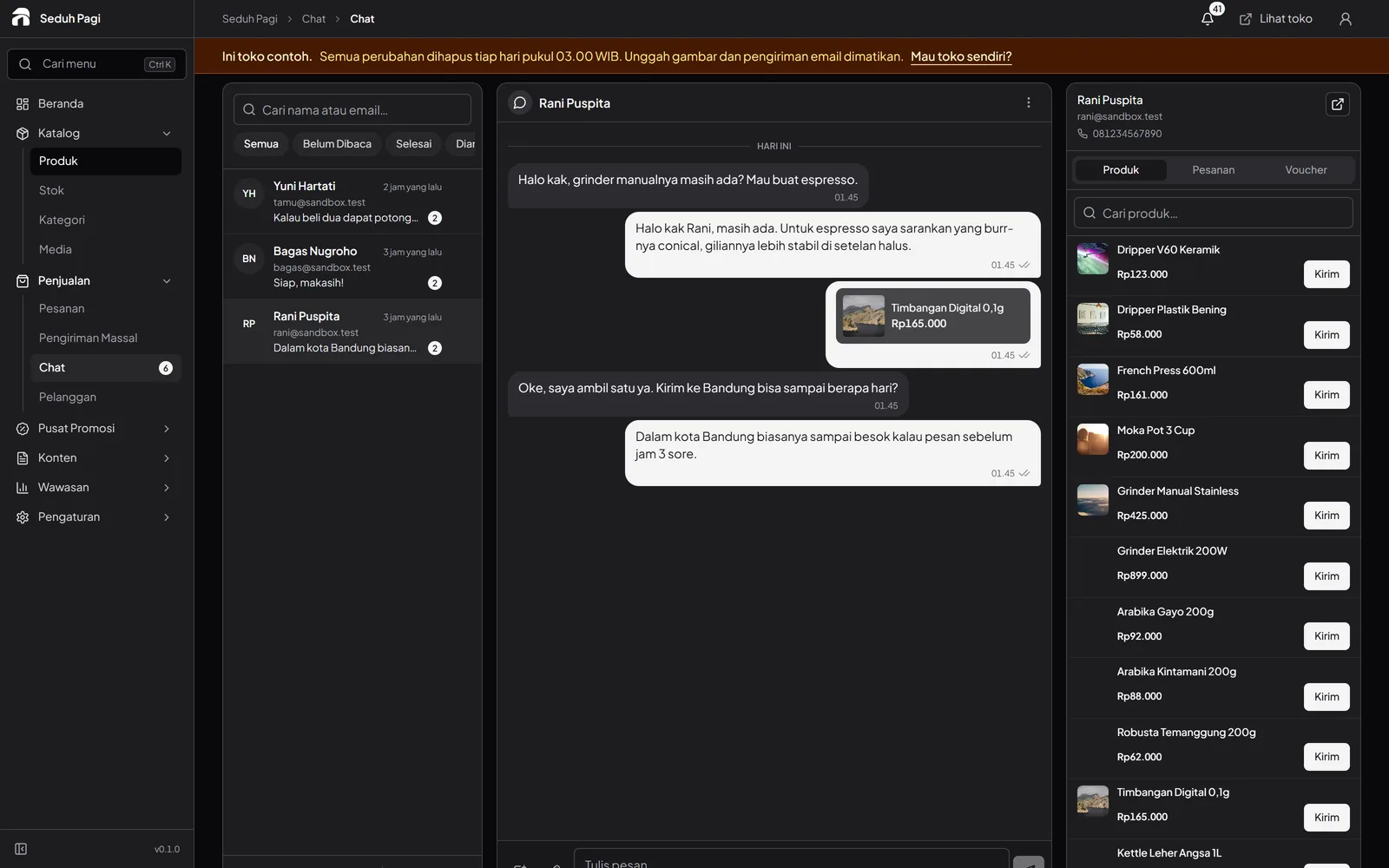
Enable chat when your team is ready.
Buyer chat is offered with Brand and enabled in agreement with your store. The inbox brings conversations together, and up to 50 saved replies help answer recurring questions.
Share the context of a question.
Attach a product, order, voucher, or image to a conversation. Product and order attachments reflect the latest available information. The team can follow read status and open a conversation in its own window.
Follow order updates on your devices.
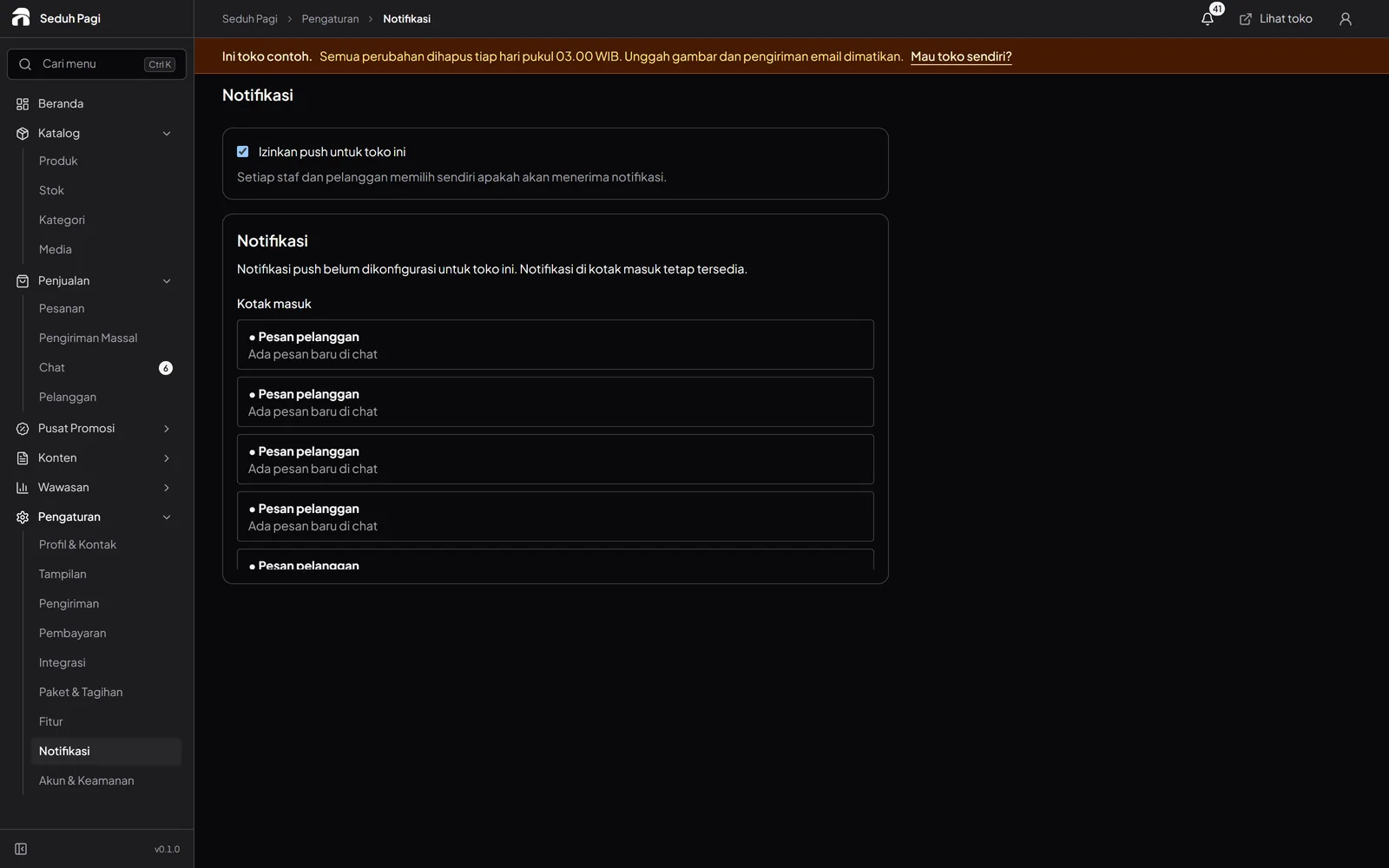
Transactional email tells buyers about order progress. The admin has an in-app notification inbox. Device push requires store activation, browser support, and permission from the user. The in-app inbox remains available without push permission.
Review your team's response times.
Chat statistics show median and 90th-percentile response times across 7, 30, or 90 days. Use them to identify service patterns while keeping the context of the conversations in view.
Explore the admin demoSee the store.
Try running it.
Explore the buyer's storefront and the seller's admin, then tell us what your store needs.