
Manage products, variants, and inventory
One product can have many sizes, colours, and prices. Keep the differences clear so buyers select the right item and your team can see what is available.
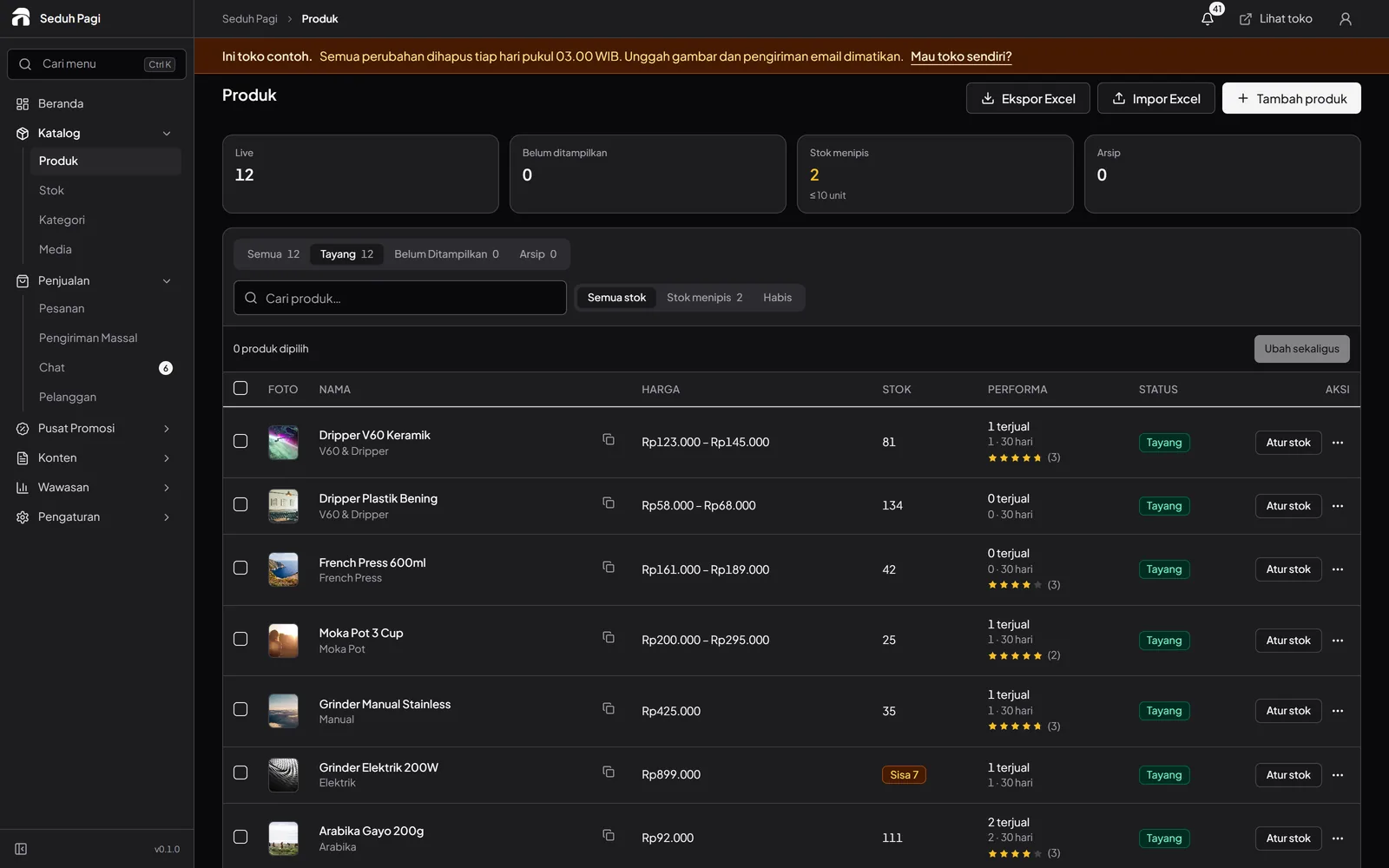
Set up each product option.
Use up to three option types and 200 combinations per product. Each variant holds its price, SKU, weight, and stock. Photos attached to a colour option help buyers see what they selected.
- Parent and child categories organise the catalogue
- Reuse photos from the media library
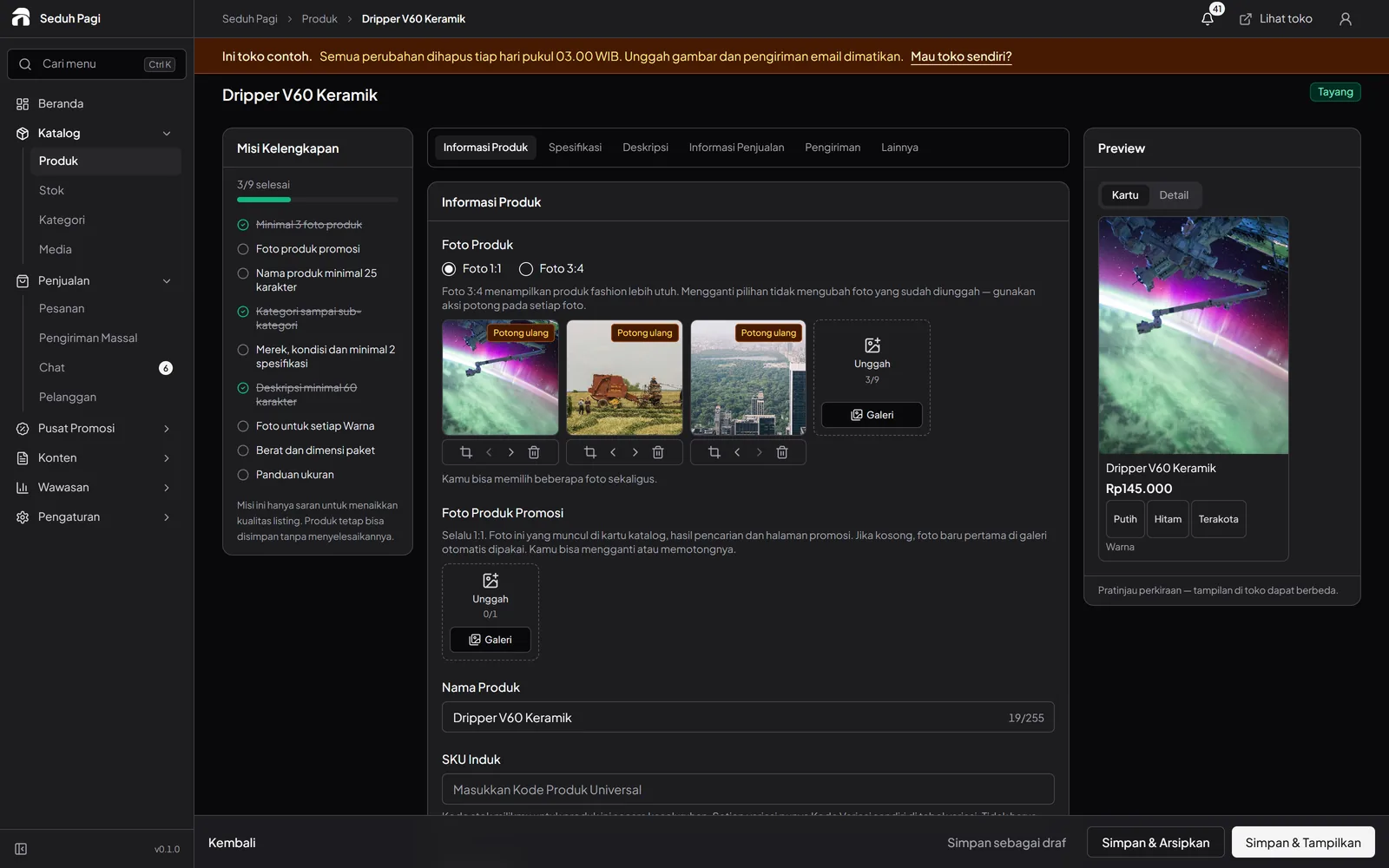
Sell individual units, wholesale, or pre-orders.
Set up to five wholesale price tiers by order quantity. The cart calculates the applicable price. Pre-order products can include processing times so customers understand the preparation needed.
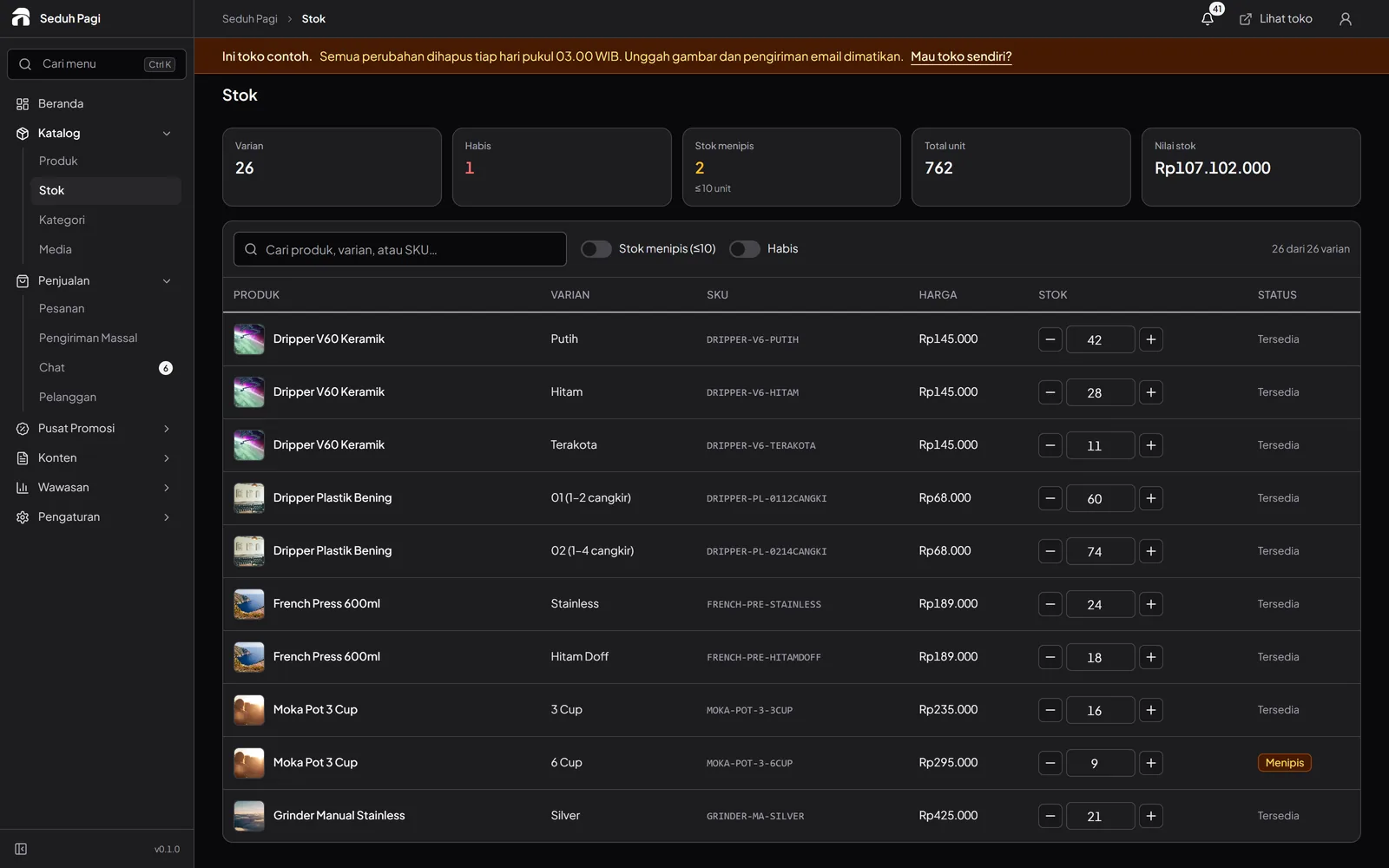
Update inventory from one list.
Search by product or SKU, filter low or empty stock, and change several variant quantities before saving. The inventory workspace shows unit and stock-value summaries. If the catalogue exceeds the loaded list's scope, the admin explains the display limit.
Preview bulk imports before applying them.
Brand supports Excel or CSV imports and exports with up to 5,000 rows per upload. Check the preview before making changes. Embedded Excel photos can be imported when image storage is ready. Brand also includes scheduled product publishing.
Try catalogue managementSee the store.
Try running it.
Explore the buyer's storefront and the seller's admin, then tell us what your store needs.