
See the admin you will use.
Choose a task, inspect its screen, and open the demo to try the workflow. Images use a sample store and exclude client management data.
An online store on your own domain
Customers recognise your store through its name, appearance, and address. Toko Aksara brings the storefront, cart, and checkout together in a website you can manage.
Read about this feature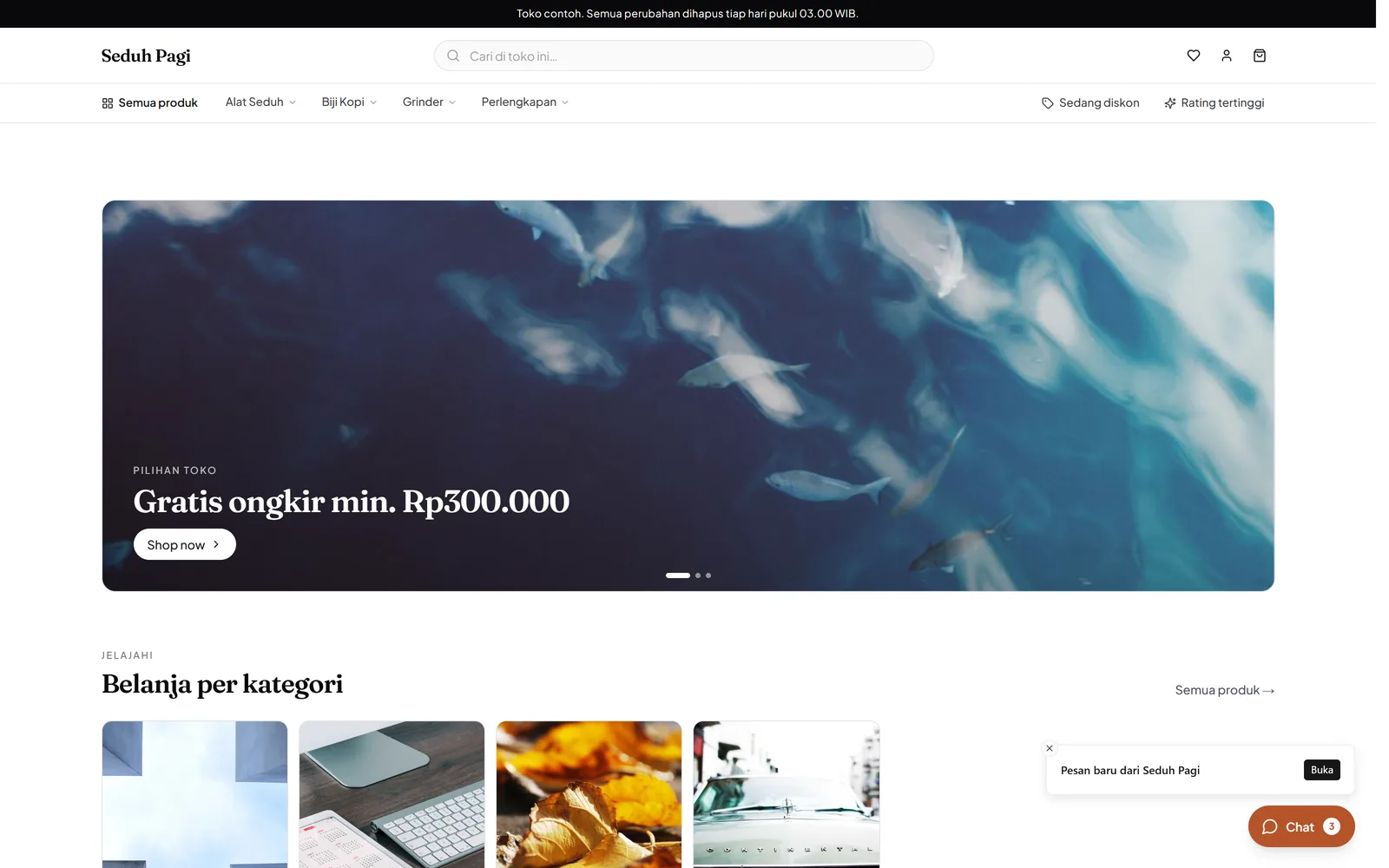
Manage products, variants, and inventory
One product can have many sizes, colours, and prices. Keep the differences clear so buyers select the right item and your team can see what is available.
Read about this feature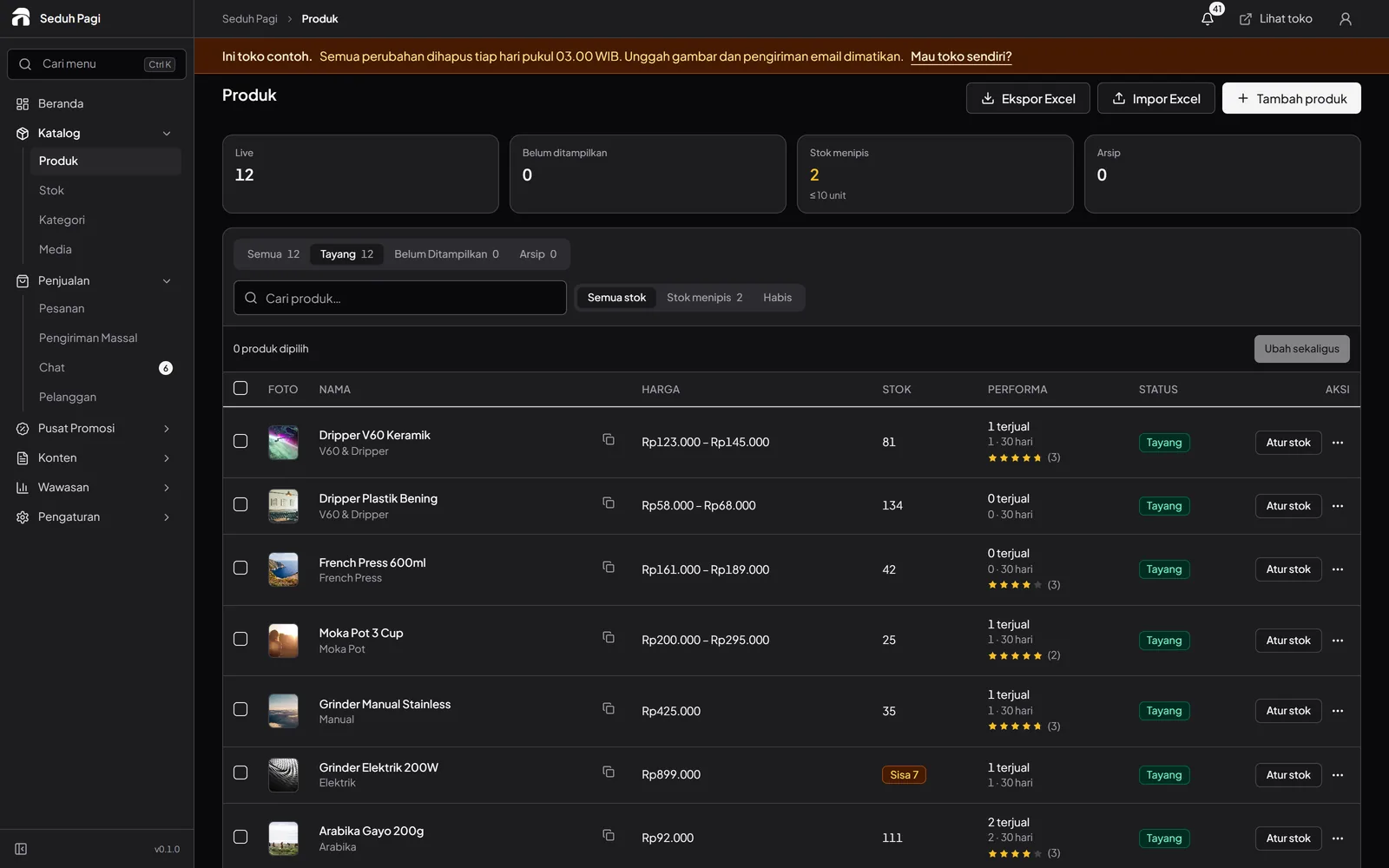
Manage online store orders and shipping
See what has been paid, what needs packing, and what is on its way. Order and delivery information stay together in the same workflow.
Read about this feature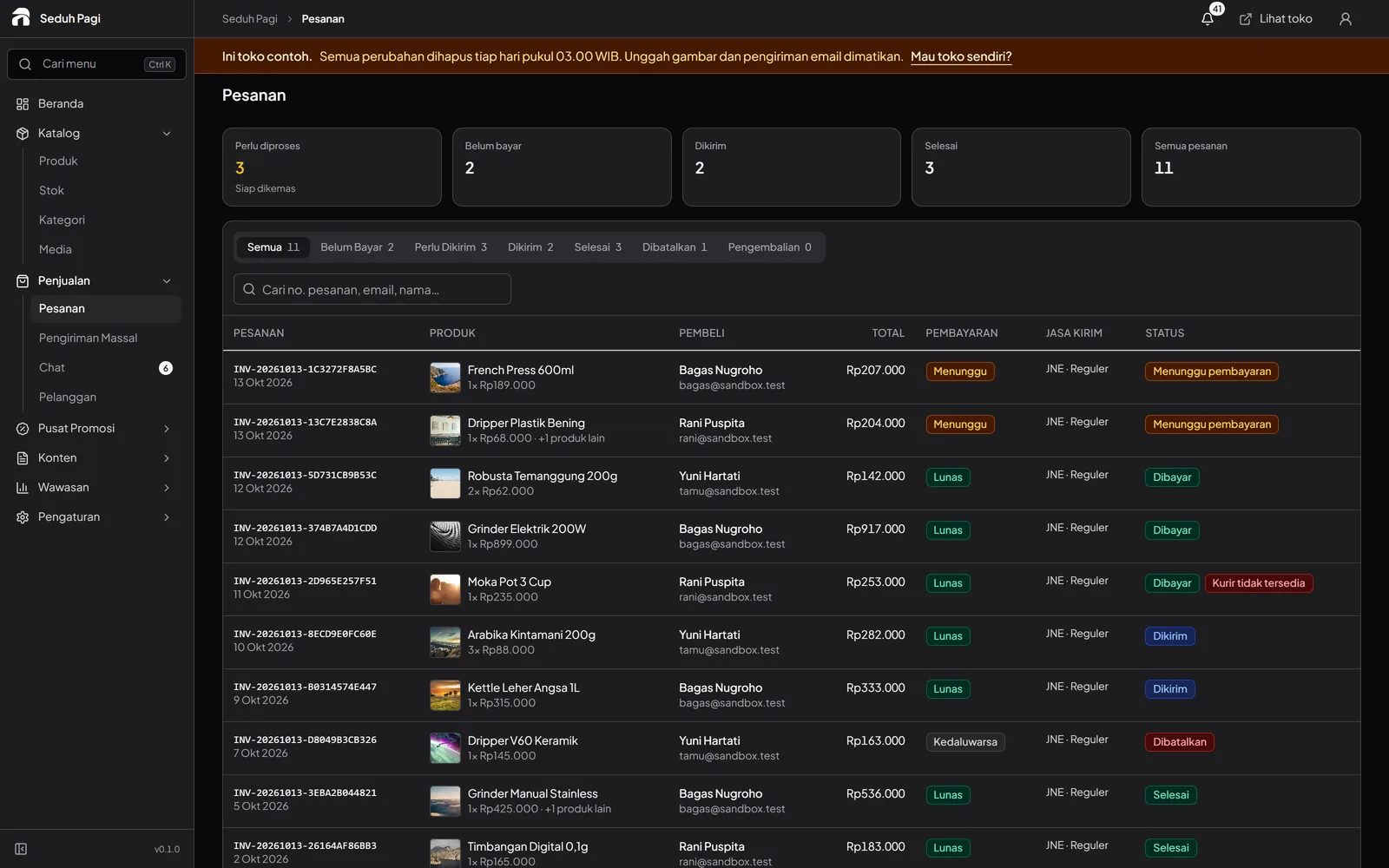
QRIS, virtual accounts, and e-wallet payments
Buyers select an available method at checkout. The admin helps you follow payment status and process orders once payment arrives.
Read about this feature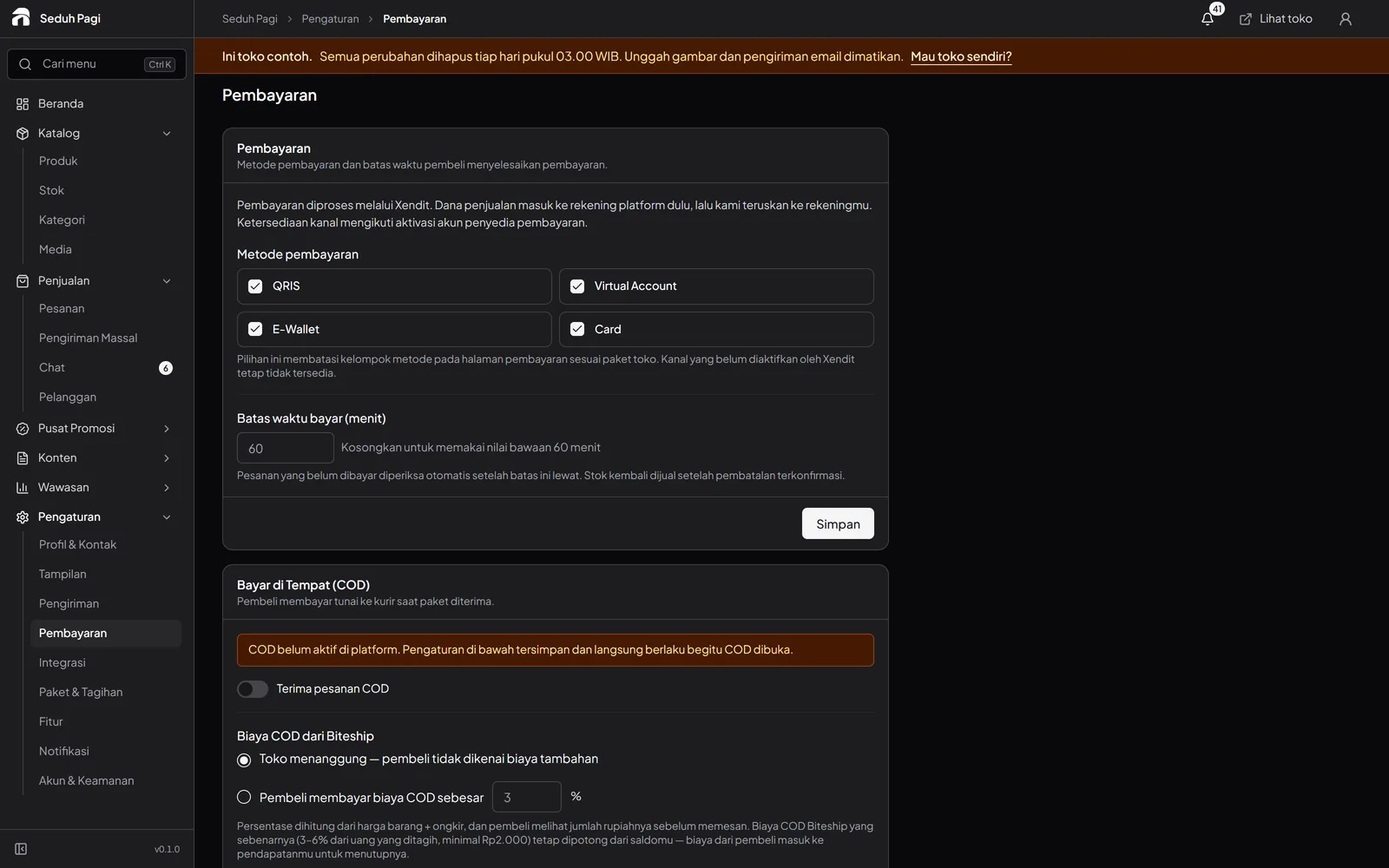
Vouchers, product promotions, and campaigns
Decide which products take part, when an offer runs, and how it can be used. The promotions workspace brings the store's campaign tools together.
Read about this feature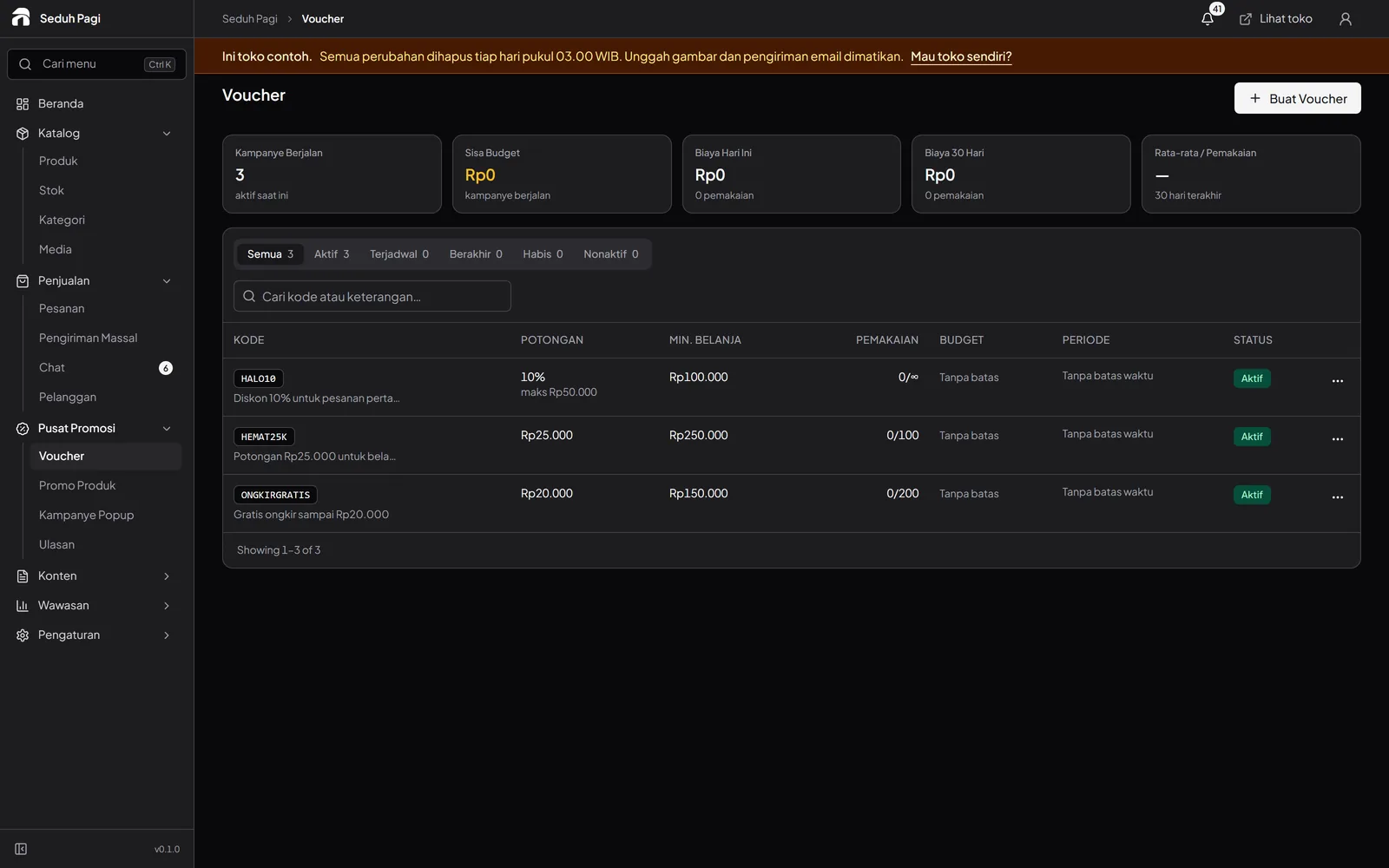
Buyer chat and order notifications
Conversations are easier to follow when the product or order being discussed is attached. Notifications help the team find information that needs attention.
Read about this feature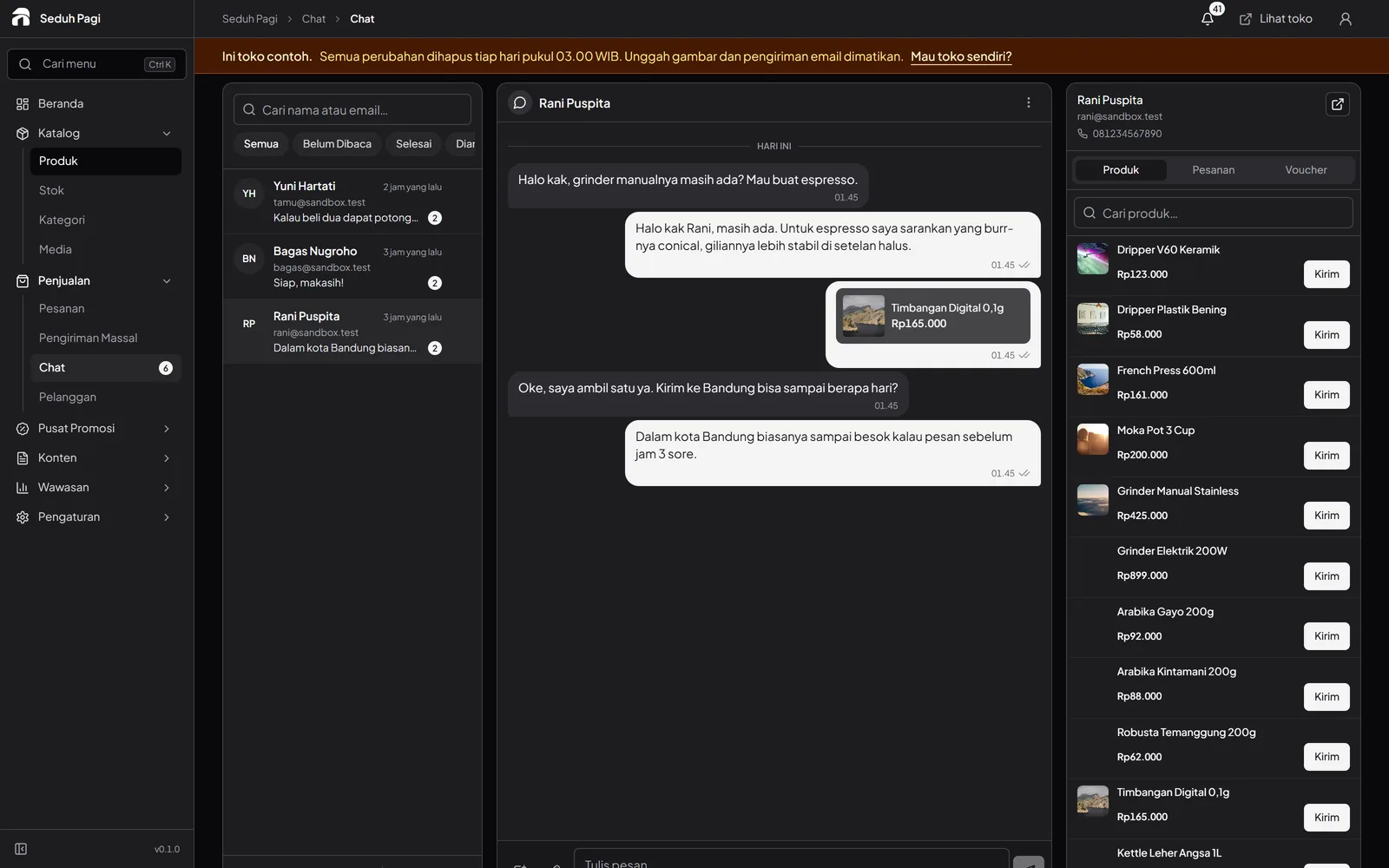
Sales, customer, and inventory reports
Use your store's orders to decide what needs restocking and which offers need a closer look. Start with a summary, then open the relevant report.
Read about this feature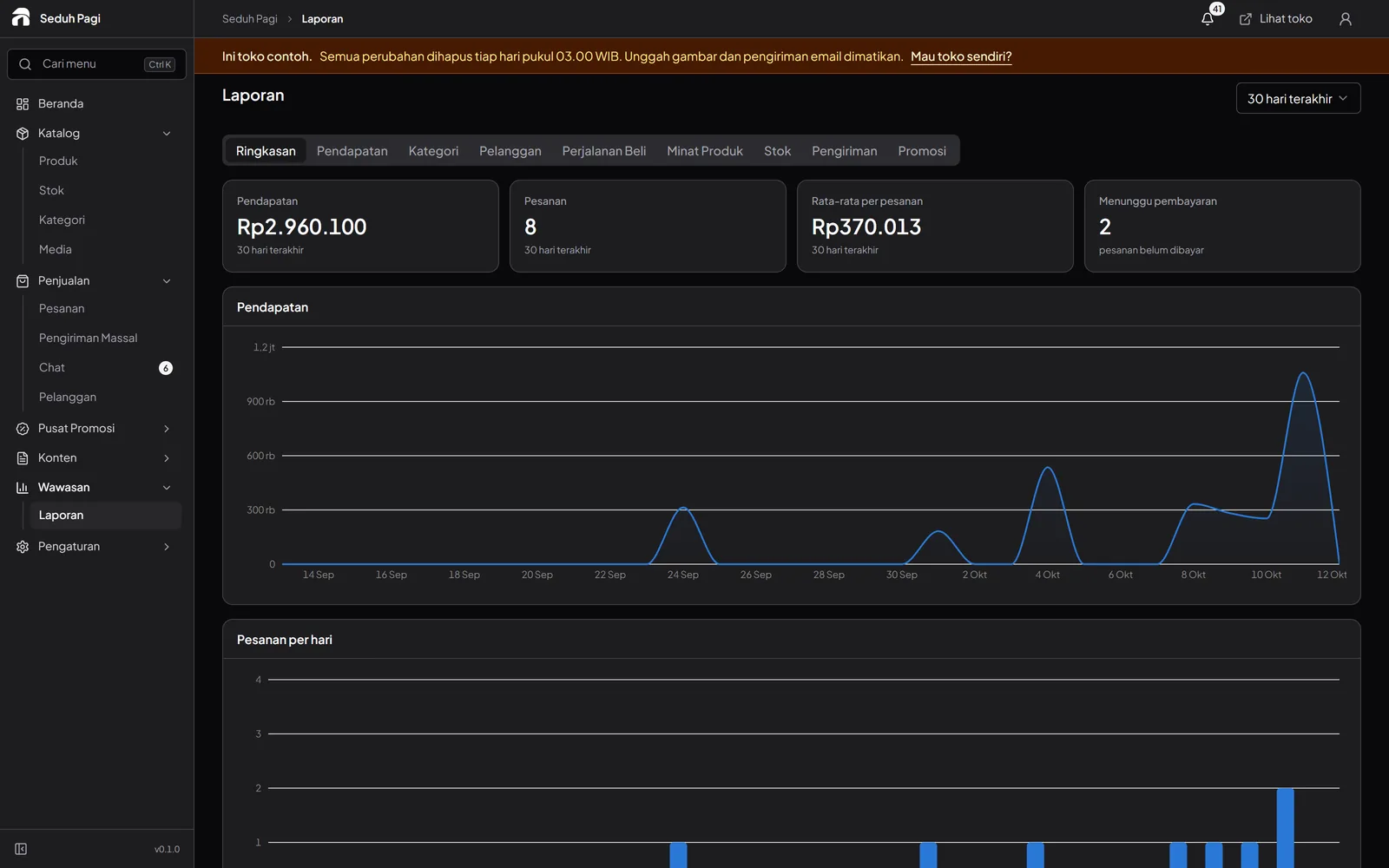
Store admin security and access
Customer and order data need care throughout store operations. Toko Aksara requires an additional sign-in check for admins and separates each store's management data.
Read about this feature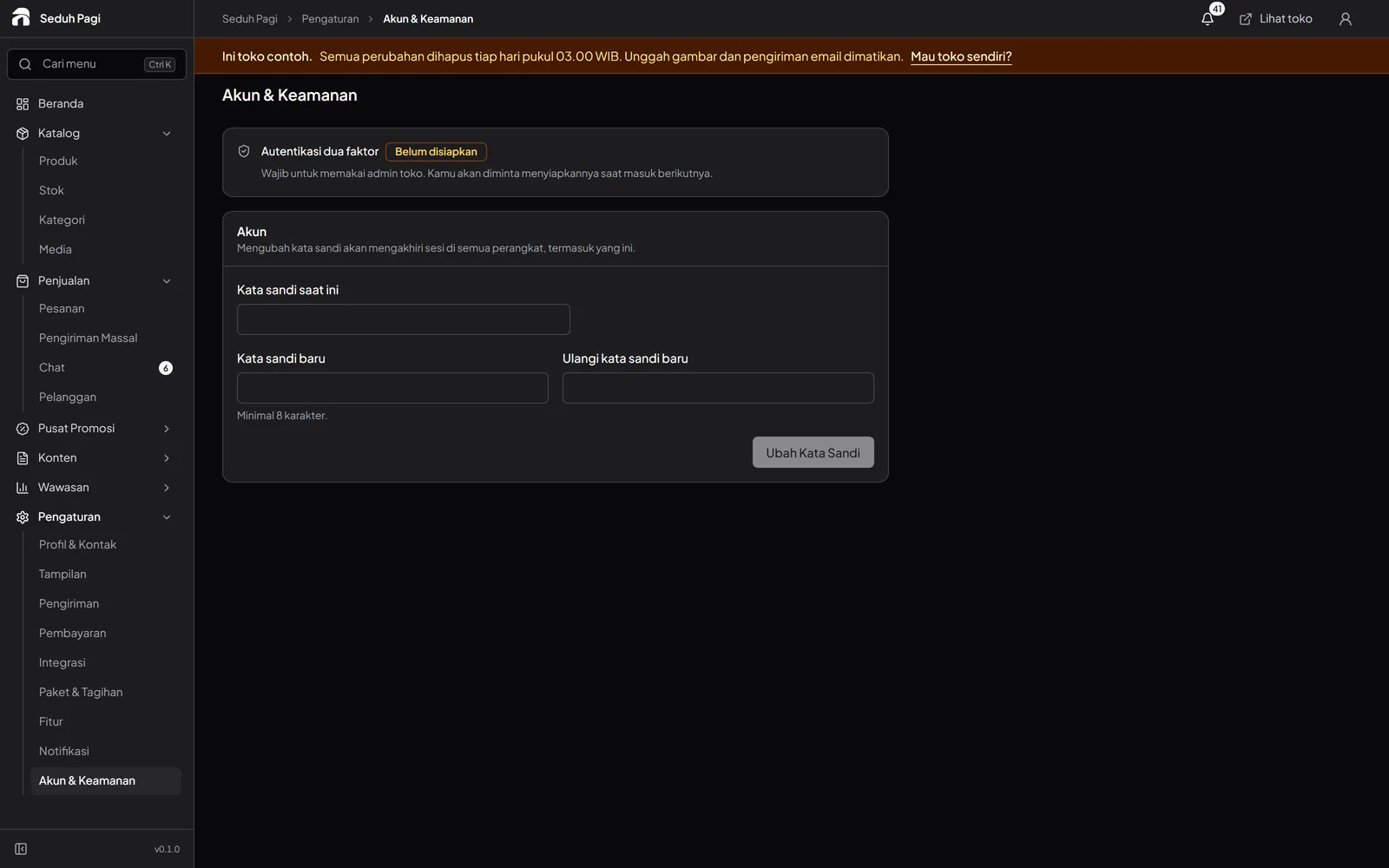
See the store.
Try running it.
Explore the buyer's storefront and the seller's admin, then tell us what your store needs.