
A beauty and skincare store with your own brand.
Show shades, sizes, and product details in a catalogue shoppers can read before checkout.
- Shade and size variants
- Photos and product attributes
- Skincare and makeup categories

Separate shades and pack sizes.
Create options that match the products you actually sell.
A lip tint offered in four shades can have four variants. For skincare sold in small and large packs, separate pack sizes so their prices and quantities do not get mixed up.
- A SKU for each choice
- Variant stock and pricing
- Photos for colour options
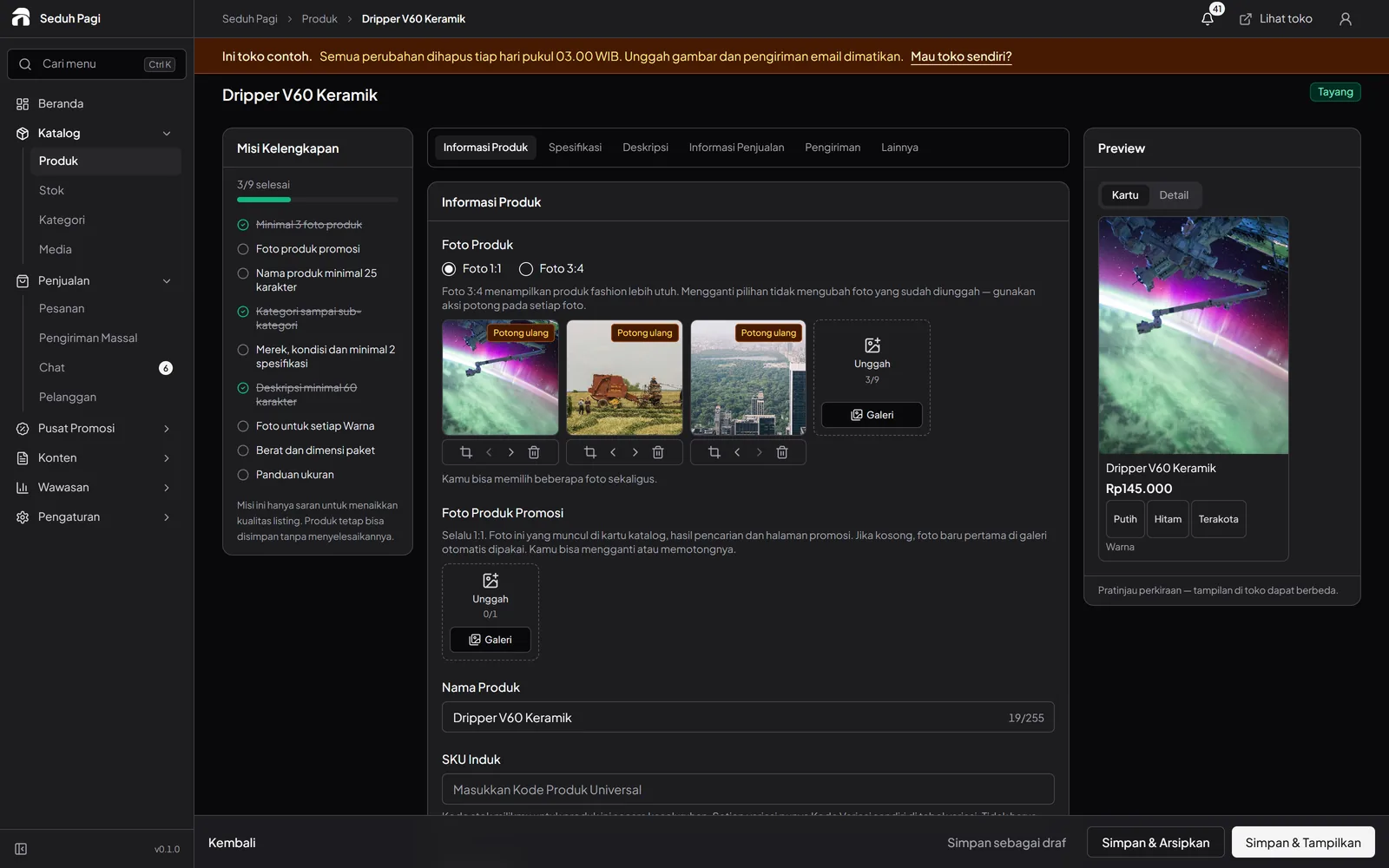
Make room for product information.
Fill descriptions and attributes with information from your packaging or product sources.
Prepare front and back packaging photos, net contents, and instructions supplied with your products. Use consistent wording in descriptions and on the goods. Avoid adding benefits unsupported by the product information.
- Contents and usage descriptions
- Material or product attributes
- Detailed product photos
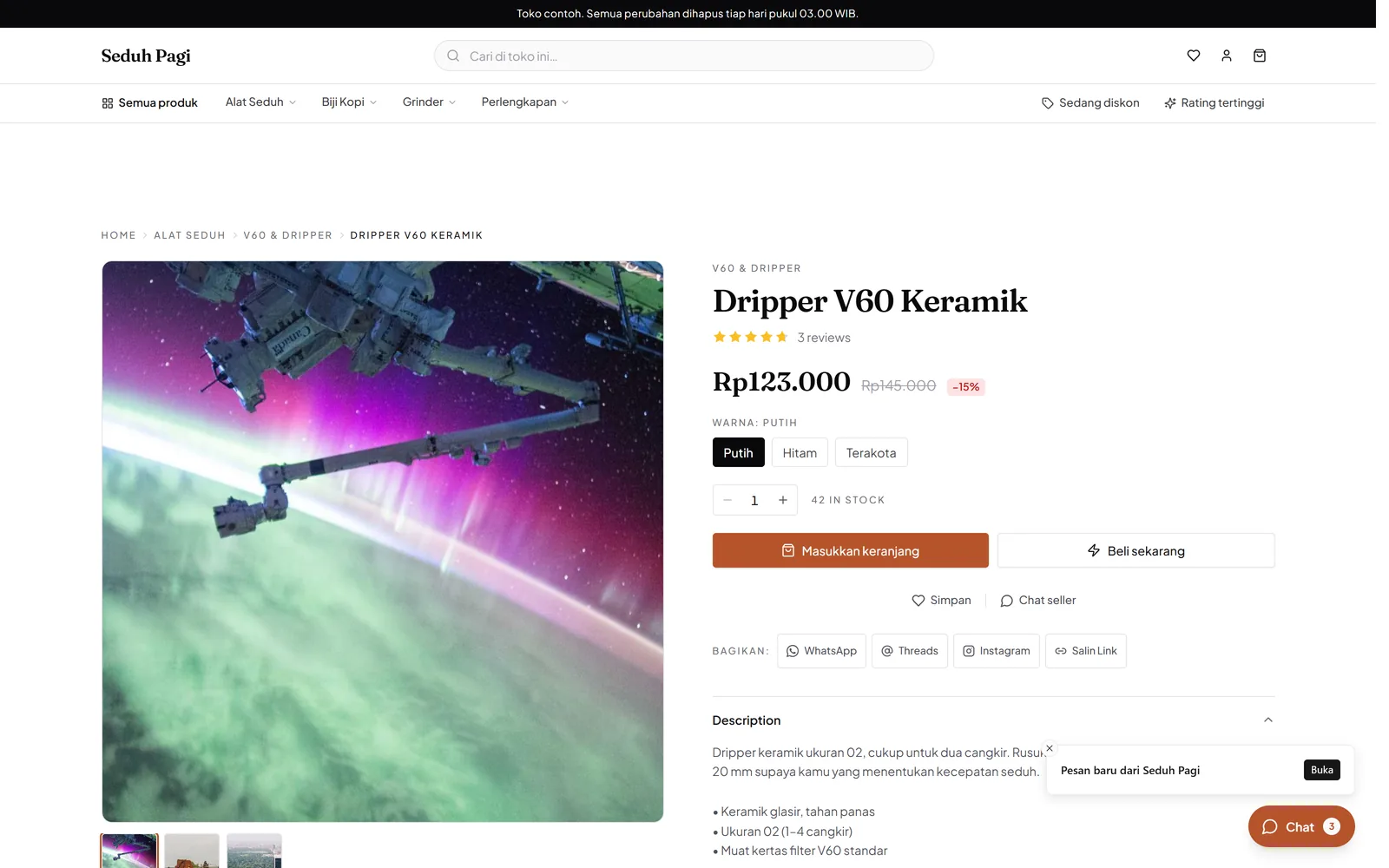
Help shoppers explore the catalogue.
Separate groups such as cleansers, moisturisers, and makeup to fit your inventory.
Build categories around the groups you actually carry. For example, skincare can contain cleansers and moisturisers, while makeup contains lip and face products. This helps shoppers compare choices without repeating their search.
- Categories and subcategories
- Product search
- Wishlists on Toko and Brand
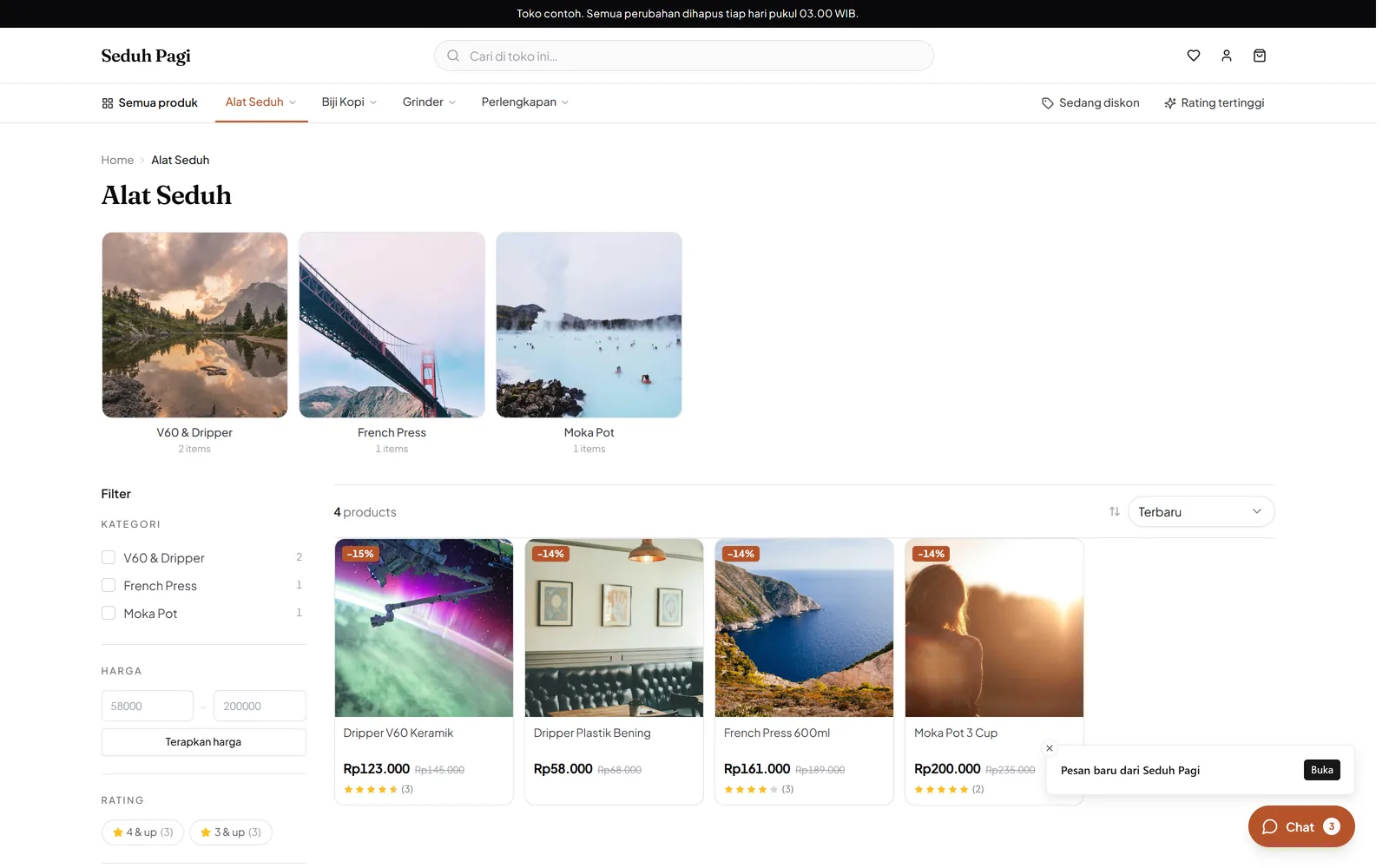
Set clear limits for an offer.
Choose products or categories for vouchers and promotions on Toko and Brand.
For an offer on a product range, select the participating items and explain its scope on the banner. Check minimum spend, per-buyer limits, and timing so promotional information agrees with checkout.
- Voucher minimum spend
- Per-buyer usage limits
- Promotion start and end times
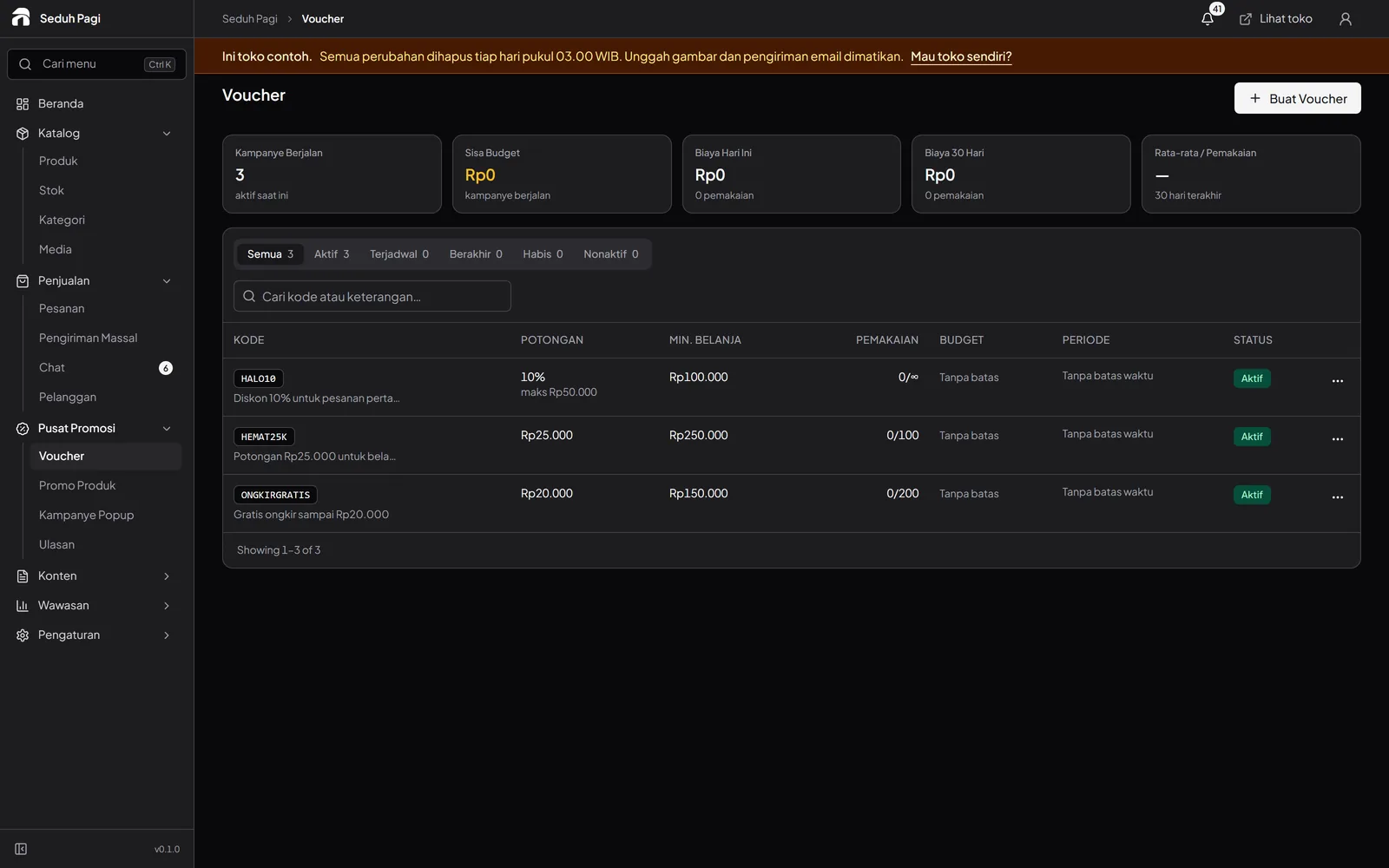
Build a product check into packing.
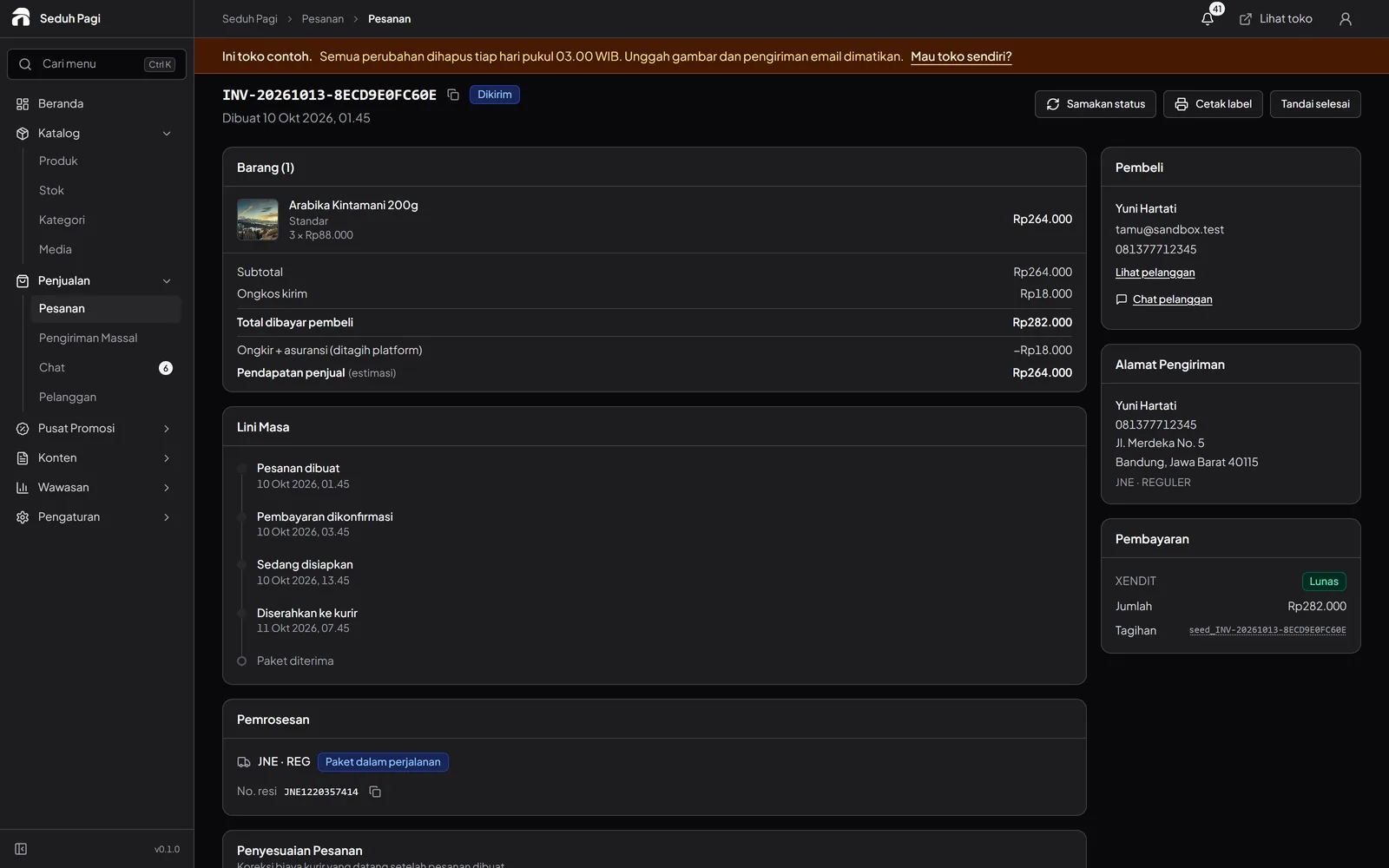
Similar packaging makes items easy to confuse. Use the SKU and the selected shade or size in order details to check the products you pick.
Keep batch and expiry records through a separate stock process if your store needs them. Once parcel contents match, prepare the shipping label and packaging suitable for liquids or fragile items.
- Match SKU, shade, and pack size
- Check the product seal
- Maintain your own batch records
- Print labels for checked parcels
Questions about Beauty & skincare
More questionsHow do I show several shades in one product?
Use shade or colour as an option type, then set the SKU, price, and stock for each choice. Colour-option photos help show the differences. Pack size can be added as another option type.
Can I include ingredients and usage instructions?
Descriptions and product attributes can hold information you provide, alongside packaging photos. The store still needs to check that information for accuracy; Toko Aksara does not automatically verify product claims.
Does the system track batches and expiry dates?
The inventory workflow described here tracks SKUs and variants. Batch and expiry-date tracking are not part of that workflow. If these are central requirements, discuss your recording process before choosing the system.
Do customer reviews appear immediately?
Product reviews on Toko and Brand enter a moderation queue before publication. Your team can review them in the admin. Wishlists are also available on both plans.
How do I prepare a beauty catalogue that is easy to check?
Use consistent product and shade names, make pack sizes separate variants, and enter their SKUs and stock. Include information from the packaging and clear product photos. Check sample product pages on a phone before sharing the store with shoppers.
See the store.
Try running it.
Explore the buyer's storefront and the seller's admin, then tell us what your store needs.