
A website for the work and collections you make.
Show the shape, materials, and story of each product. Help shoppers find available pieces and understand preparation time.
- Product photos and material details
- Variant stock for small collections
- Preparation times for pre-orders

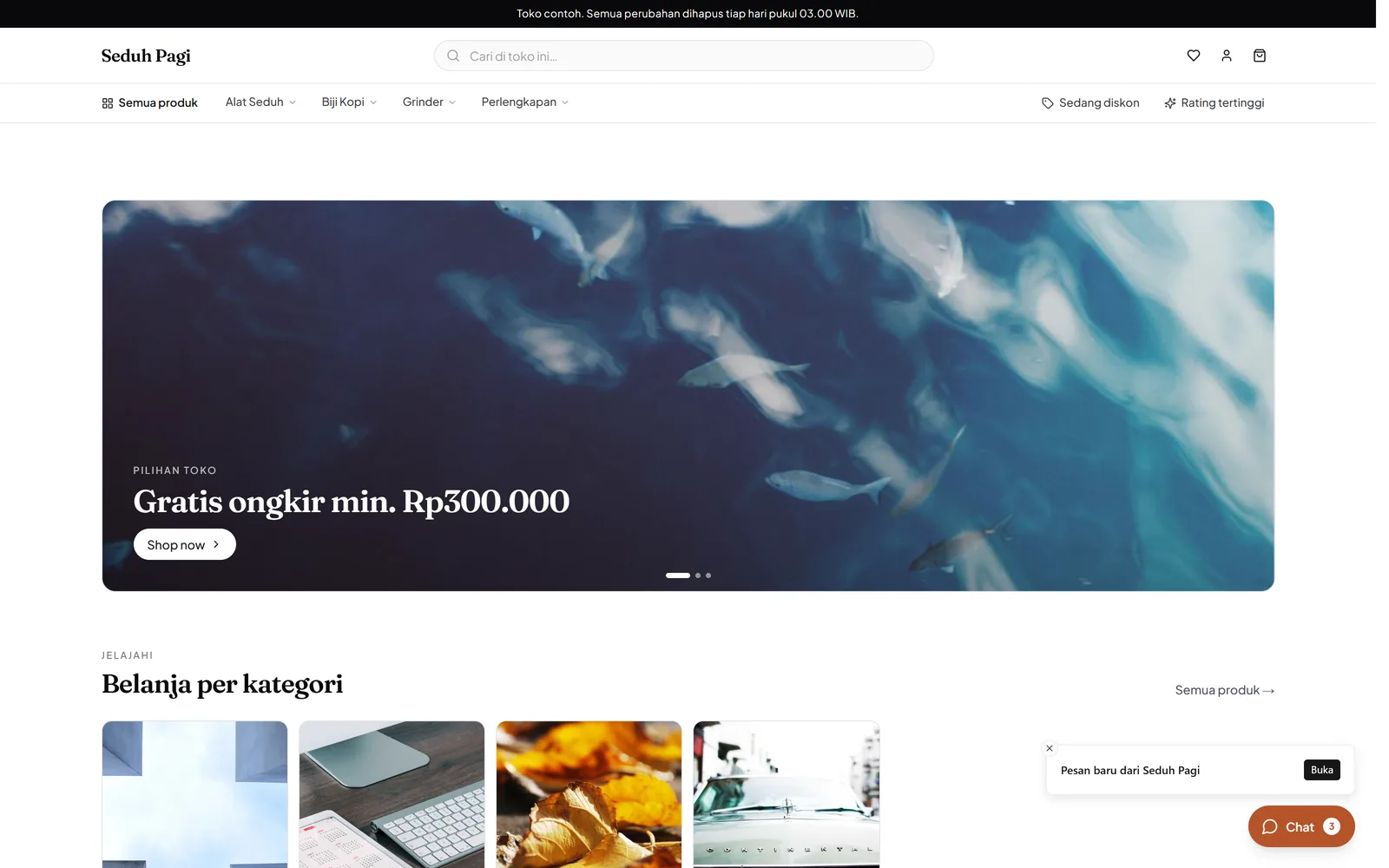
Let shoppers see the details.
Show product photos and explain materials, measurements, and care.
For a vase, for example, show front and side views and measurements that help shoppers picture where it fits. Explain natural variations in materials or handmade finishes when those differences exist in your products.
- Photos from several angles
- Material and size attributes
- Product care descriptions
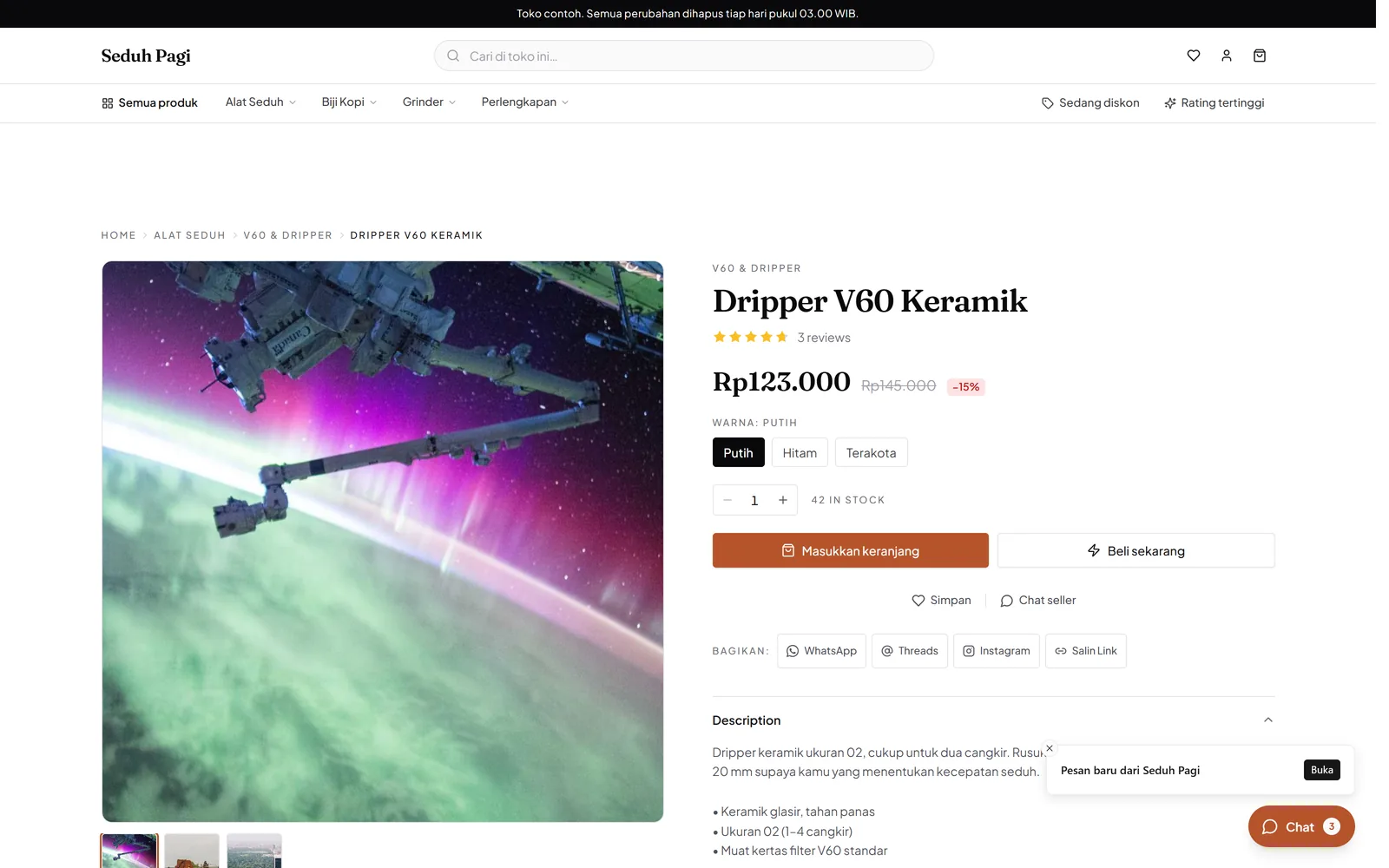
Keep collection inventory clear.
Separate sizes, finishes, or materials into the options you actually offer.
If one design comes in two sizes and two finishes, make four variants. For a unique piece, set stock to the physical quantity available. Categories can follow types of work or the collections you want to present.
- Price and stock per variant
- Collection or product categories
- Low-stock filters
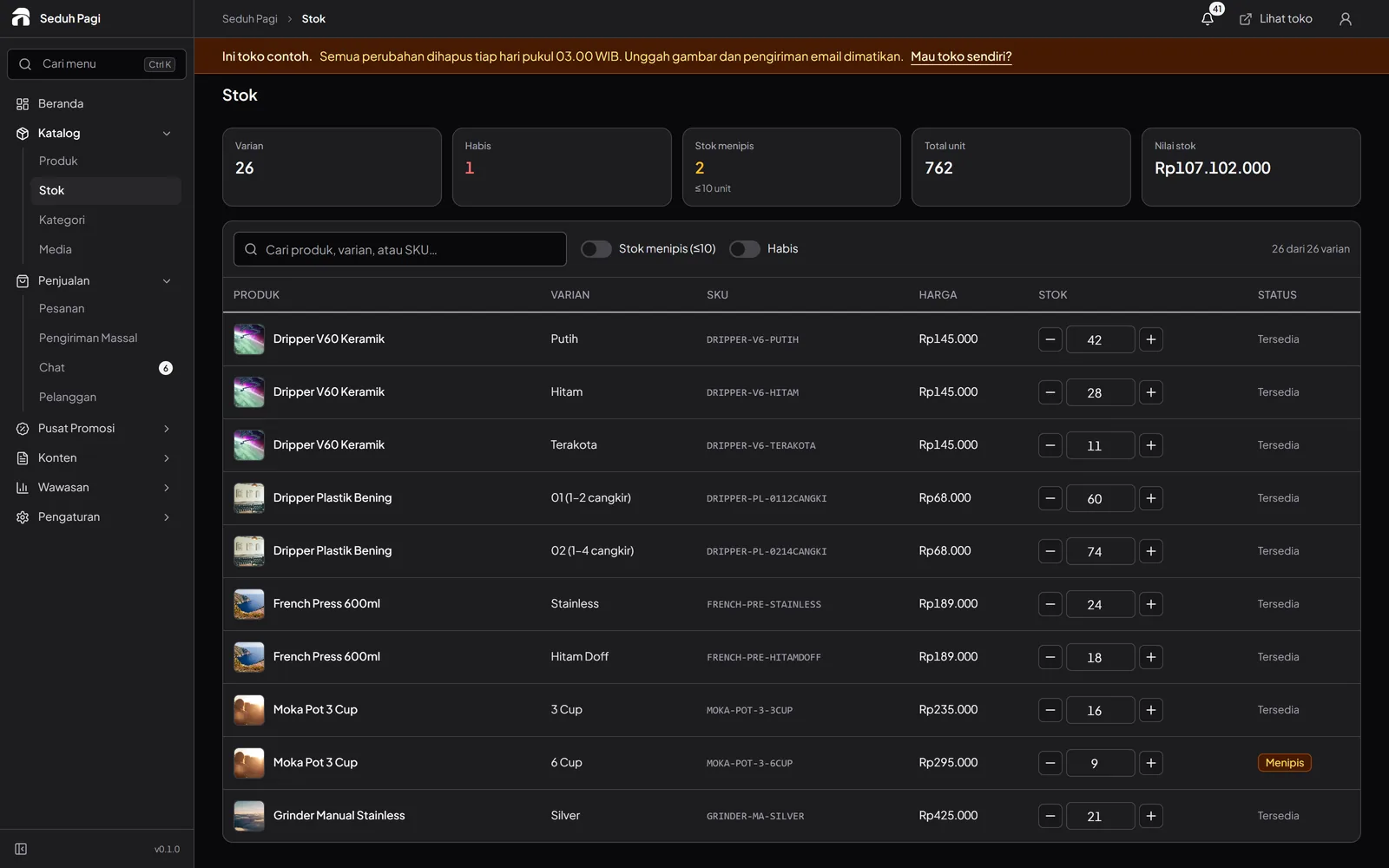
Explain how long a piece takes.
Use pre-orders for work made after an order arrives.
Separate ready-to-ship items from pieces made after purchase. Publish realistic processing times and the scope of standard choices. Requests outside the catalogue need agreement before they enter production.
- Product processing time
- Selected options in order details
- Production information in descriptions
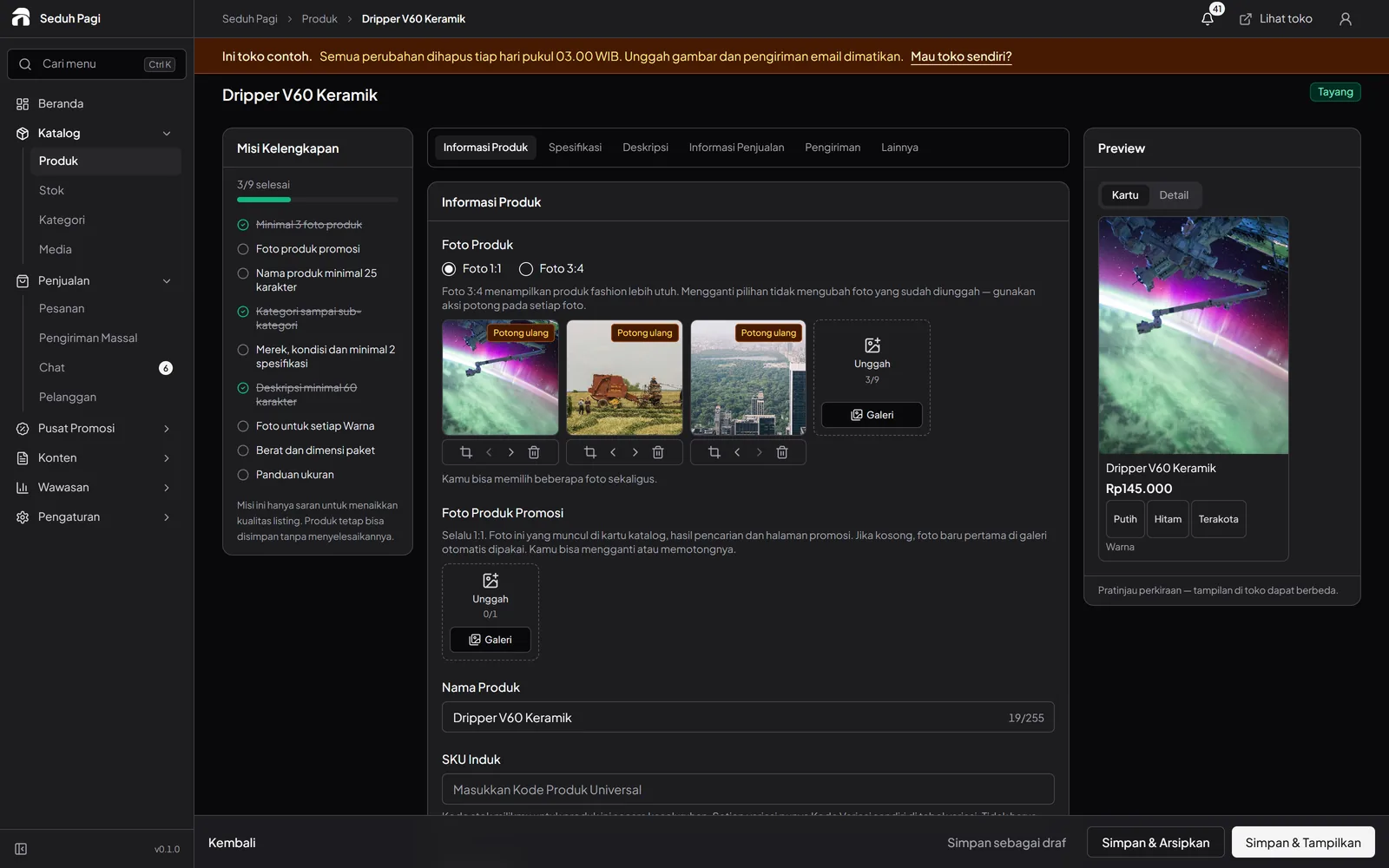
Prepare parcels to suit the piece.
Enter suitable weights and dimensions, then choose an available shipping service.
Choose packaging around the materials and shape of the piece. Weight and dimensions need to match the parcel actually being sent. Before printing a label, check the address, contents, and courier service on the order.
- Product weights and dimensions
- Courier booking from the admin
- Labels for parcels ready to ship
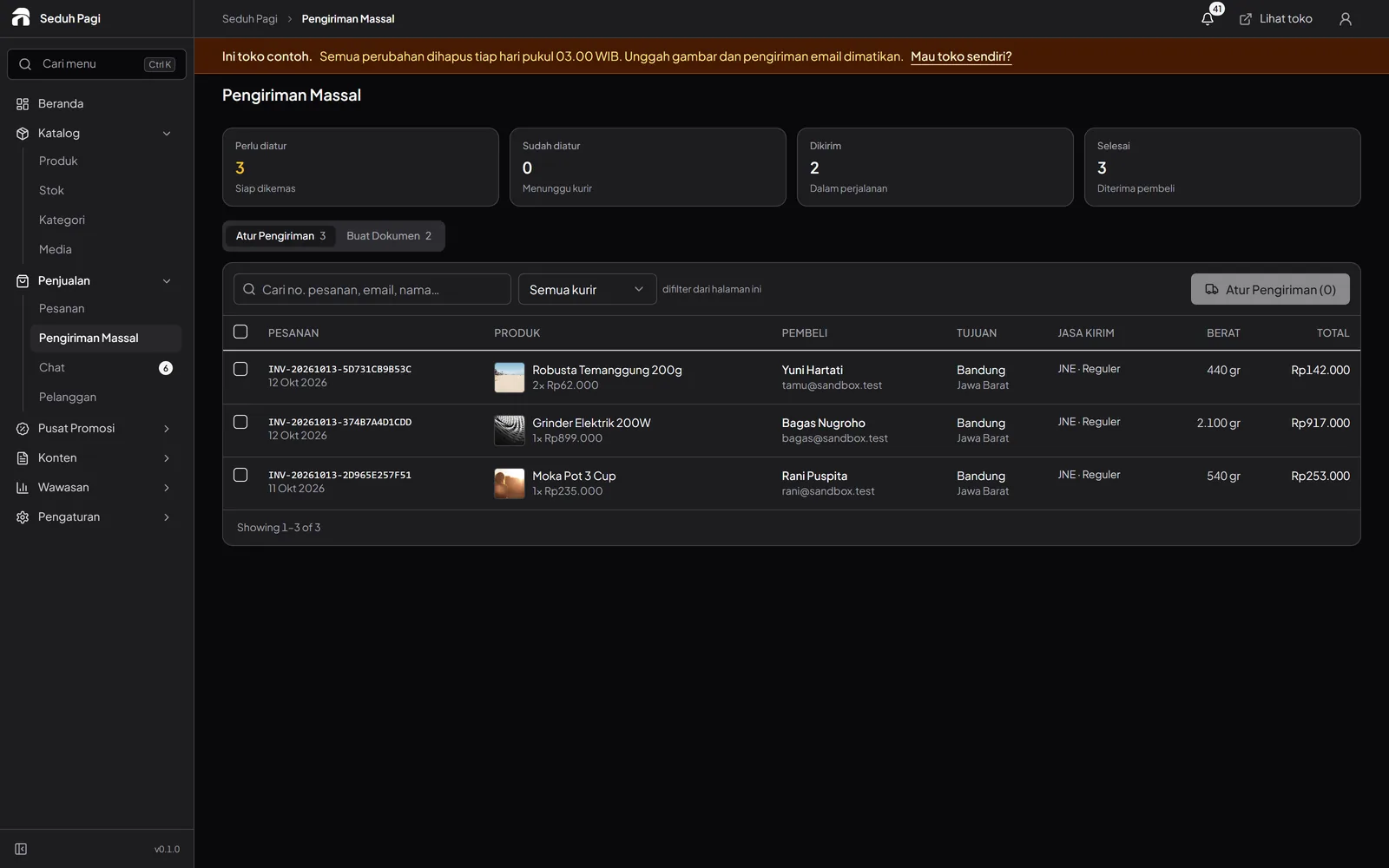
Build a small collection that is ready to order.
Start with pieces whose photos, measurements, prices, and availability are clear. A compact catalogue is useful when shoppers can understand each product without asking for all its details again.
Prepare care information, order-preparation guidance, and a way to contact the store. Once an order is made or picked from stock, check the item and print the label for its parcel.
- Photograph material details and dimensions
- Use SKUs for different options
- Explain preparation time
- Check packaging before attaching the label
Questions about Crafts & homewares
More questionsHow can I sell a one-off piece?
Set variant stock to the number actually available, including one unit for a unique piece. If the same work is sold through another channel, update stock allocation because direct marketplace synchronisation is not included.
Can customers choose materials or finishes?
Yes. Materials, sizes, or finishes can be option types, with up to three types and 200 combinations per product. Offer choices you can fulfil and explain their differences in the product information.
What about bespoke requests?
Standard choices can be variants and preparation time can be shown through pre-orders. Agree requests outside those choices with the customer first. The system does not provide freeform product design or automatic production scheduling.
Is shipping guaranteed to protect fragile items?
The store needs to select packaging and services appropriate to its products. Enter accurate weights and dimensions and check courier conditions. Booking through the admin does not guarantee special handling or damage-free delivery.
What should I show for a unique handmade product?
Include dimensions, materials, photos from several angles, the price, and actual availability. Explain natural differences between pieces where relevant. For made-to-order work, add the processing time and explain which choices are included in the catalogue product.
See the store.
Try running it.
Explore the buyer's storefront and the seller's admin, then tell us what your store needs.