
From orders to 100 × 150 mm thermal labels.
Use order details from the admin, choose 100 × 150 mm thermal labels or A4, and print for parcels ready to ship.
- 100 × 150 mm thermal labels
- Two labels on one A4 sheet
- Select up to 50 orders per batch
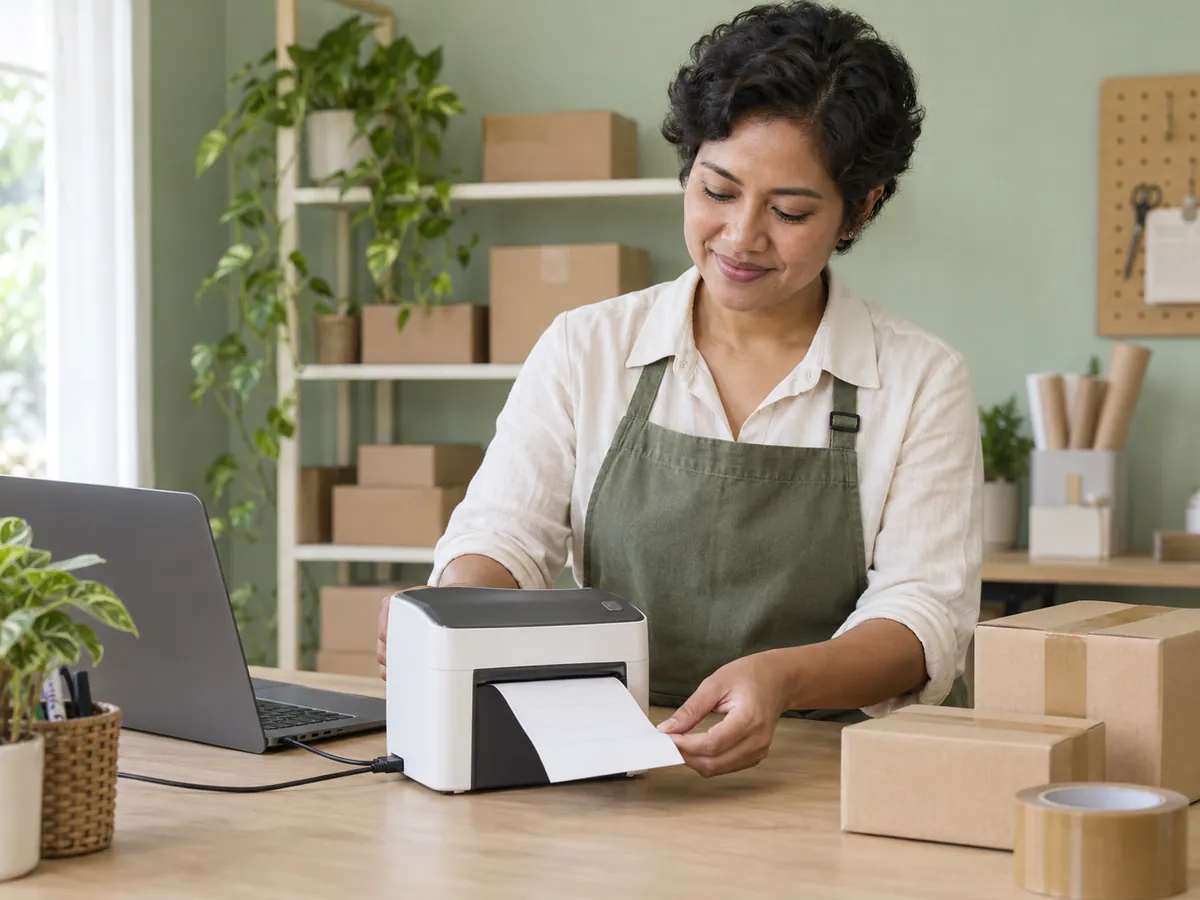
Choose the format for your printer.
Use thermal for one label per page, or A4 for two labels placed side by side on one sheet.
- 100 × 150 mm thermal layout
- A4 with cutting guides
- Choose a format before opening the document
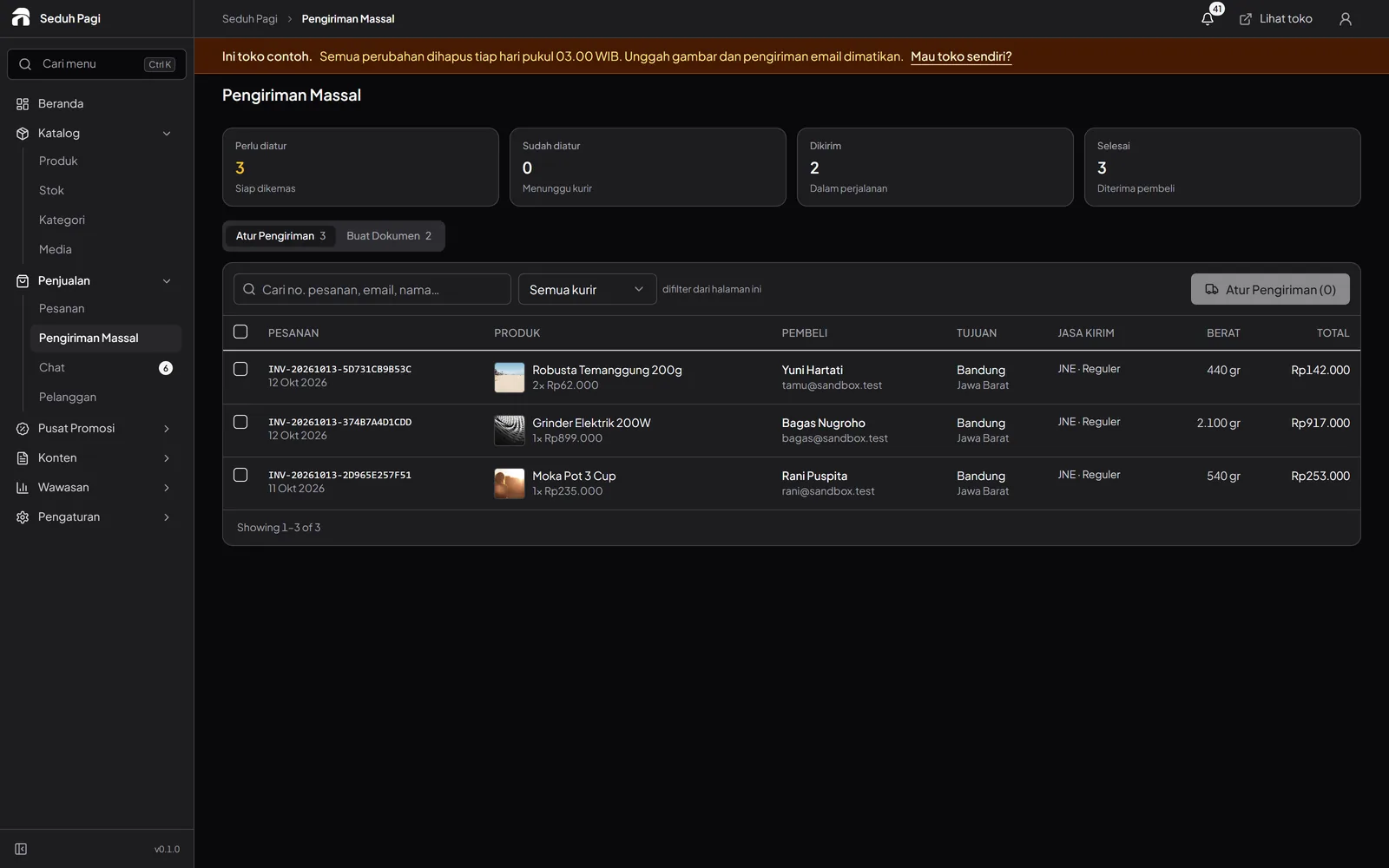
Label details come from the order.
Check the recipient, address, courier, and items before attaching the label to a parcel.
- Sender and recipient information
- Waybill and barcode when available
- Order number and parcel-content summary
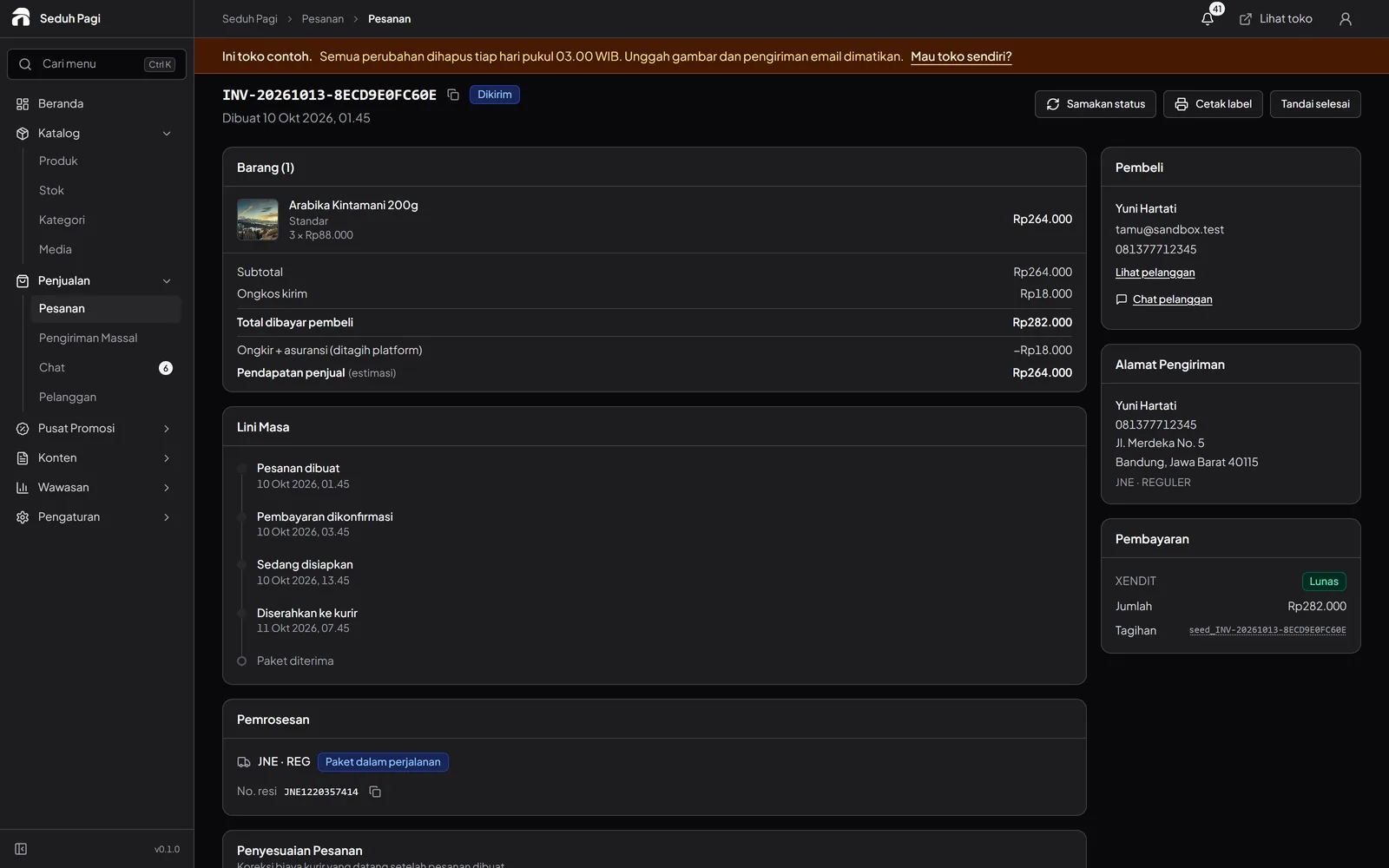
Prepare a batch of labels.
Select orders in the admin and open a document for up to 50 labels. A notice identifies orders that could not be found.
- Labels follow selection order
- Print one order or a batch
- Review the preview before using paper
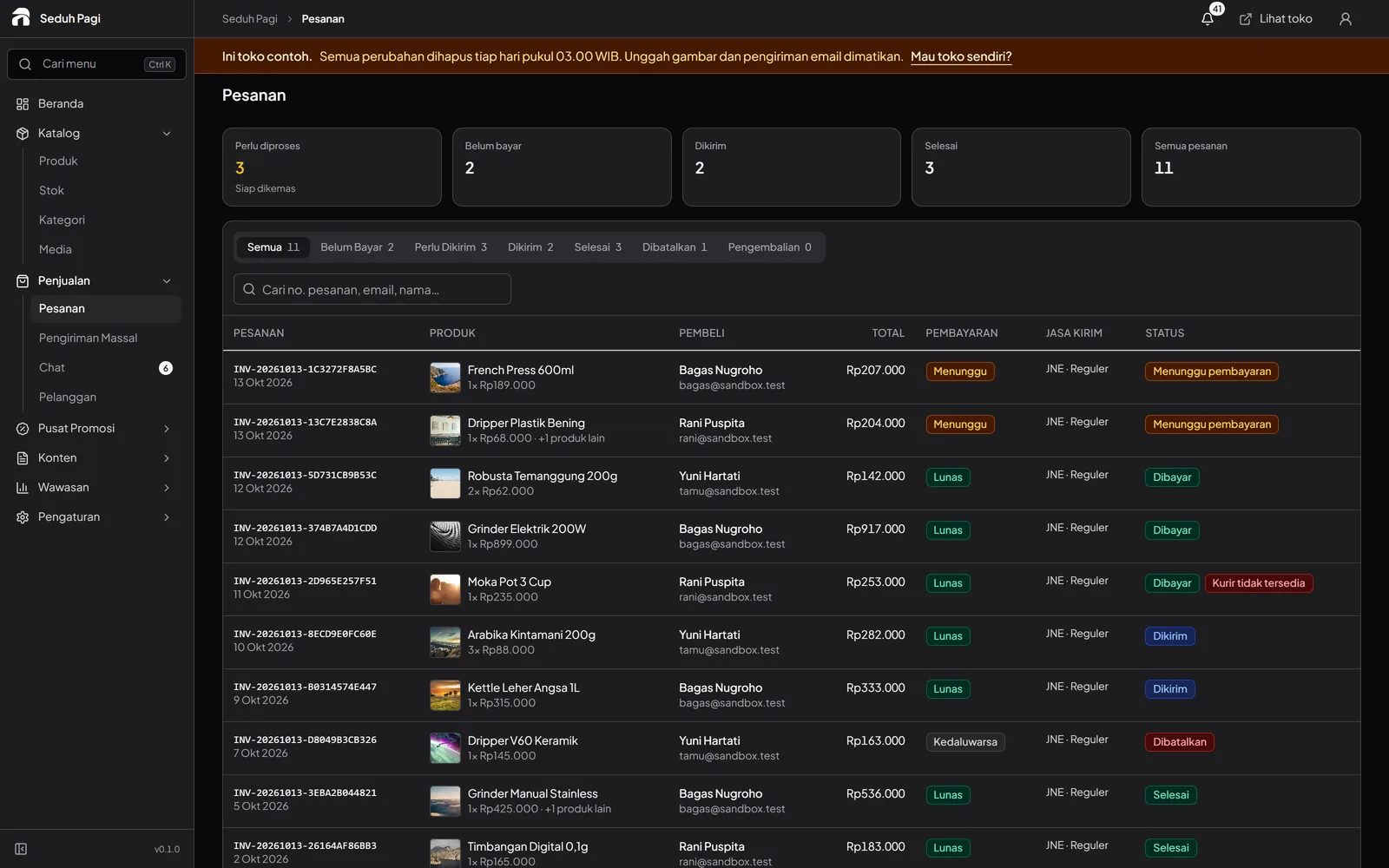
Check the size, then press Print.
The Print button opens your browser print dialog. Select a printer already available on your device and match the settings to the paper.
- Print at 100% scale
- Turn browser headers and footers off
- Test one label before printing a batch
Questions about Shipping label printers
More questionsWhich thermal printers can I use?
Toko Aksara creates a 100 × 150 mm label page and prints through the browser dialog. The printer needs to be installed on your device, appear in that dialog, and support the label size being used. Test the model, driver, and connection; compatibility with every printer is not guaranteed.
Can I print labels without a thermal printer?
Use the A4 format with a printer available through your browser print dialog. Each sheet holds two labels with cutting guides. Select A4 paper, use 100% scale, and turn browser headers and footers off. Check the result before attaching it to a parcel.
Will labels print automatically over Bluetooth?
Standard printing starts when you press Print and choose a printer in the browser dialog. The application does not connect directly through Bluetooth or print silently. Printer connectivity depends on your device, operating system, and driver.
Why is the waybill barcode missing from a label?
The barcode appears once a waybill number is available for the shipment. Until then, the label says "Resi belum tersedia". You can still review packing information, but check that the booking and waybill are correct before handing the parcel to the courier.
Does the printed marker confirm a successful print?
The "Sudah (perangkat ini)" marker is stored in the browser when a label document is opened. It does not confirm that paper came out of the printer and does not synchronise across devices. Check the physical result; you can mark the label as not printed again if needed.
See the store.
Try running it.
Explore the buyer's storefront and the seller's admin, then tell us what your store needs.