
Try the seller and buyer sides.
Open the admin to explore store management, or visit the storefront to follow the shopping journey. The shared demo uses sample data.
Both demos open in a new tab.
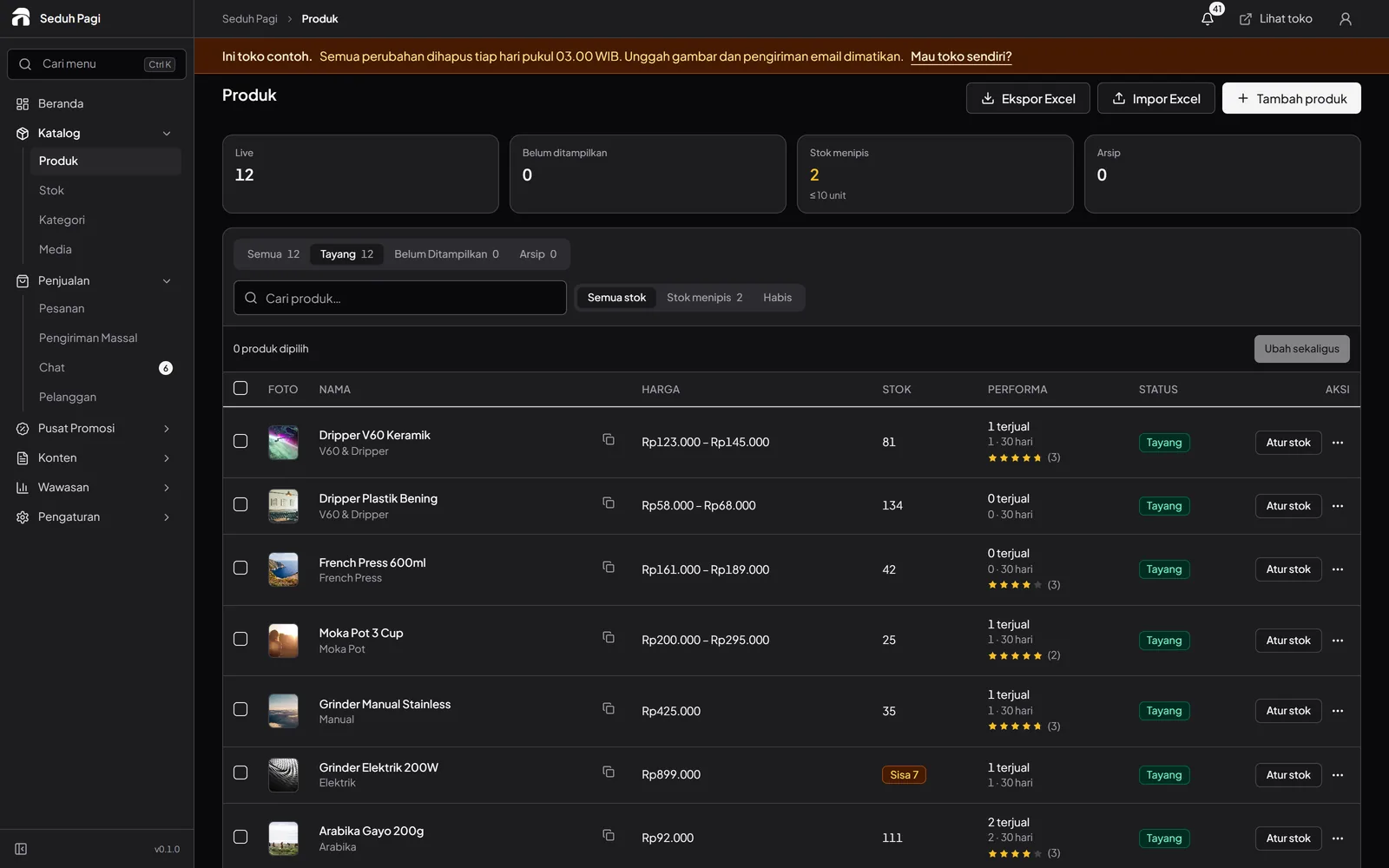
Open the sample store admin.
Start with the product list. Inspect variants and stock, open a sample order, and explore promotions, content, and reports. Use the demo to understand daily tasks before choosing a plan.
- No account registration needed to enter
- The admin interface is in Indonesian
See the buyer's experience.
Browse categories, open a product, choose a variant, and inspect the cart. Compare the shopping experience with the tools shown in the admin.
Open store demo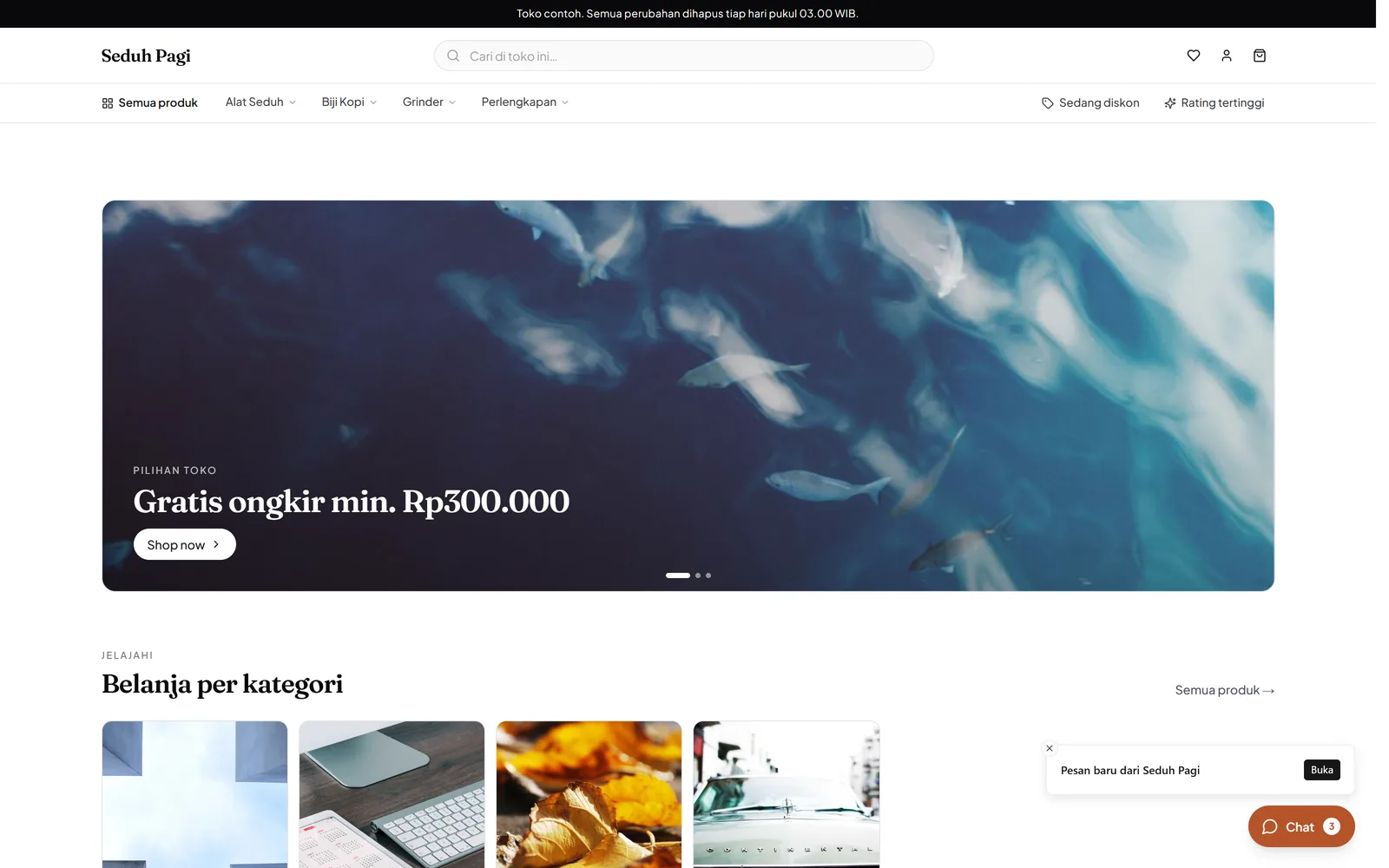
Keep test data fictional.
The demo is shared. Other visitors can see changes made there. Do not enter customer details, personal addresses, documents, or business secrets. Features enabled in the demo do not establish each plan's entitlement.
Bring your store's requirements to the conversation.
Note the products, variants, payment methods, and shipping workflow you need. The team can help match them to a plan and setup scope.
Discuss your store