
A website for selling packaged food online.
Organise flavours and pack sizes, take individual or bulk orders, and prepare shipments from the order list.
- Flavour and pack-size options
- Quantity pricing for larger orders
- Pre-orders with preparation times

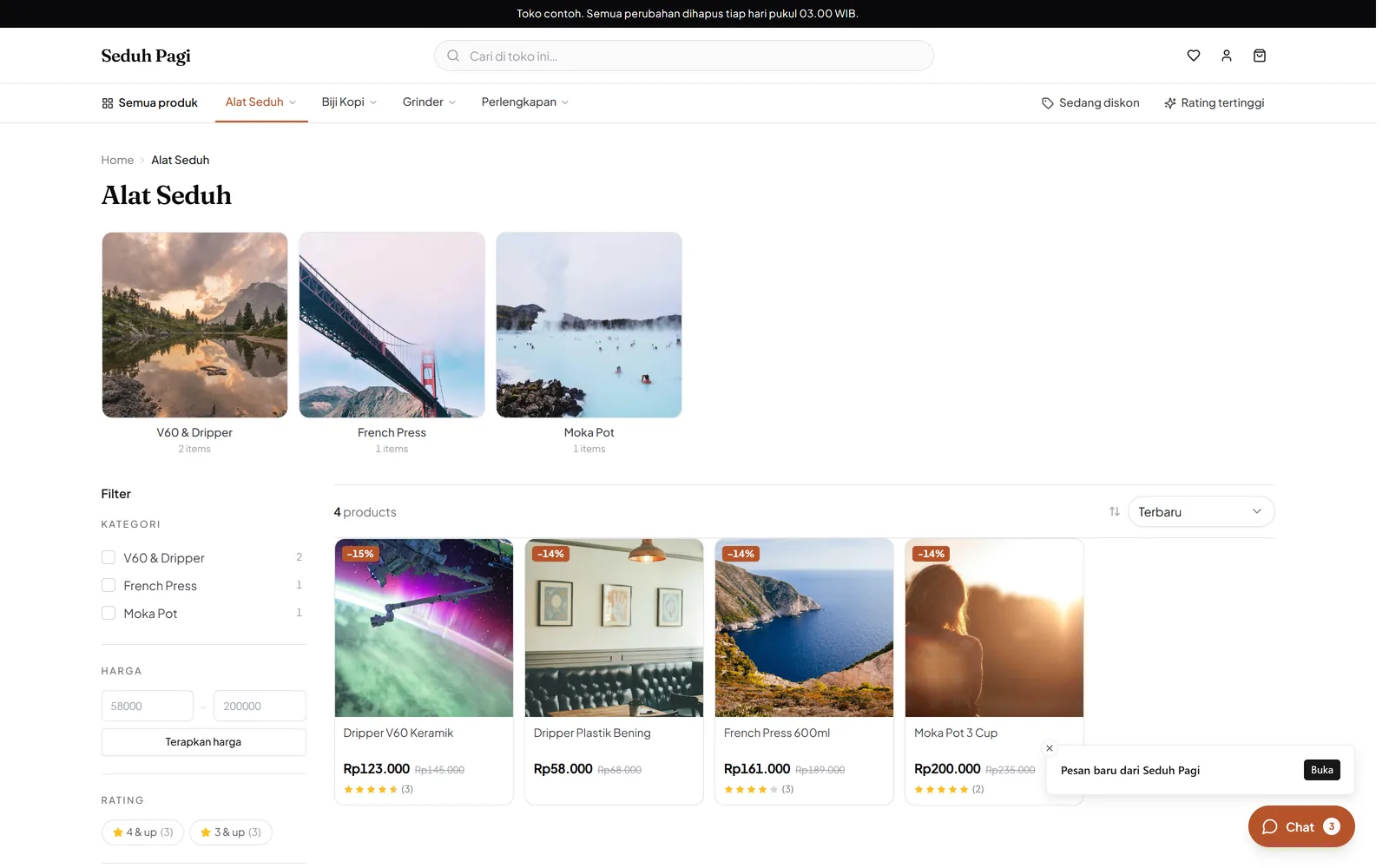
Make flavours and pack contents clear.
Build a catalogue for snacks, seasonings, or packaged food you prepare for shipping.
For example, original and spicy chips in 100-gram and 250-gram packs create four choices. Distinguish the net contents shown to shoppers from the parcel weight used for shipping.
- Flavour and size variants
- Shipping weight per variant
- Contents and storage descriptions
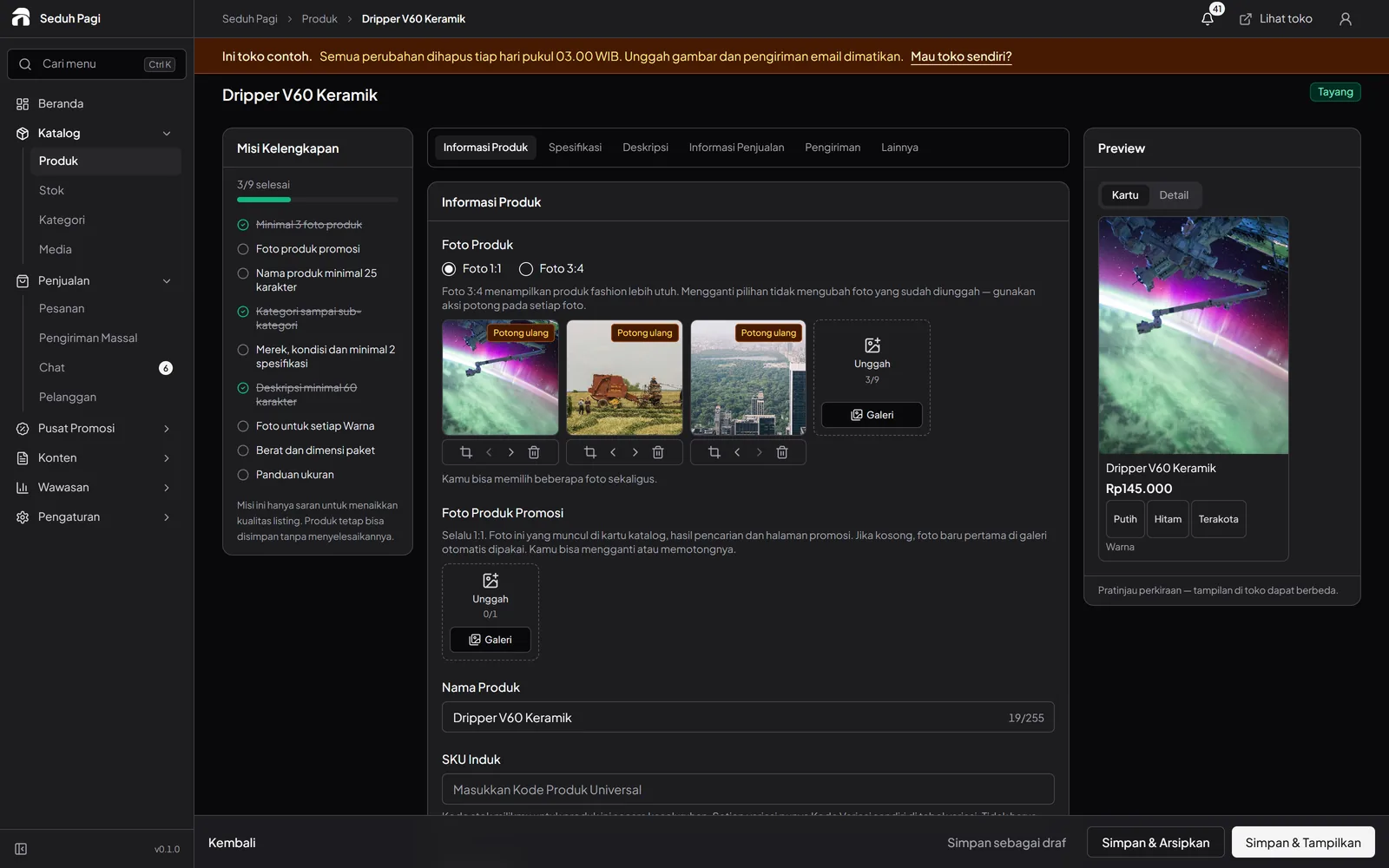
Serve small and larger purchases.
Set prices according to the number of units purchased.
If one sale unit is one bag, make that clear in the product name or description. A price for 12 bags can be a quantity tier; do not describe one unit as a carton until the carton contents are defined.
- Up to five wholesale tiers
- Product purchase-quantity limits
- Quantity pricing in the cart
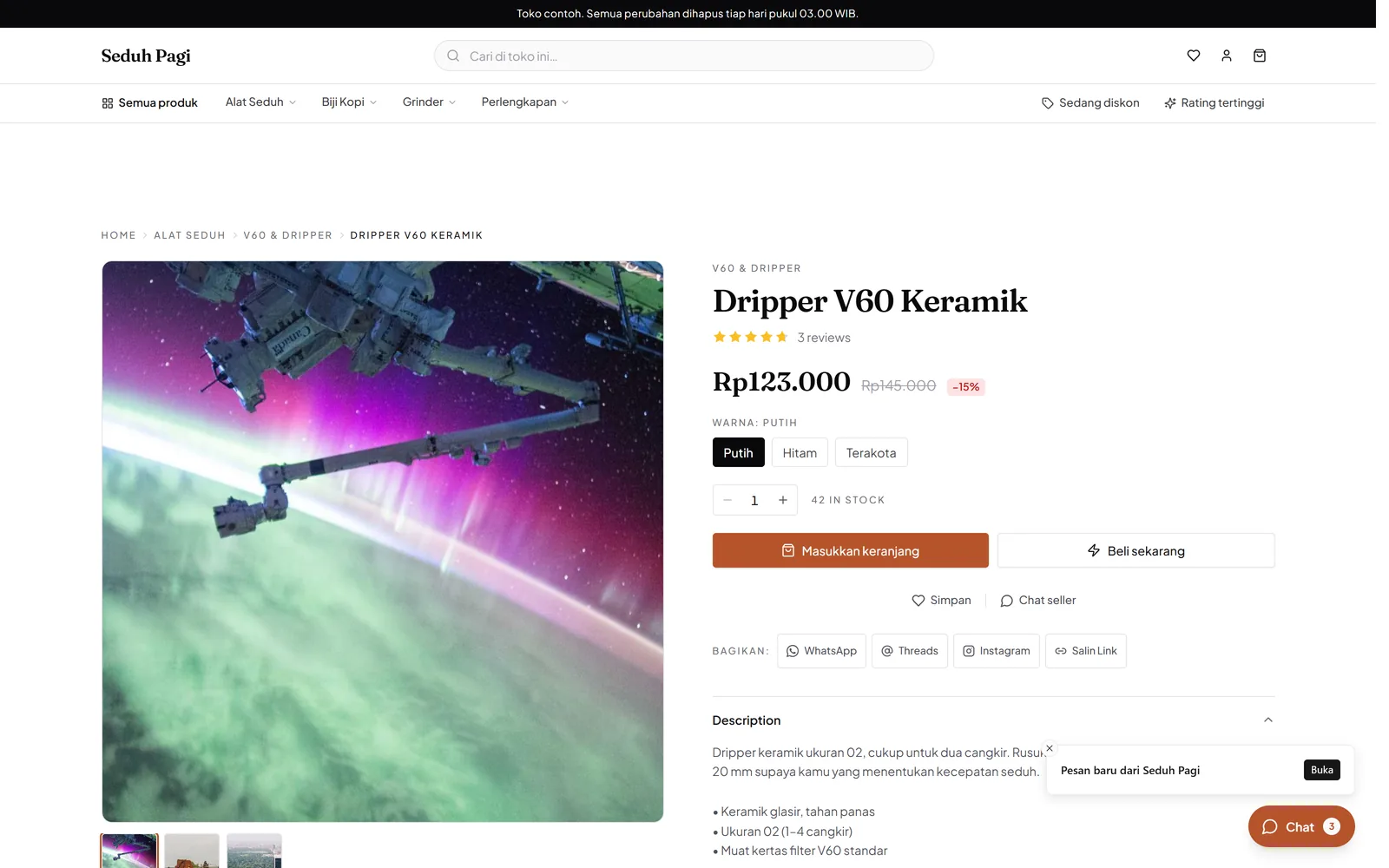
Explain preparation time before purchase.
Use pre-orders for products prepared after an order is placed.
Publish processing times you can actually meet. Check payment and quantities before preparing goods. Production calendars and daily capacity still need to be managed through the store's own process.
- Product processing times
- Payment status on orders
- A list of items to prepare
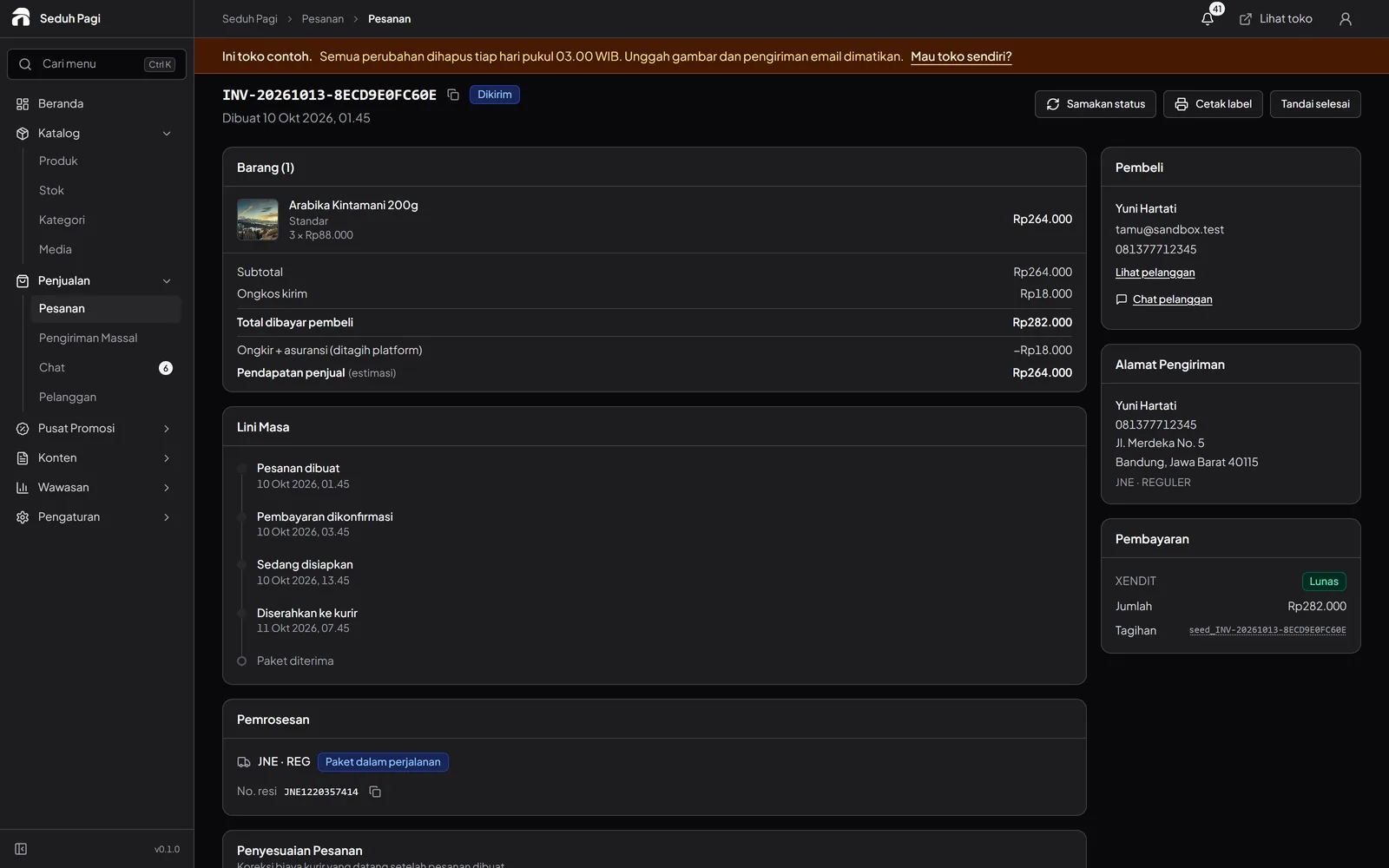
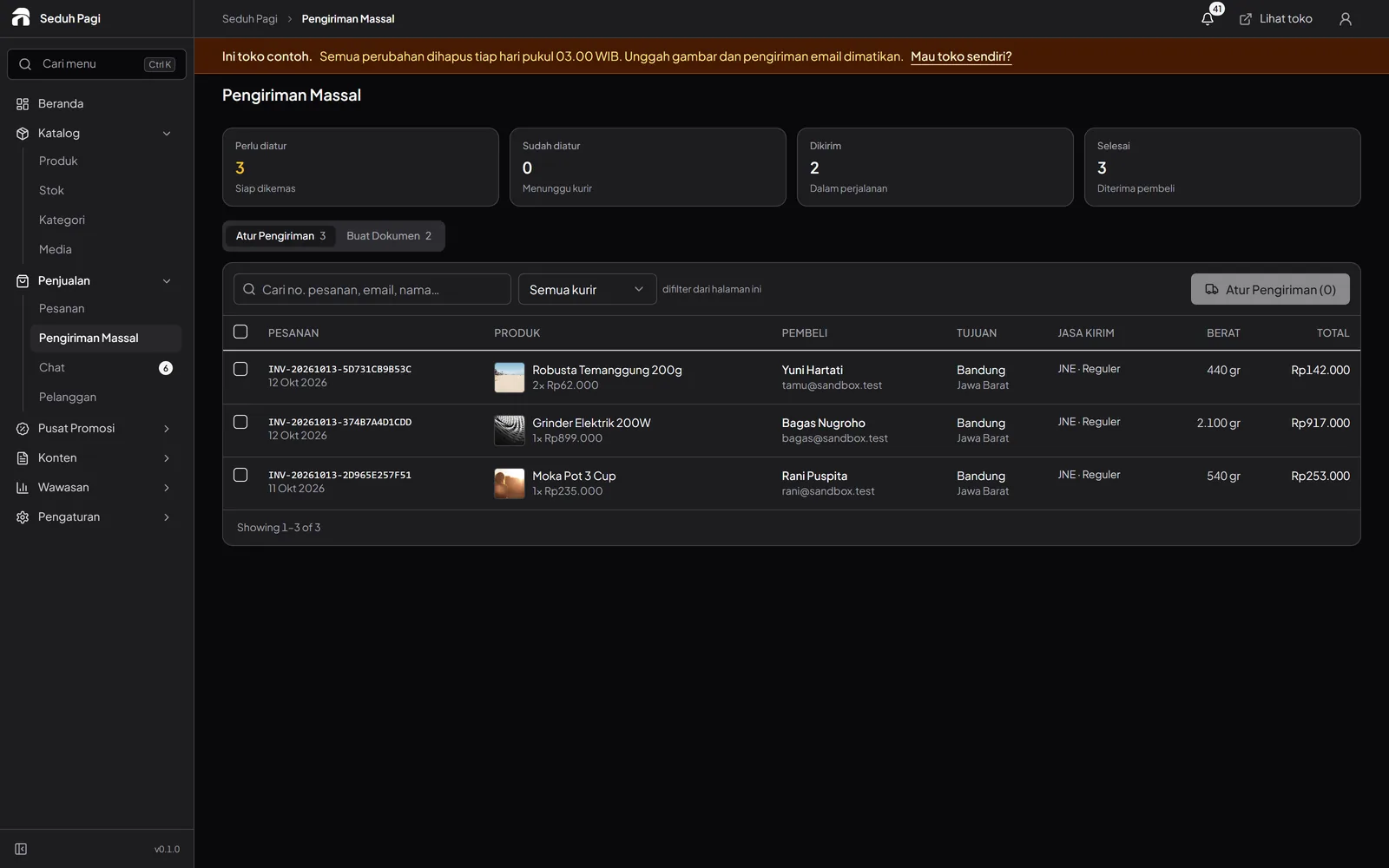
Group the day's shipping work.
Select ready orders, print labels, and book services available for the buyer's destination.
Choose services to suit the products and destination, then check orders before combining printing work. Labels help match addresses to parcels, but packaging and service suitability remain the store's responsibility.
- Thermal or A4 labels
- Batch shipping bookings
- Shipment history on the order
Prepare the details for each pack.
Record products using consistent units: flavour, net contents, SKU, stock, and packed weight. Clear information helps shoppers choose and helps your team prepare the right quantities.
Start with a few main products, check their pages, and try an example order in the demo. Once the catalogue is ready, agree a packing and label-printing routine for daily shipments.
- Prepare packaging photos and contents descriptions
- Use distinct SKUs for flavours and sizes
- Measure the ready-to-ship parcel weight
- Define a check before sealing each parcel
Questions about Packaged food
More questionsCan flavours and pack sizes have different prices?
Yes. Flavour and size can be option types, with prices, SKUs, weights, and stock for each combination. Put net contents and product information in the description so shoppers understand their choice.
How can I handle wholesale orders for resellers?
Use quantity-based pricing, with up to five tiers per product. The cart calculates the applicable price. You can also set purchase-quantity limits. This is not a reseller portal with prices assigned to individual accounts.
Is shipping guaranteed for frozen or perishable food?
Availability depends on courier services and coverage. The store needs to check packaging, shelf life, and service suitability before offering delivery. This page does not promise cold-chain delivery or a freshness guarantee.
Do pre-orders track production schedules and expiry dates?
Pre-orders display a product processing time. Production schedules, batches, and expiry dates need a separate recording process. Toko Aksara inventory follows product variants rather than production batches.
How do net contents differ from shipping weight?
Net contents describe the food quantity purchased and can be written in the product information. Shipping weight needs to reflect the parcel being sent, including its packaging. Enter values that match your packing process and check the courier service conditions.
See the store.
Try running it.
Explore the buyer's storefront and the seller's admin, then tell us what your store needs.