
Vouchers, product promotions, and campaigns
Decide which products take part, when an offer runs, and how it can be used. The promotions workspace brings the store's campaign tools together.
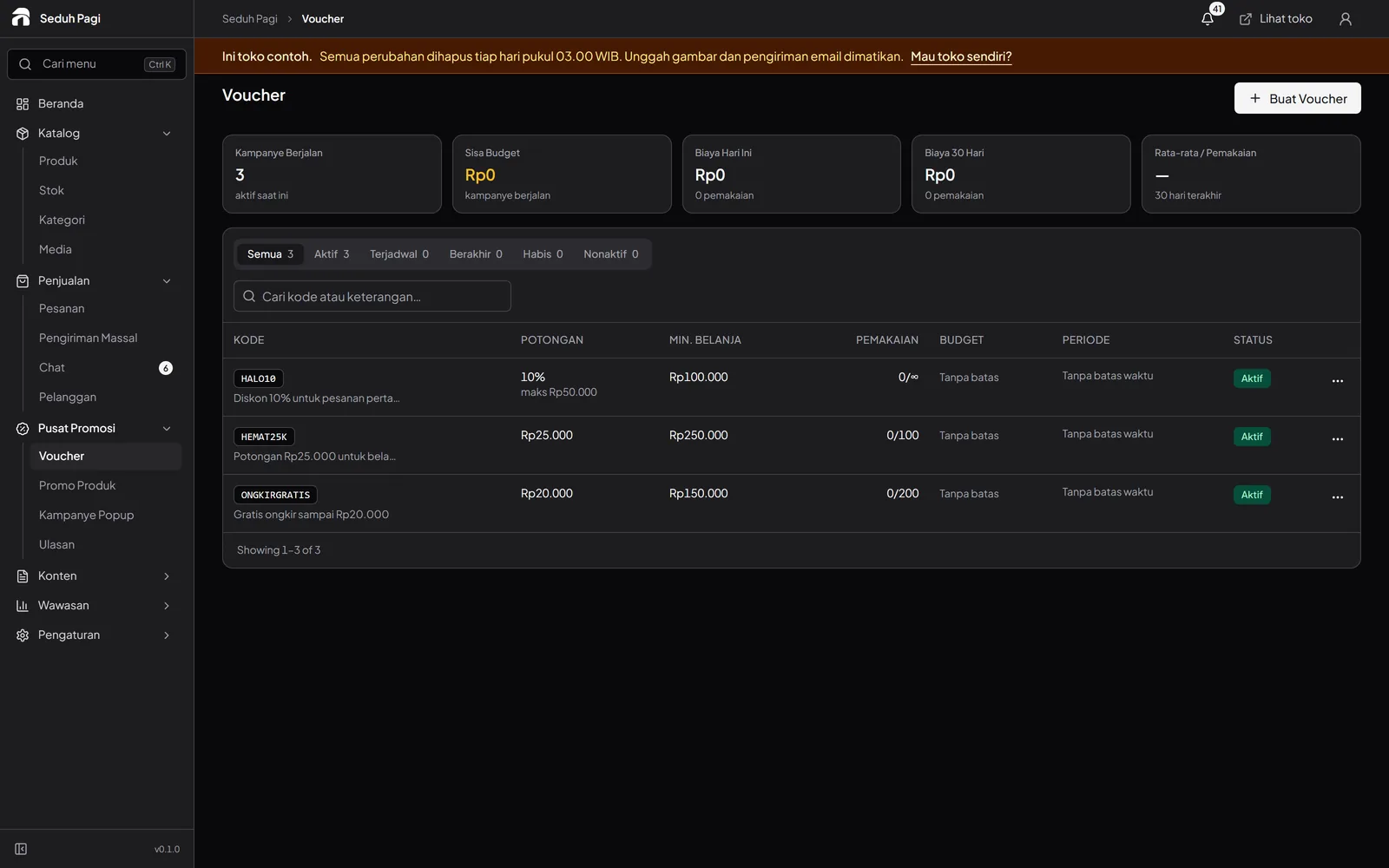
Set clear voucher limits.
Toko and Brand support percentage or fixed-amount vouchers. Set minimum spend, per-buyer limits, a campaign budget, and product or category eligibility. Shipping vouchers support delivery offers.
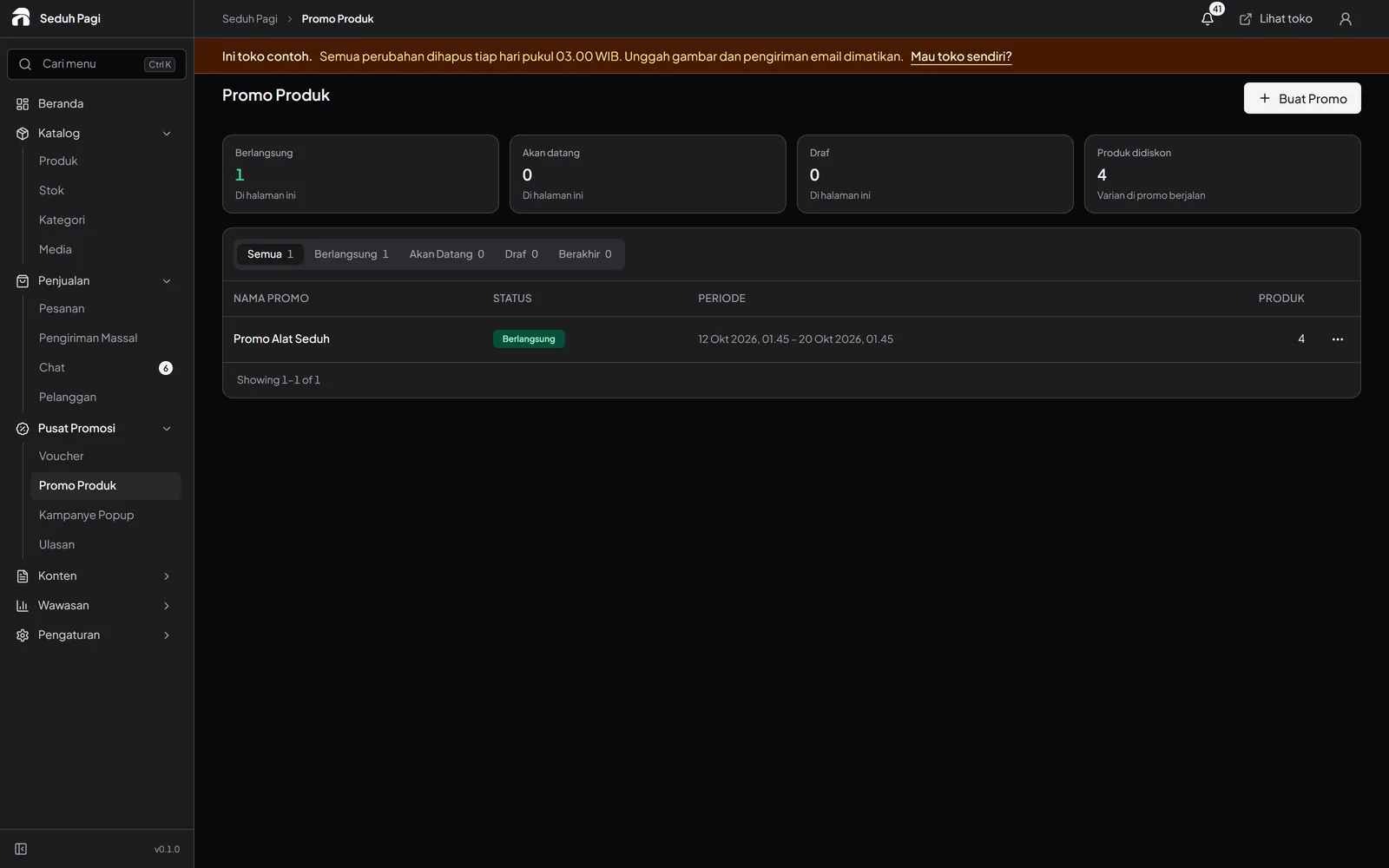
Schedule product discounts and their end dates.
Toko and Brand support campaigns with up to 2,000 variants. Prices return to normal when a promotion ends. The system prevents one variant from joining overlapping promotions.
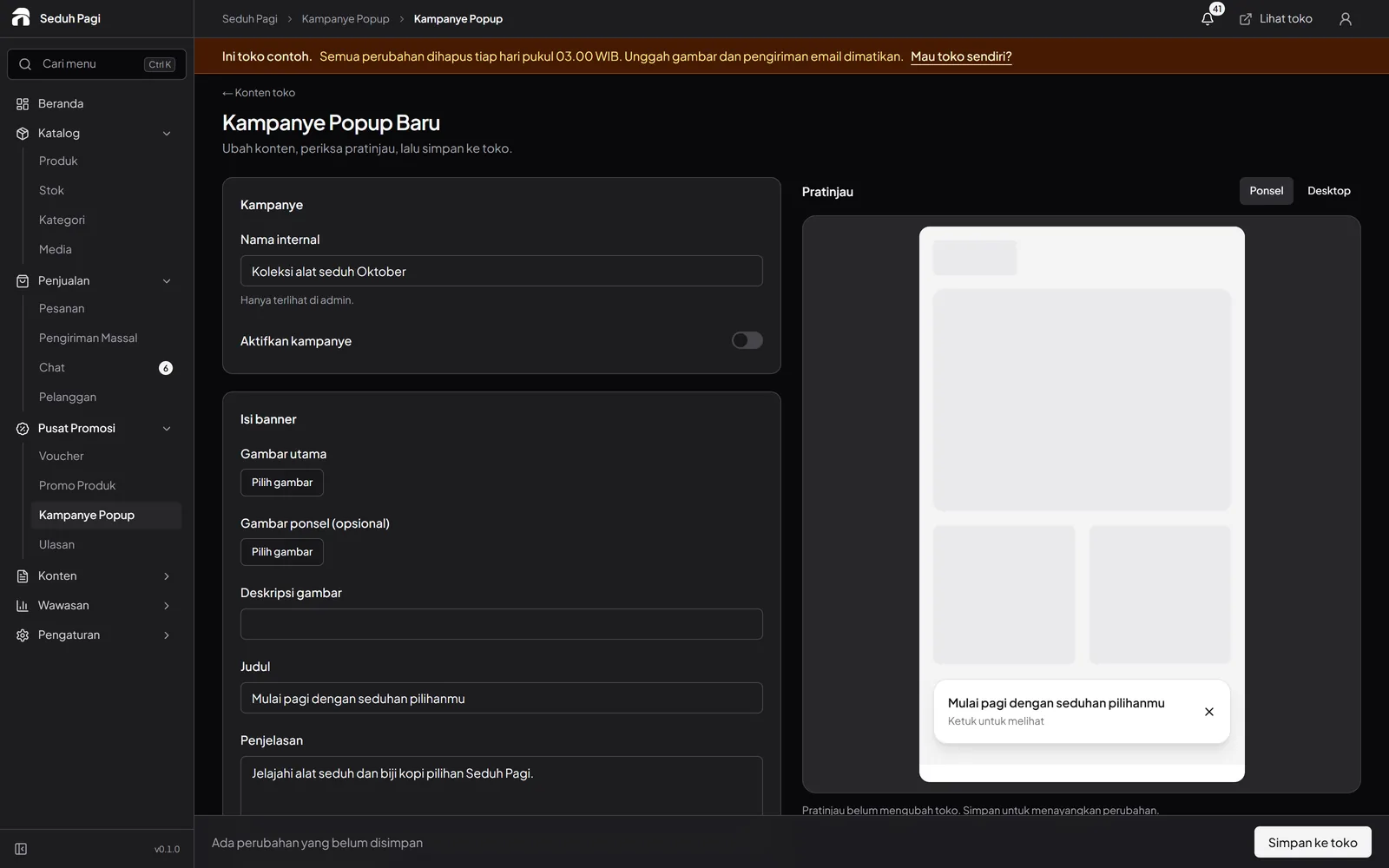
Put offers where buyers will see them.
Every plan includes homepage banners with separate desktop and phone images. Individually activated popups offer scheduling and frequency controls, including a compact phone presentation. Product reviews on Toko and Brand enter moderation before publication.
Connect your product catalogue to Meta.
Brand provides a product feed URL for Commerce Manager and a Meta Pixel setting. Meta handles business accounts, feed fetching, ad approval, and delivery. The feed helps maintain catalogue data; it does not guarantee ad approval or results.
See how to assess promotionsSee the store.
Try running it.
Explore the buyer's storefront and the seller's admin, then tell us what your store needs.